User Manual for the Thermographic System VarioCAM
®
high resolution
8. Operation
40 © InfraTec GmbH 2013 User Manual
8.3.2 Menu "File"
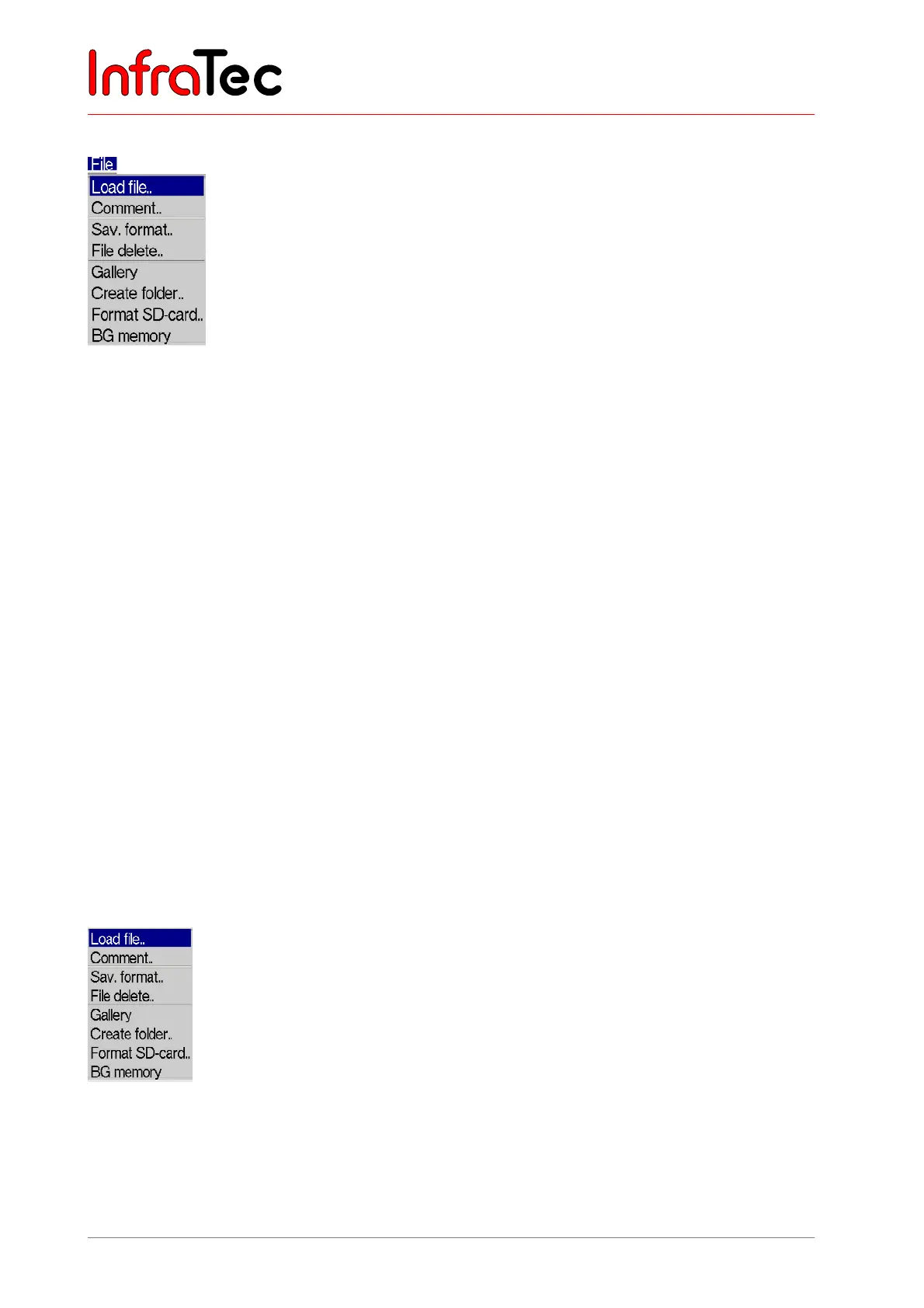
Fig. 71 Menu "File"
Fig. 71 shows the options of the "File" menu. It comprises all functions relating to the file system. The
various items are described in the following sections.
Directory structure of the VarioCAM
®
hr
With each data storage, the VarioCAM
®
hr at first automatically generates subdirectories on the SD card,
whose names enable the user to re-access desired files quickly, also with large amounts of data. Files
are always saved in a subdirectory. The name of the subdirectory is generated by means of the current
date, e.g., on 22 June 2007 the directory would be generated by the name of 070622aa. The maximum
number of files to be saved in a directory is limited to 100 in order to avoid the strenuous search in long
lists. Within a directory, the files are consecutively numbered, but, due to their trunk name (2 letters +
month + day, e.g., AA0622xx,) they can always be related to the respective directory. Should a
subdirectory be full (e.g., with file AA062299.irb), the next file would be generated in directory 070622ab
by the file name AB062200. Thus, filenames are consecutively numbered, beginning at 00 through 99
and, contrary to the directory, do not have any indication for the year in their names. Therefore, on one
day and fully exhausting the capacity of automatically generating directories and filenames, a maximum
of 26 x 26 x 100 = 67,600 files can be saved in 676 directories.
Please note that with each and every new start of the thermographic system s as well as with each serial
measurement*, regardless of the contents of previously generated directories, a new subdirectory will be
created. Should additional files (VIS, Audio, Screenshot, Data) be saved as extra files, the number of
possible thermal image files in one directory will reduce accordingly*.
Menu item "Load file.."
Fig. 72 Menu “File” – “Load file..”



 To Next Page