User Manual for the Thermographic System VarioCAM
®
high resolution
8. Operation
User Manual © InfraTec GmbH 2013 33
8.3 The Main Menu
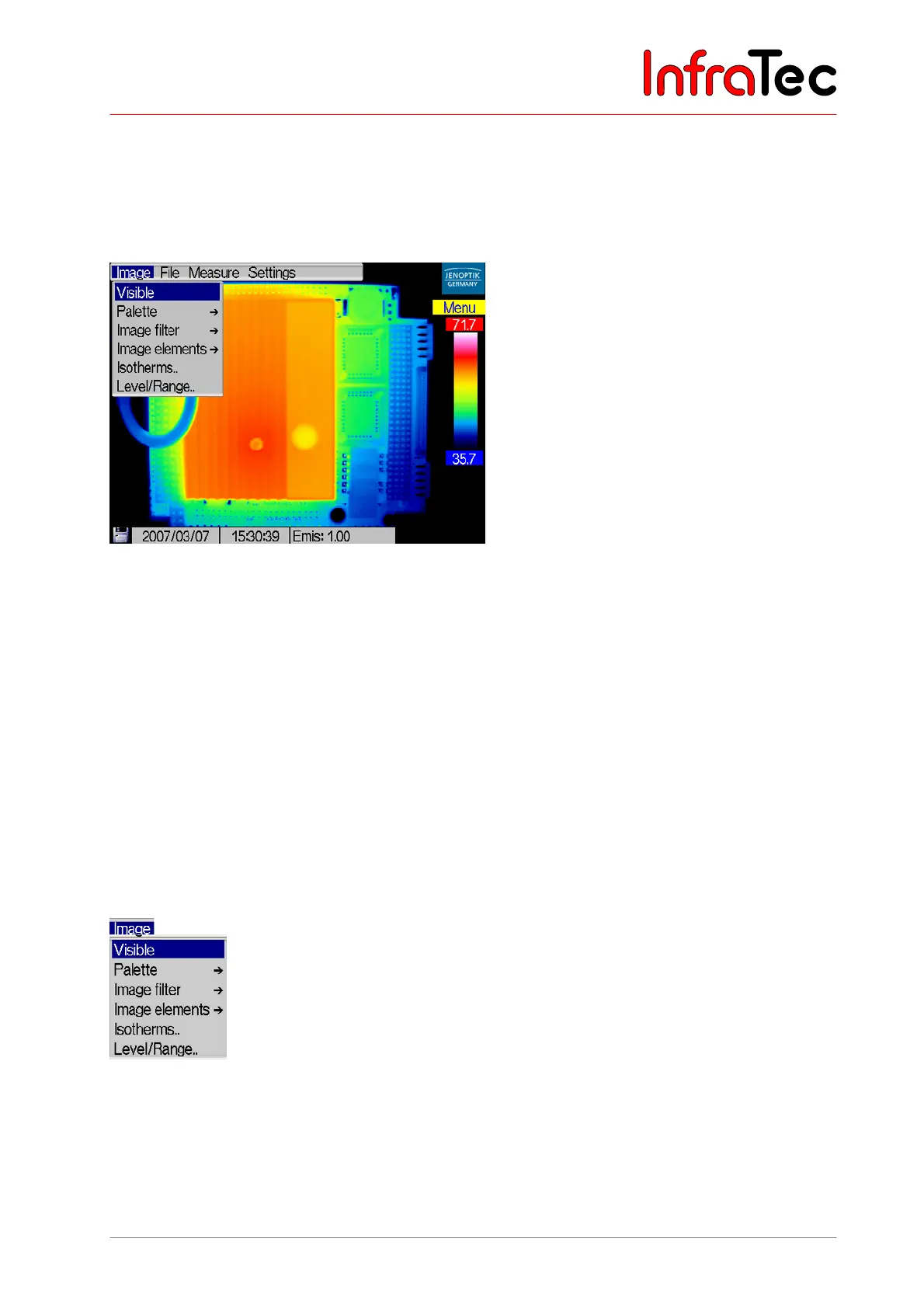
In the live or focus mode, a long press (middle key) on the joystick (EnterL) will open the main menu.
Via the main menu, further functions can be called up and other system settings can be made or recalled.
Fig. 51 Main menu
The menu is navigated by joystick movements , and , . Menu items on the next level, which are
marked "..", can be opened by Enter.
Upon first calling up the menu, the pointer will be in the main menu on the left on menu item “Image”. The
menu will already have rolled down (see Fig. 51). The current position (with the first call always on the
uppermost menu item) is highlighted blue. Calling up the menu later again will always show the item
changed most recently (highlighted blue), so that previous changes can quickly be modified again.
The menu can be exited unchanged by using the C button.
8.3.1 Menu "Image"
Fig. 52 shows the menu "Image". This menu includes all the functions relevant for displaying the thermal
image.
Fig. 52 Menu "Image"



 To Next Page