User Manual for the Thermographic System VarioCAM
®
high resolution
8. Operation
34 © InfraTec GmbH 2013 User Manual
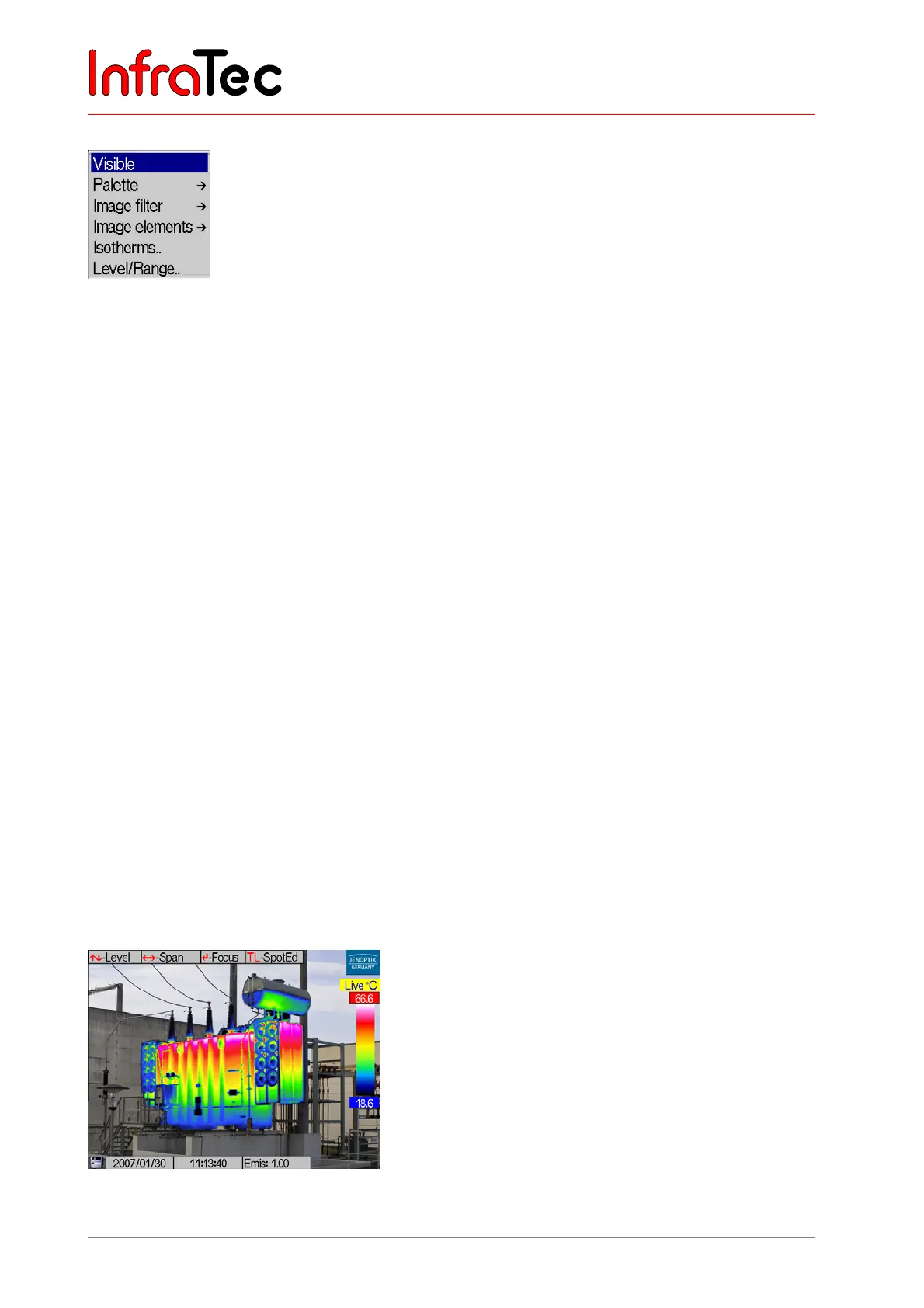
Menu item "CMOS-camera"/VIS mode*
Fig. 53 Menu "Image" - "CMOS-camera"
VarioCAM
®
hr comes with an optional colour video camera, which serves the human eye to orientate in
the visible spectral range and which can be used for the simultaneous photographic documentation of the
measuring situation.
The field of view, resolution and viewing angle of the video camera will not fully coincide with the thermal
image, since different lenses are used for the two optical channels and, therefore, the optical axes are not
aligned with each other. According to the focussing of the thermal image, the resulting parallax error will
automatically be corrected.
The menu item "CMOS-camera" serves to switch over to the image from the video camera (VIS mode,
status display "VIS"). The VIS image is focused manually with the help of the thumb wheel on the colour
video camera (camera front, see Fig. 2, page 11).
The brightness of the video image is automatically adjusted. In poor lighting conditions, this can result in a
reduced imaging rate of the VIS image. If required, the video lamp* can additionally be switched on by
means of the A button. The T button switches between the colour and black/white display of the VIS
image. VIS images are directly saved in the VIS mode with the help of the S button. The name of the
saved bitmap image is briefly displayed on the lower right. With the C button the VIS mode is exited to go
into “live”.
Please note that the video lamp will remain active upon exiting the status “VIS” if it is not shut down
previously by hitting the A button. This guarantees the VIS image to be saved in optimal lighting and may
also be used for orientation in darkness. For switching the video lamp off (using A), the VIS mode has to
be activated again.
Menu item "Merge"/Merge mode*
Function Merge facilitates the simultaneous viewing of the infrared and of the video images.
Fig. 54 Main menu



 To Next Page