User Manual for the Thermographic System VarioCAM
®
high resolution
10. Operating Software IRBIS® remote 3.0*
78 © InfraTec GmbH 2013 User Manual
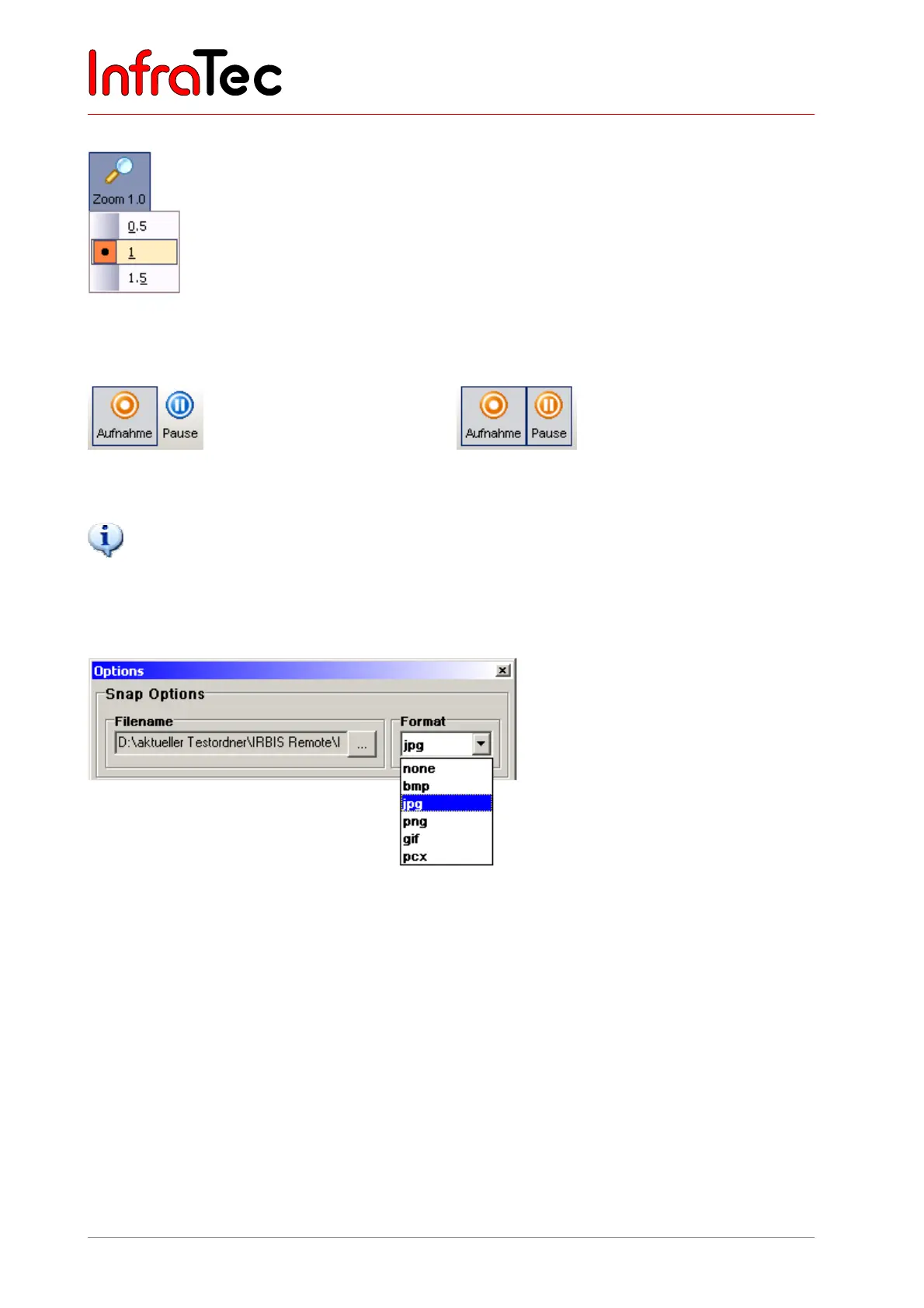
Menu item “Zoom”
Menu item Zoom serves to toggle between defined zoom increments. The zoom
increments available are dependent on the detector size and do vary.
Fig. 163 Setting zoom increments
Menu item “Recording”
Fig. 164 AVI recording started Fig. 165 AVI recording paused
The AVI recording (Audio Video Interleaved – video container format) can be continued by pressing the
“Pause” button again.
10.2.3 Menu Item “Options”
Image options
Fig. 166 Image options – setting the saving format for saving single images
Filename: Setting the filename and the memory path
Format: Setting the image format for saving single images



 To Next Page