User Manual for the Thermographic System VarioCAM
®
high resolution
8. Operation
User Manual © InfraTec GmbH 2013 41
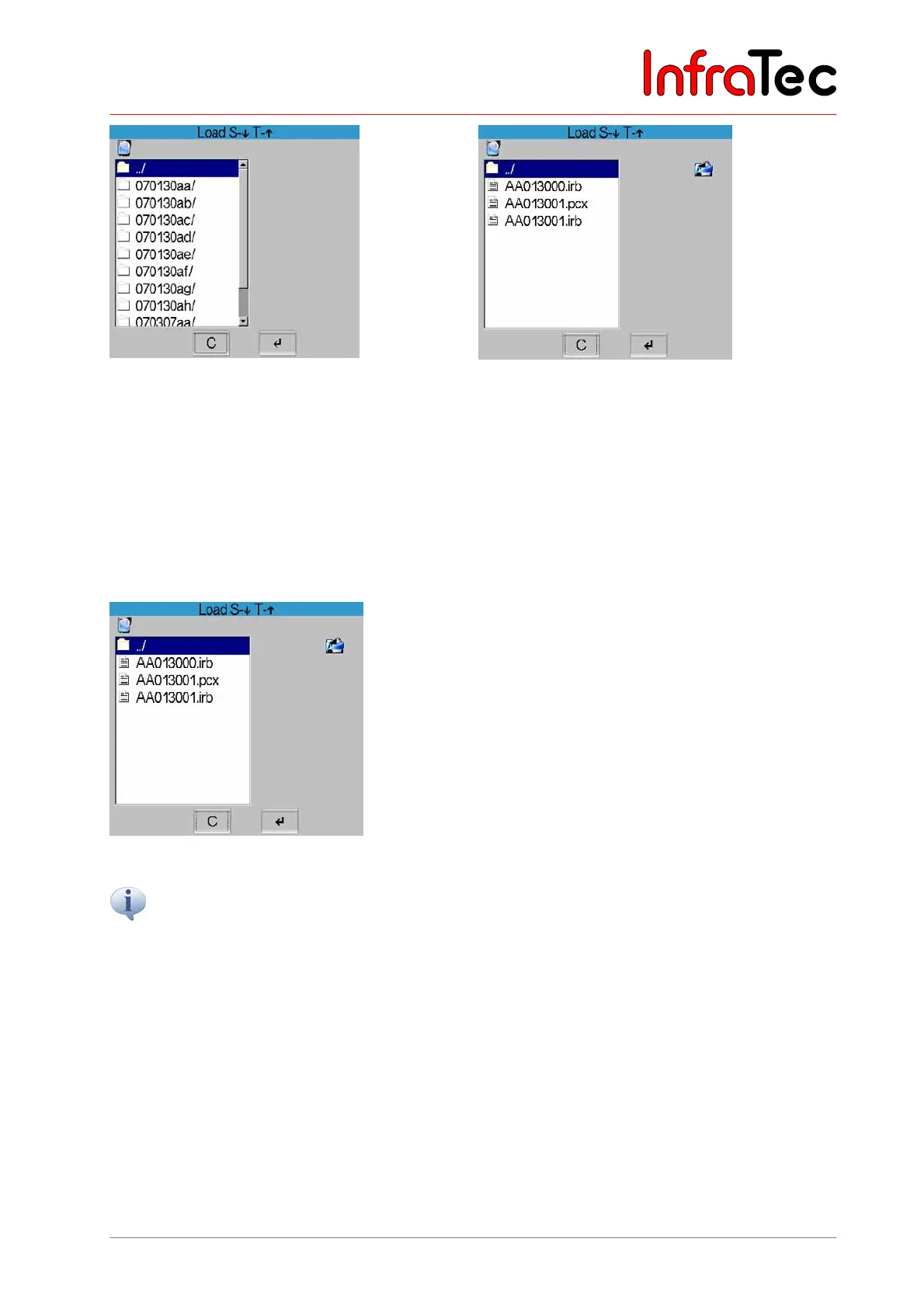
Fig. 73 Dialogue "Load" – directory structure Fig. 74 Dialogue "Load" - files
After selecting "Load file..", the current directory structure with its contents is displayed in a dialogue
(see Fig. 73). The respective directory and the file to be loaded are selected by using the joystick buttons
and by subsequently confirming this with Enter.
Next to the list of files available in the directory, the preview of selected IRB files is displayed on the right.
If a voice annotation has been saved, it is indicated by a loudspeaker symbol below the list of files*. By
using the A button, the voice annotation can then be listened to (see Fig. 75, Menu “File Load Audiofile”).
Fig. 75 Menu “File Load Audiofile”
A preview is not displayed for graphical files* (BMP, PNG, PCX).
The previously saved, reloaded image is displayed in the same temperature scale as previously saved,
regardless of the scale set at the time of the reload. In the status field, “Image” marks the reloaded image
(see Fig. 76, Reloaded image status “Image”). Moving the joysticks , changes the temperature level
and , changes the scope of the image. Using CL changes the palette for the reloaded image. C
serves to return to the live mode, whereas the previously set temperature scale will be restored.



 To Next Page