User Manual for the Thermographic System VarioCAM
®
high resolution
8. Operation
42 © InfraTec GmbH 2013 User Manual
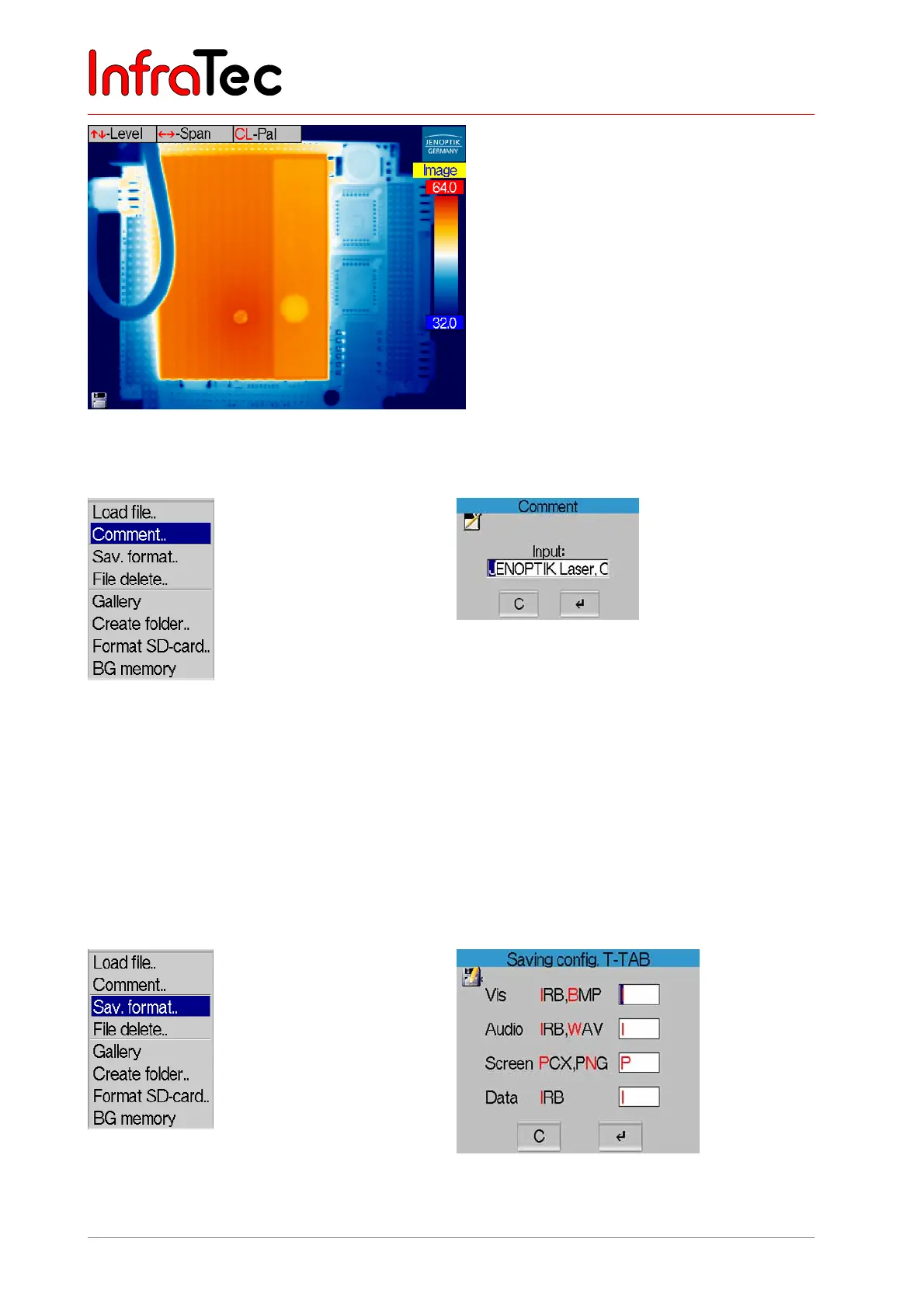
Fig. 76 Reloaded image status “Image”
Menu item "Comment.."
Fig. 77 Menu “File” – “Comment..” Fig. 78 Dialogue “Comment”
By selecting this menu item, a dialogue for entering a comment will be opened (see Fig. 78), which is
saved with each thermal image. Moving the joystick , chooses the desired sign, , chooses the
position. S deletes the current character. The comment (e.g., name of the firm or client) can be displayed
and printed out when evaluating saved thermograms with the help of the evaluation software IRBIS
®
.
Please note that the permanent storage of the set comment requires saving the configuration (Menu →
Settings → Configuration, see Fig. 144, Dialogue "Save configuration", page 65).
Menu item "Sav. format.."
Fig. 79 Menu “File” – “Sav. format..”
Fig. 80 Dialogue “Saving config.”



 To Next Page