User Manual for the Thermographic System VarioCAM
®
high resolution
8. Operation
52 © InfraTec GmbH 2013 User Manual
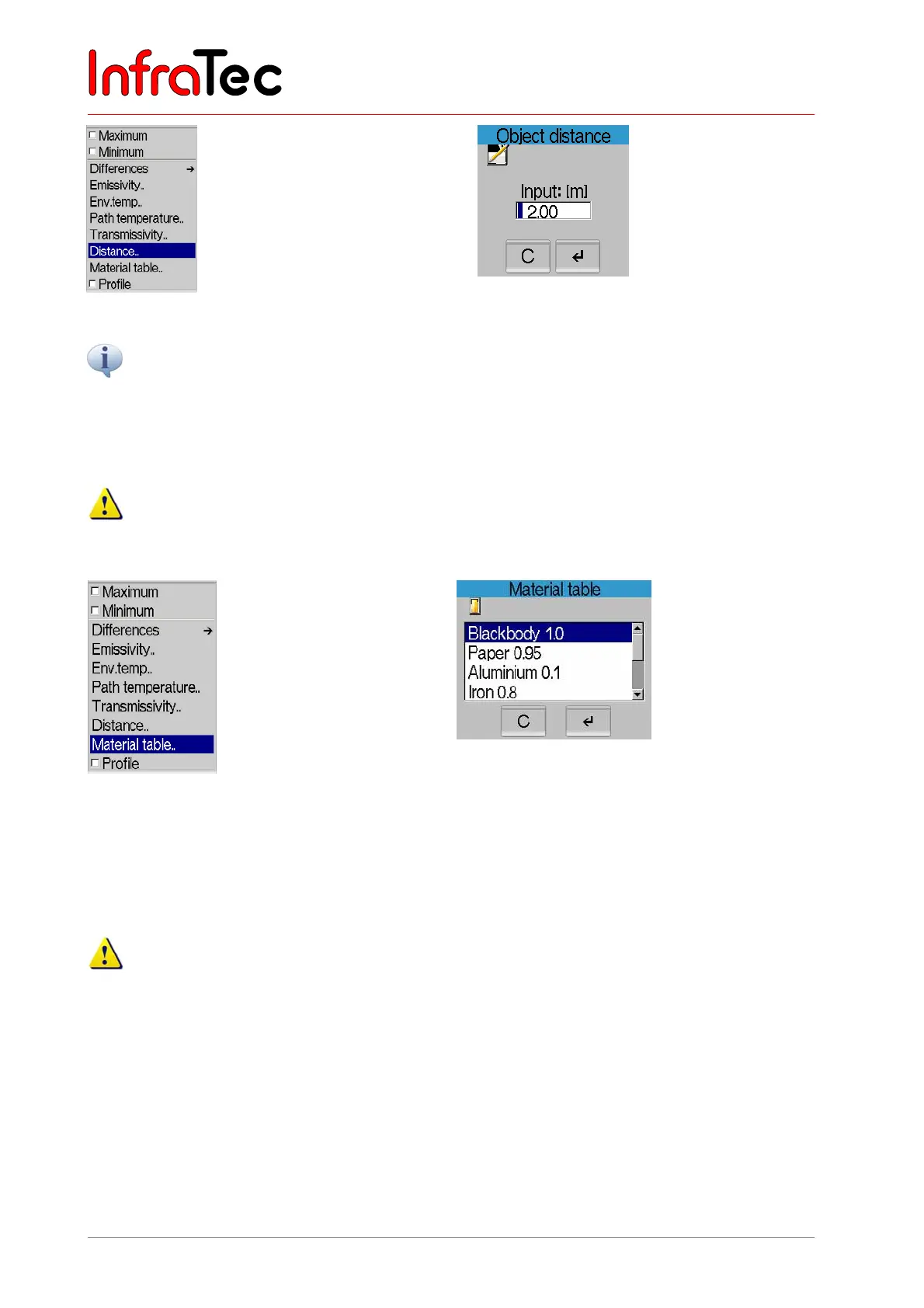
Fig. 107 Menu "Measure" - "Distance.." Fig. 108 Dialogue "Distance"
The thermographic camera VarioCAM
®
hr works in the wavelength range from 7.5 to 14 µm. The impact of
the atmosphere onto the measured result can be neglected in this range in most measurements –
transmissivity is defined to be 1.00. Only in measurements over longer distances (from approx. 100 m) and/or
through additional window materials, gases and fog, transmissivity decreases and the path temperature,
transmissivity and distance should be determined and entered.
With the parameter distance, a preset value is generated depending on the current focussing, which
only serves as rough orientation. The input of a distance has no effect on the focus adjustment!
Menu item "Material table"
Fig. 109 Menu "Measure" - "Material table.." Fig. 110 Dialogue "Material table"
The menu item "Material table.." opens a dialogue (see Fig. 110) listing emission values of various
materials. The appropriate material can be selected here. Afterwards the emissivity for the selected
material is preset.
Tables regarding emission properties provide only rough orientation for the properties of the
respective materials, since the emission properties depend on the actual nature of the surface
(roughness, contamination, oxidisation...), on the angle to the surface normal, on the spectral range
and surface temperature and, therefore, might strongly fluctuate!



 To Next Page