User Manual for the Thermographic System VarioCAM
®
high resolution
10. Operating Software IRBIS® remote 3.0*
User Manual © InfraTec GmbH 2013 81
CardInfo The total capacity and the free capacity of the SD card in the VarioCAM
®
hr are shown.
The data and the file list can be updated via button
.
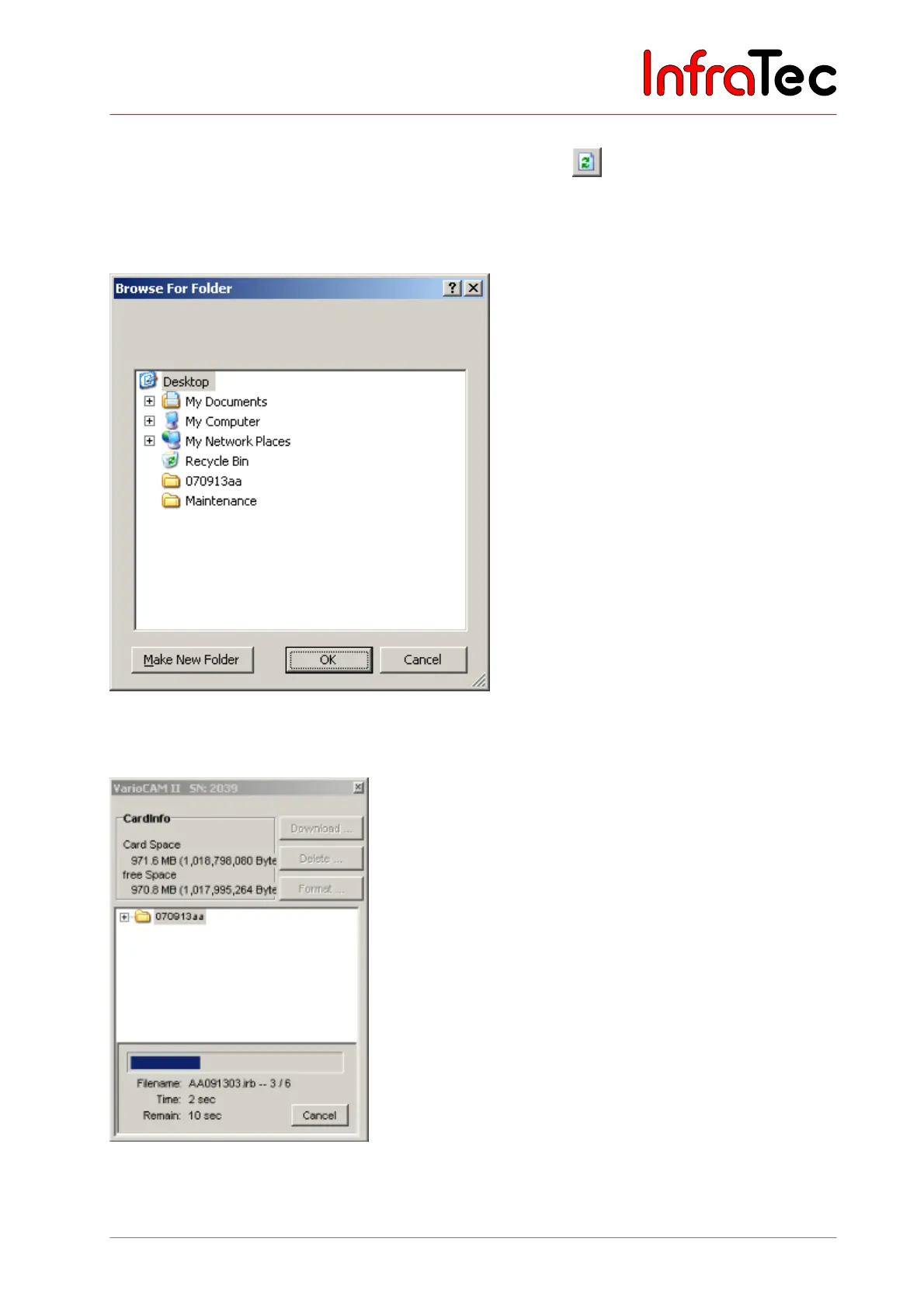
Download ... All files selected from the files from the file table can be copied to the harddisk. For this
purpose, a dialogue is displayed in which the desired target directory is to be chosen.
Fig. 171 Dialogue for selecting the directory for data transfer
The directory can be selected as is done in the Windows™ Explorer.
Fig. 172 Progress window during data transfer



 To Next Page