NV11 Manual Set – Section 2 8
Copyright © Innovative Technology Ltd 2012 GA963-2
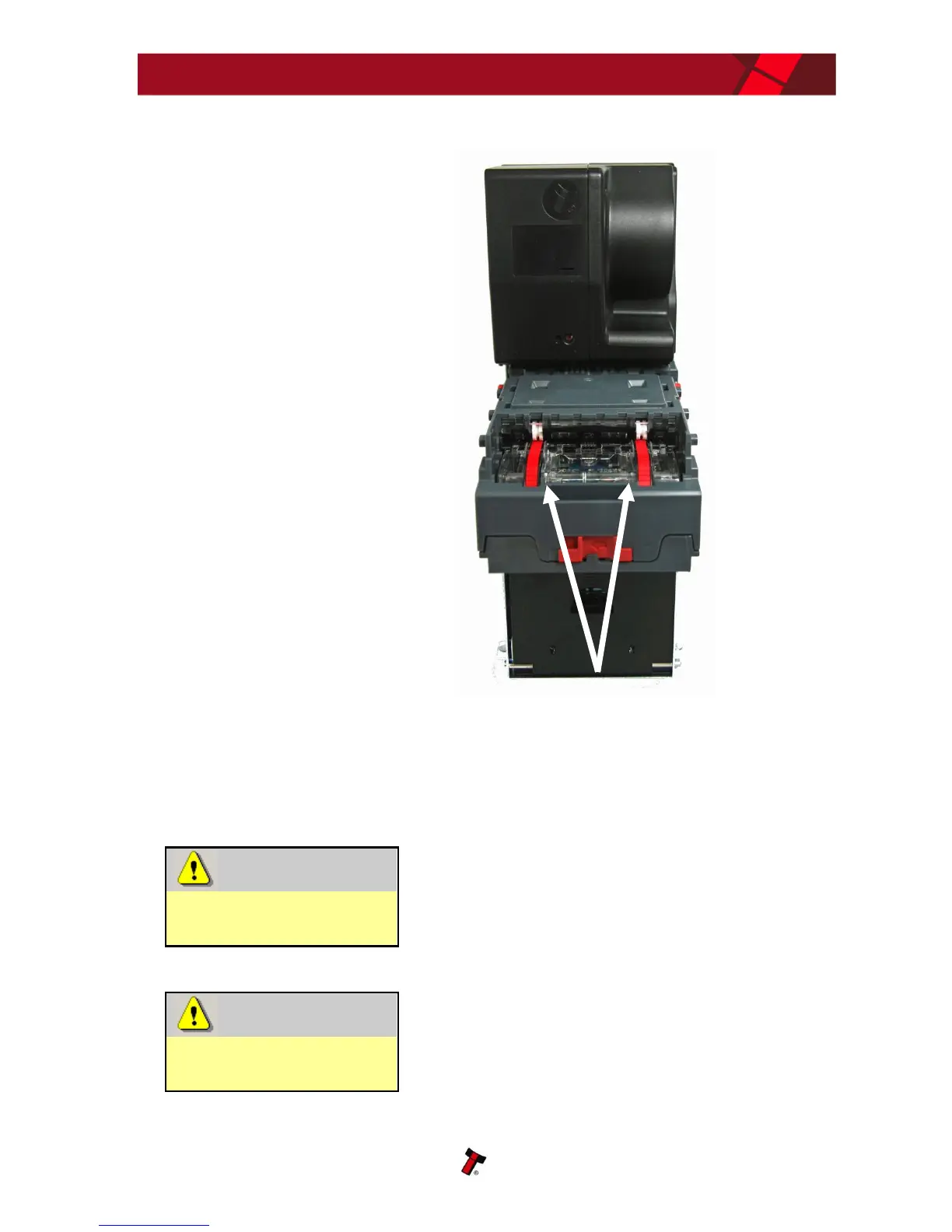
Insert a piece of
paper (which is
narrower than the
width between the
two belts) in the
centre of the note
path to activate
the drive motor
Use a lint free
cloth dampened
with water and
containing a mild
detergent (such as
dish detergent)
and hold against
each drive belt as
is turns.
Repeat this procedure until all dust and debris has been removed from both belts.
Finally, use a DRY lint free cloth to remove any excess moisture and refit the bezel.
The bezel is refitted by pushing the bezel back onto the locating pins and sliding
backwards until all six pins are engaged in the slots. The locking arms will then spring
back and locate into the bezel.
Always make sure that BOTH locking arms are
fully located in the bezel – trying to operate the
validator if they are not correctly located can
cause unit damage.
Do not use any lubricants.
Do not lubricate any of the note transport
mechanism, belts or any part of the note path,
as this can affect the operation of the validator.















 To Next Page