Intel® Server Board M10JNP2SB User Guide
38
9.3 Installing the Processor
Required Tools and Supplies
• Anti-static wrist strap and conductive foam pad (recommended)
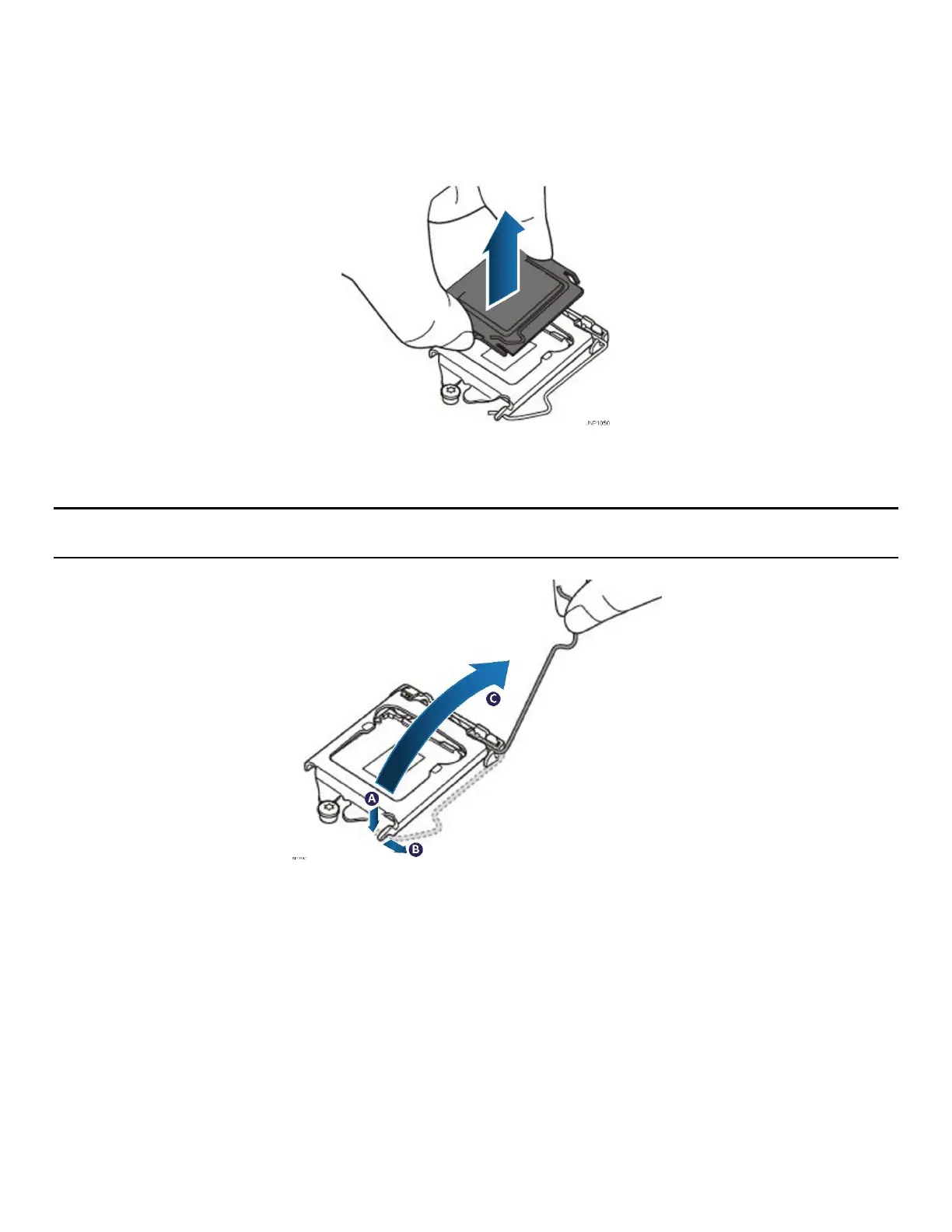
Figure 19. Removing the socket protection cap
1. Remove the plastic socket protection cap.
Note: The plastic socket protection cap should be saved and re-used should the processor need to be
removed at anytime in the future.
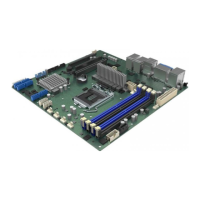
Figure 20. Opening the socket lever
2. Release the socket lever from the processor load plate by pushing down (see letter A), sliding it under the
load plate notch (see letter B) and lifting it up (see letter C).












 To Next Page