Intel® Server Board M10JNP2SB User Guide
5
Product Safety Overview
Heed safety instructions: Before working with your server product, whether you are using this guide or any
other resource as a reference, pay close attention to the safety instructions. You must adhere to the
assembly instructions in this guide to ensure and maintain compliance with existing product certifications
and approvals. Use only the described, regulated components specified in this guide. Use of other
products/components will void the UL listing and other regulatory approvals of the product and will most
likely result in noncompliance with product regulations in the region(s) in which the product is sold.
Hazardous conditions, devices and cables: Hazardous electrical conditions may be present on power,
telephone, and communication cables. Turn off the system and disconnect all telecommunications systems,
networks, and modems attached to it before performing any service. Otherwise, personal injury or
equipment damage can result.
Installing or removing jumpers: A jumper is a small plastic encased conductor that slips over two jumper
pins. Some jumpers have a small tab on top that you can grip with your fingertips or with a pair of fine needle
nosed pliers. If your jumpers do not have such a tab, take care when using needle nosed pliers to remove or
install a jumper; grip the narrow sides of the jumper with the pliers, never the wide sides. Gripping the wide
sides can damage the contacts inside the jumper, causing intermittent problems with the function controlled
by that jumper. Take care to grip with, but not squeeze, the pliers or other tool you use to remove a jumper,
or you may bend or break the pins on the board.
Electrostatic Discharge (ESD)
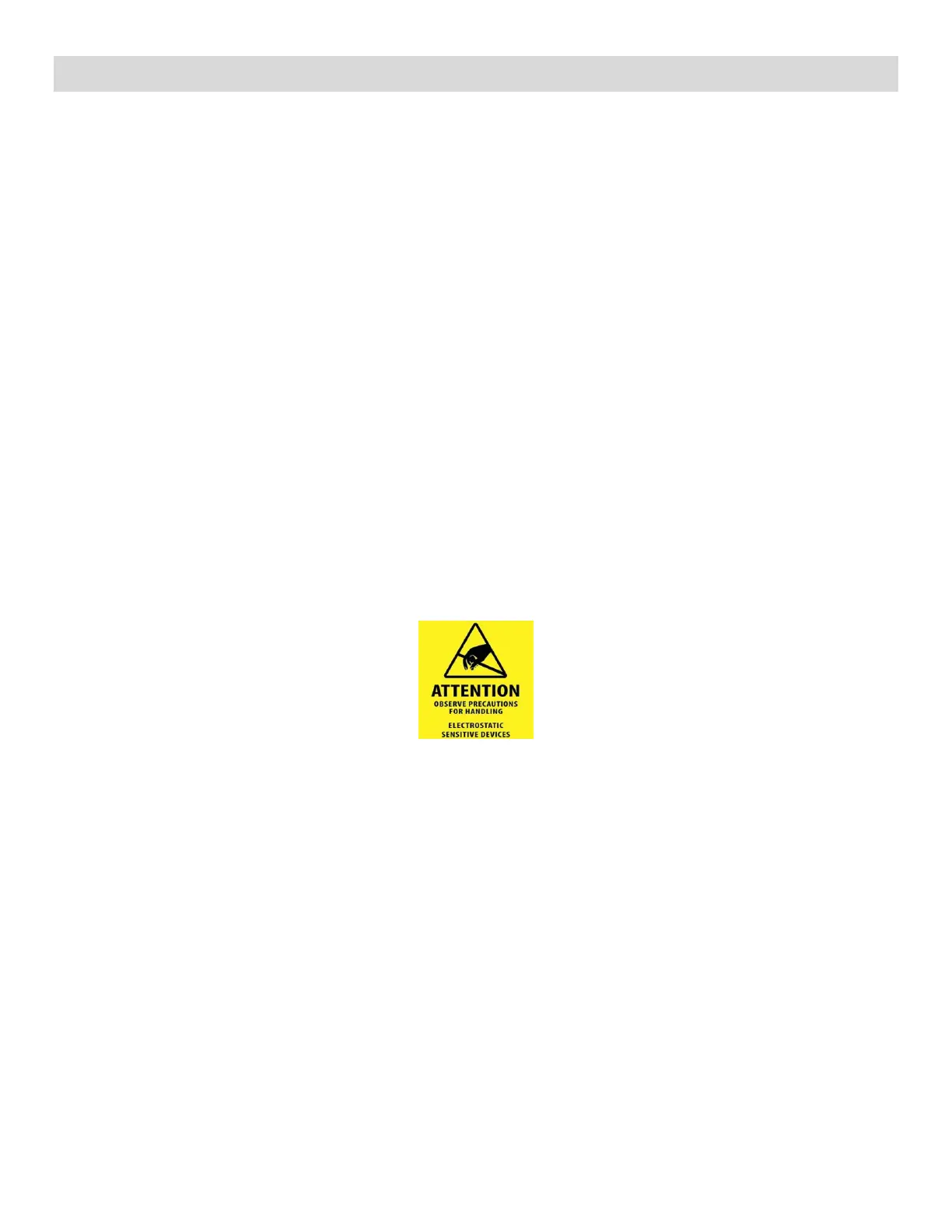
Electrostatic discharge can cause damage to your computer or the components within it. ESD can occur
without the user feeling a shock while working inside the system chassis or while improperly handling
electronic devices like processors, memory or other storage devices, and add-in cards.
Intel recommends the following steps be taken when performing any procedures described within this
document or while performing service to any computer system.
• Where available, all system integration and/or service should be performed at a properly equipped ESD
workstation.
• Wear ESD protective gear like a grounded antistatic wrist strap, sole grounders, and/or conductive
shoes.
• Wear an anti-static smock or gown to cover any clothing that may generate an electrostatic charge.
• Remove all jewelry.
• Disconnect all power cables and cords before opening the Server Chassis
• Power down the system and remove power feed from the Server Board before performing any
integration or service
• Touch any unpainted metal surface of the chassis before performing any integration or service.
• Hold all circuit boards and other electronic components by their edges only.
• After removing electronic devices from the system or from their protective packaging, place them
component side up on to a grounded anti-static surface or conductive foam pad. Do not place electronic
devices on to the outside of any protective packaging.












 To Next Page