LP600 Users Manual
Rev E, February 2017
Page 16 of 43
Using Accumulated Total
The LP600 platforms can be used separately, in pairs, or in groups to measure a
support load or the total weight in one measuring procedure.
To use the Accumulated Total feature, the scales need to be numbered correctly and
the scale you intend to print from or display the accumulated total must have it’s print
mode set to one of two ‘Accumulating Print’ modes. See the “Totalizing Setup” and
“Serial Output Setup” sections for details.
Accumulating Print Axle
Press the PRINT/ACCUMULATE button to add the current total weight to the
accumulated total weight. At the same time, a print ticket will be generated
(assuming you have a printer in the system). The print ticket format is in respect
to a vehicle’s individual wheels and axles or a standard weight accumulation
mode.
For example wheel and axle, think of “WHL 1” as scale 1 and “AXL 1” as the
total weight of scale 1 and scale 2. The following print ticket example is a 4
scale system:
PRINT / ACCUMULATE
button has been pressed
PRINT / ACCUMULATE
button has been pressed
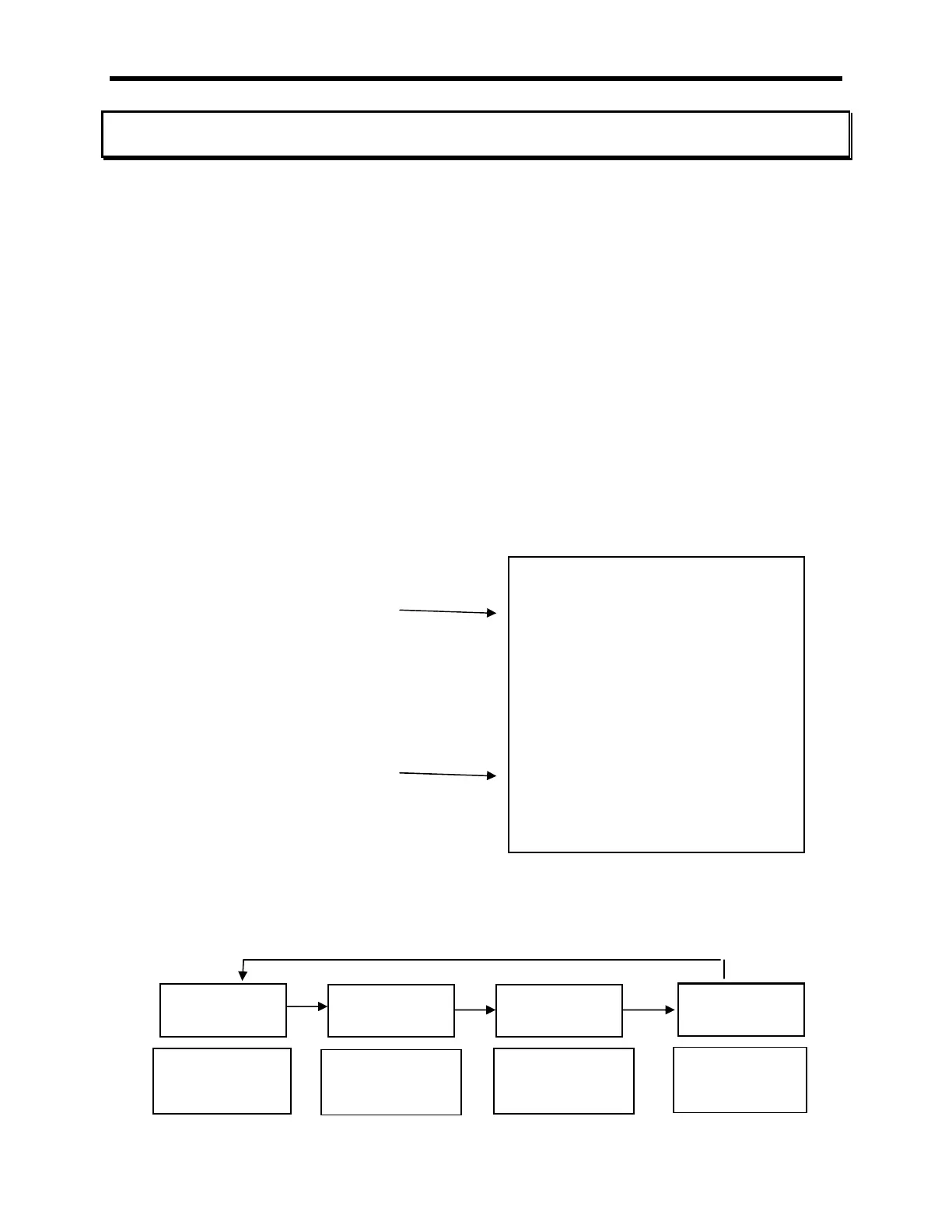
Once a successful accumulation has occurred, press the LOCAL/TOTAL button
to toggle the display through the current local weight, current total weight,
accumulated total, and the number of accumulations that make up the total.
WHL 1: 7460 WHL 2: 7400
AXL 1: 14860
WHL 3: 10110 WHL 4: 10070
AXL 2: 20180
SUBTOTAL GRP 1: 35040
ACCUM TOTAL: 35040
WHL 1: 10110 WHL 2: 10070
AXL 1: 20180
WHL 3: 9800 WHL 4: 9500
AXL 2: 19300
SUBTOTAL GRP 2: 39480
ACCUM TOTAL: 74520
Current local
weight on this
scale
Current total
weight on all
scales
Total number of
accumulations
this session
Total weight of
accumulations
this session



 To Next Page