LP600 Users Manual
Rev E, February 2017
Page 17 of 43
Note: The scale will not accumulate and will display the error message “.”
if the current weight is negative, zero, or if the weight is in motion. These
Protections are added to ensure that only valid readings are accumulated into
the total. Also, after a successful accumulation, ALL scales in the system must
return to zero before you accumulate the next weight. If you attempt to
accumulate the next weight before allowing the scale(s) to return to zero, the
error message “.” will be displayed.
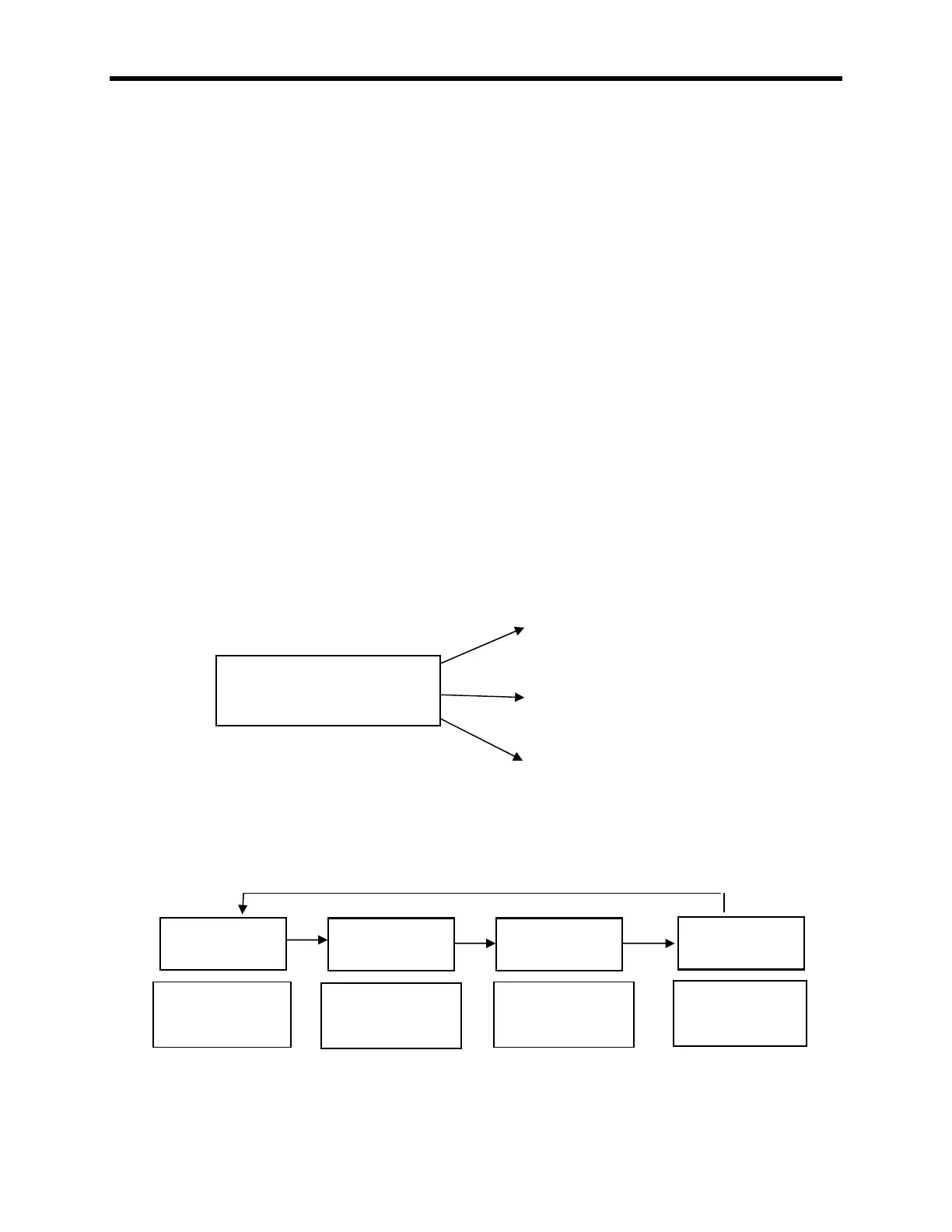
The accumulated total weight can be viewed only on the scale you are
accumulating from. After the PRINT/ACCUMULATE button is first pushed; the
display will show “. X” as the system will accumulate the next reading and
send it to print. (X will show the number of accumulations this session) Once a
successful accumulation has occurred, pressing the LOCAL/TOTAL button will
cycle the display to show number of accumulations, current local weight, current
total weight on all scales, and the accumulated total. When the local weight,
current total weight, or accumulated total is displayed, the total icon will be lit up,
flashing, or off. (as shown on page)
Accumulating Print Standard
A standard accumulation shows total weight of multiple items weighed on 1 or
more scales. The following print ticket example is a 1 scale system after 3 items
are weighed: (950lb, 1000lb, and 1500lb)
950 lb
ACCUM TOTAL: 950 lb
1000 lb
ACCUM TOTAL: 1950 lb
1500 lb
ACCUM TOTAL: 3450 lb
Once a successful accumulation has occurred, press the LOCAL/TOTAL button
to toggle the display through the current local weight, current total weight,
accumulated total, and the number of accumulations that make up the total.
PRINT/ACCUMULATE
has been pressed
Current local
weight on this
scale
Current total
weight on all
scales
Total number of
accumulations
this session
Total weight of
accumulations
this session



 To Next Page