LP600 Users Manual
Rev E, February 2017
Page 8 of 43
Scale Operations
Operational Overview
The control panel for the weighing platform is in the front section of the pad, along with
the electronics of the system. The control panel has a liquid crystal display (LCD)
screen and several control switches.
Display Description
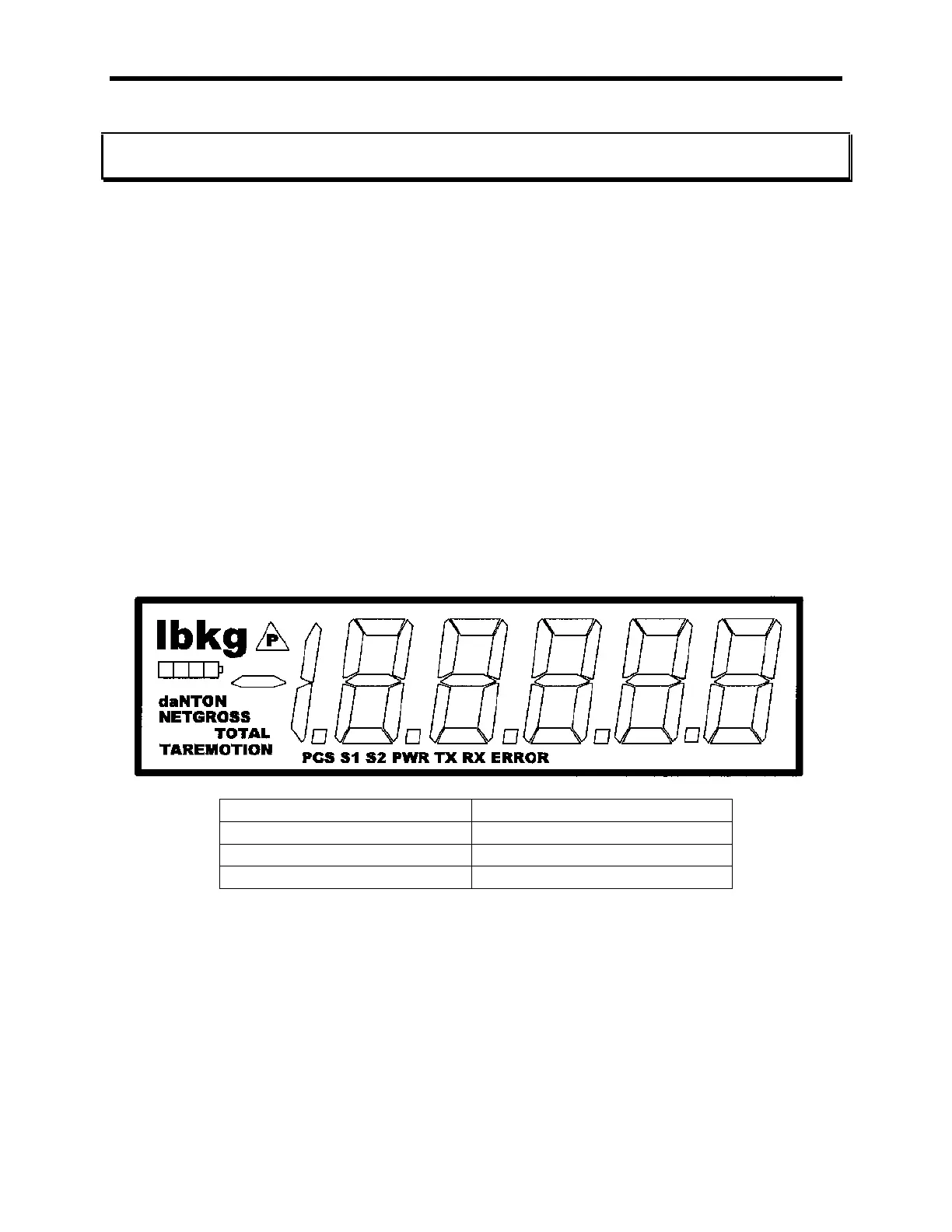
The display is a Liquid Crystal Display unit, providing one line of 5 1/2 digits. The
screen shows the weights read from the pad. The TOTAL icon indicates measurement
mode as in the table below the LP600 display. Information displayed includes
indicators for both “lb” and “kg”, a segment bar to show battery charge level, error
conditions and set-point indicators when set-point thresholds are reached. The display
contains an automatic backlight for use in low-light conditions.



 To Next Page