LP600 Users Manual
Rev E, February 2017
Page 9 of 43
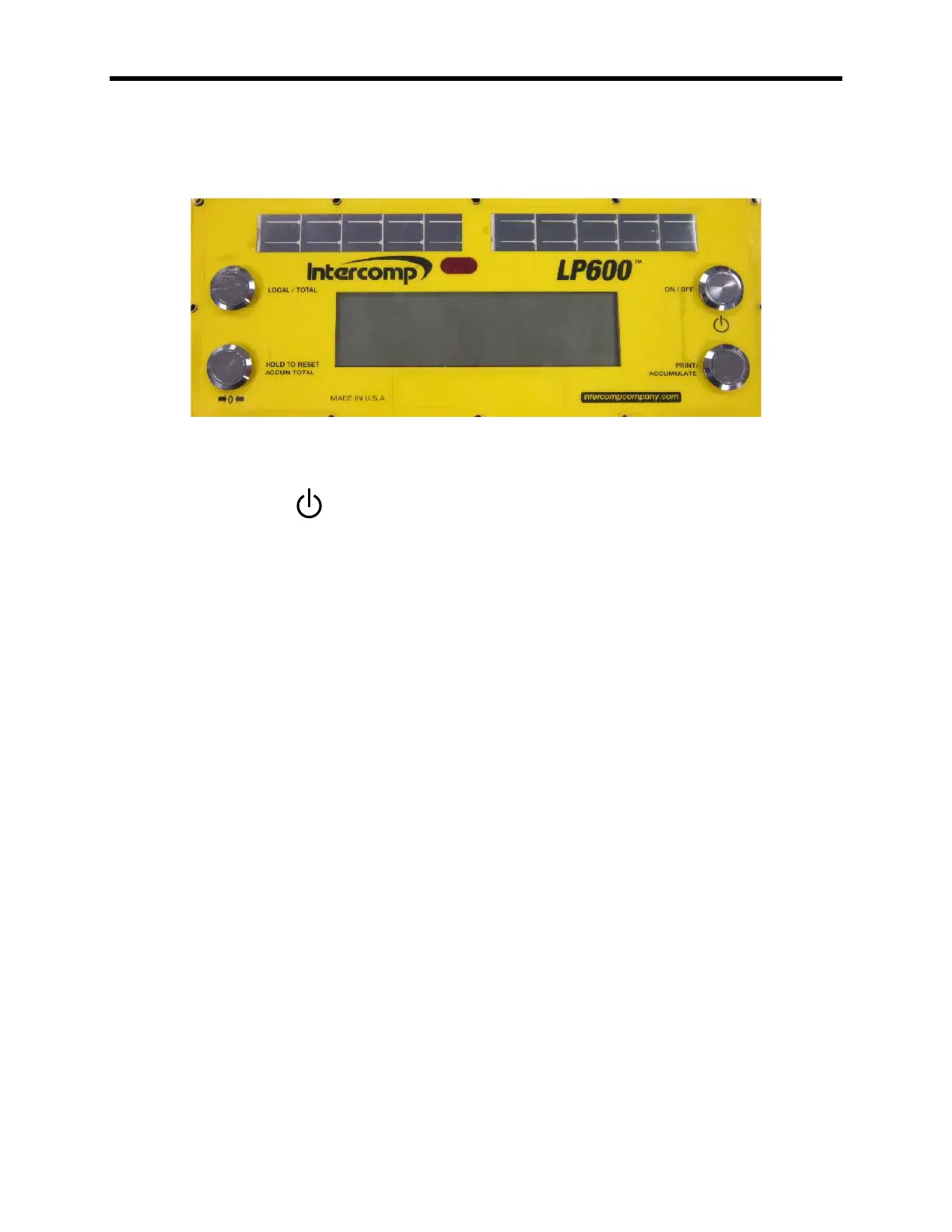
Controls
ON / OFF
Press and hold this key to apply power to the weighing system electronics. Make
sure to hold this key until the display responds (up to 1 second). When power is
first applied, the weighing system rapidly performs self-tests of the pad and the
internal electronics. When the tests have completed successfully, the system
begins weighing. If a problem is detected, the screen displays an error
message.
If the LP600 is powered up, press this button to turn the scale off. The LP600
retains the setup information, and calibration in a special memory device (non-
volatile memory) that is not affected by power loss or battery condition.
PRINT / ACCUMULATE
This control will be rarely used with a LP600 system. This function is used in
cabled scales with no central CPU or indicator.
Press this button to print. When using the accumulated total function: press the
PRINT / ACCUMULATE button to add the total to the accumulated total. See
section titled “Using Accumulated Total”.
New accumulated total = total weight (all scales in system) + old accumulated total



 To Next Page