LP600 Users Manual
Rev E, February 2017
Page 38 of 43
Diagnostic tests and voltage measurements
Charger voltage
Ensure the scale is off during the entire test. Remove the batteries and connect a meter
across the battery compartment observing correct polarity. Plug the battery charger in,
the voltage should measure about 14.5V DC. Unplug the battery charger and reinstall
the batteries. Measure the voltage across the batteries. Depending on the state of
charge on the batteries the voltage should be between 4 to 5.8V DC. Plug the charger
back in. The voltage across the batteries should increase. If the correct voltage
response is not observed, unplug the battery charger. Remove one of the batteries and
connect a meter, set to measure current to the battery compartment connectors,
observing correct polarity. Plug the battery charger in. The meter should read between
25 and 75 mA DC.
Lamp
Cover the light sensor. The backlight should light up. Please note that it is difficult to
see the backlight in sunlight.
Keys
Press On/Off button, the scale should turn on. Press lb-kg, the scale should change
units of measure. Apply 50 lb to 250 lb to the scale. After you get a stable display, press
the ZERO key. The scale should go to a zero indication. Press the On/Off button and
the scale should turn off.
Power down shutoff
Connect a variable supply to the input connector and remove the batteries. Connect the
meter to the positive battery lead. Set the supply to 6 V and turn the scale on. Reduce
the input voltage until the scale turns off. The voltage at shutoff should be between 3.2
and 3.5 Volts.
Load Cells
Each LP600 scale has six load cells. These load cells are the transducers that convert
mechanical energy (weight) to electrical energy.
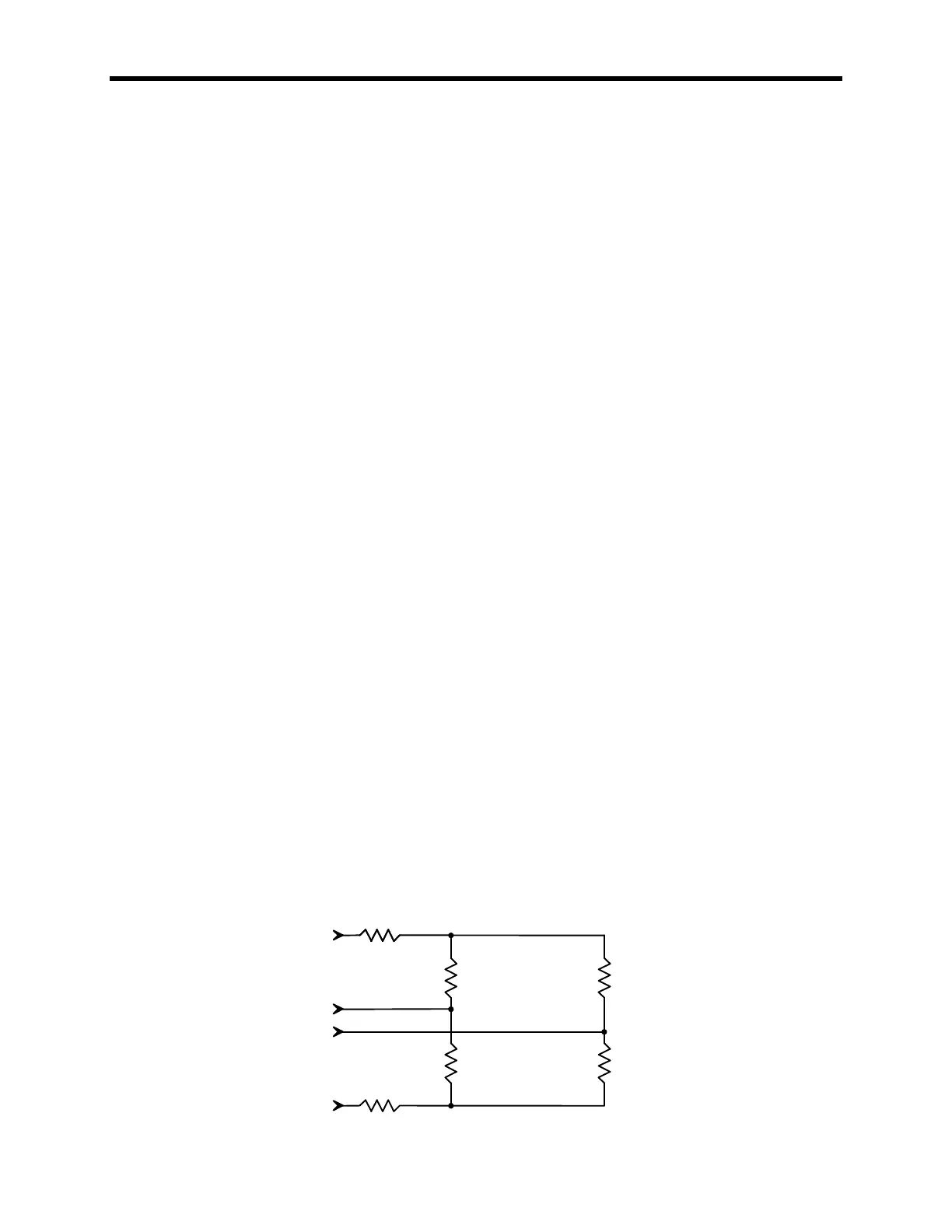
Each load cell has 4 strain gages (700 Ω) and two temperature compensation
thermistors. The four strain gages are wired together to form a Whetstone bridge.



 To Next Page