82
Inxpect SRE 200 Series| Instruction manual v1.5 DEC 2023 |Inxpect SAF-IM-200S_5m_7_00047_en_v1.5|© 2021-2023 Inxpect SpA
8. Installation and use procedures
1. Start the Inxpect Safety application.
2. Click User and enter the admin password.
Note: after five wrong password entries, application authentication is blocked for one minute.
3. Depending on what you want to change, follow the instructions below:
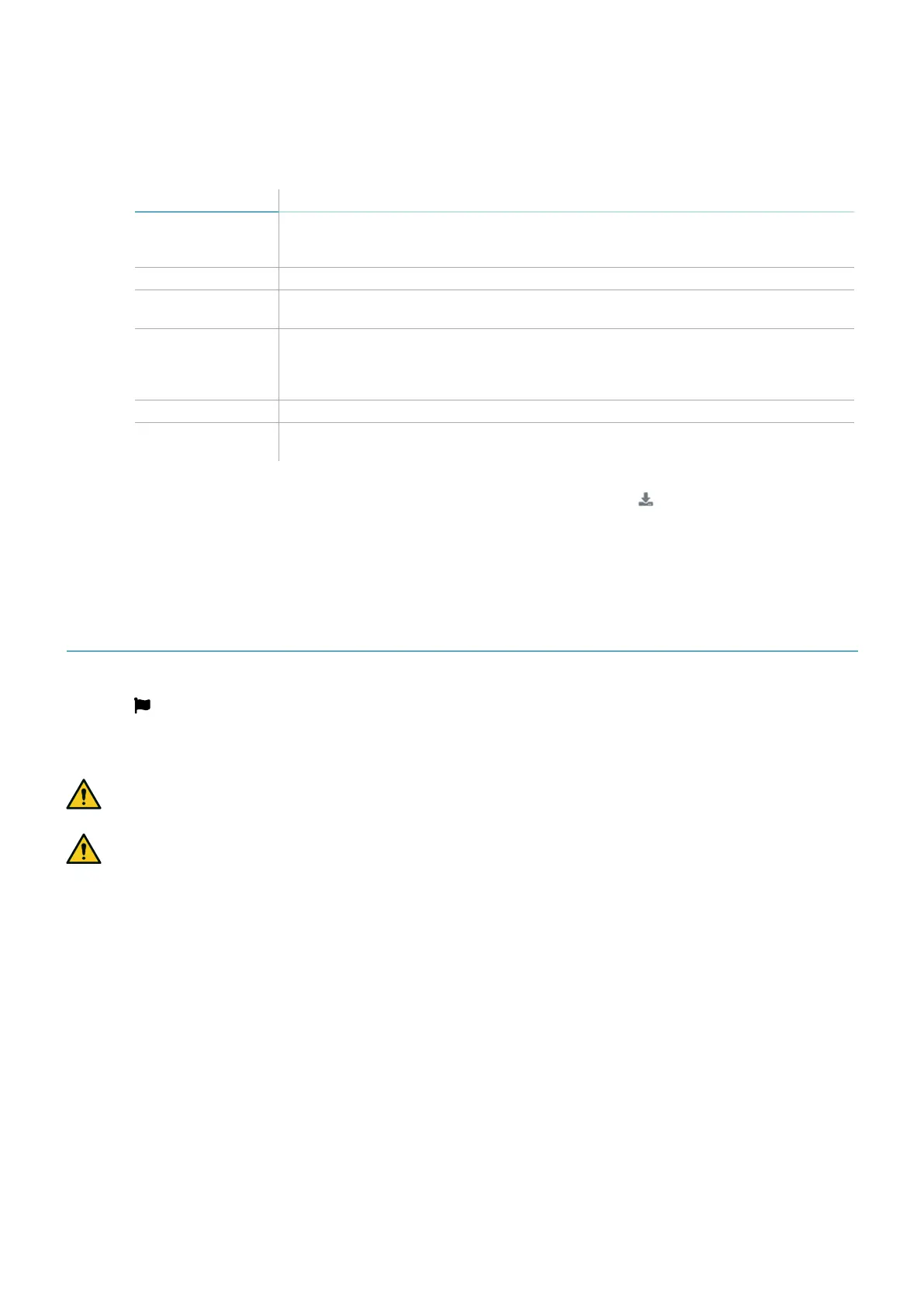
To change... Then...
Monitored area and
sensors
configuration
Click Configuration
Node ID Click Settings > Node IDAssignment
Function of inputs
and outputs
Click Settings > Digital Input-Output
Detection field
groups
configuration
Click Settings > Detection field groups and select the group for each detection
field of each connected sensor. Then click Settings > Digital Input-Output and
set a digital output as Detection signal group 1or Detection signal group 2
function
Muting Click Settings > Muting
Sensor number and
positioning
Click Configuration
4. Click APPLY CHANGES.
5. Upon conclusion of transfer of the configuration to the control unit, click to print the report.
Note: to save the PDF, a printer must be installed on the computer.
8.6.4 Display previous configurations
In Settings, click Activity History and then click Configuration reports page: the reports archive opens.
8.7 Other procedures
8.7.1 Change language
1. Click .
2. Select the desired language. The language changes automatically.
8.7.2 Restore factory default settings
WARNING! The system is provided without any valid configuration. Therefore the system maintains
the safe state at the first start-up until a valid configuration is applied through the Inxpect Safety
application by clicking APPLY CHANGES.
WARNING! The procedure resets both the configuration and the password of all the users.
To restore the configuration parameters to the default settings, follow the procedures reported below:
Procedure using the Inxpect Safety application
1. Log in to the Inxpect Safety application as the Admin user.
2. In Admin > FACTORY RESET.
Procedure using the reset button on the control unit
1. Press and hold the button [A] for longer than 10 seconds: all the system status LEDs [B] turn on (steady
orange), and the system is ready to be reset.
2. Release the button [A]: all the system status LEDs [B] turn on (flashing green), and the reset procedure
starts. The procedure can last up to 30 seconds. Do not switch off the system during the reset.


 To Next Page