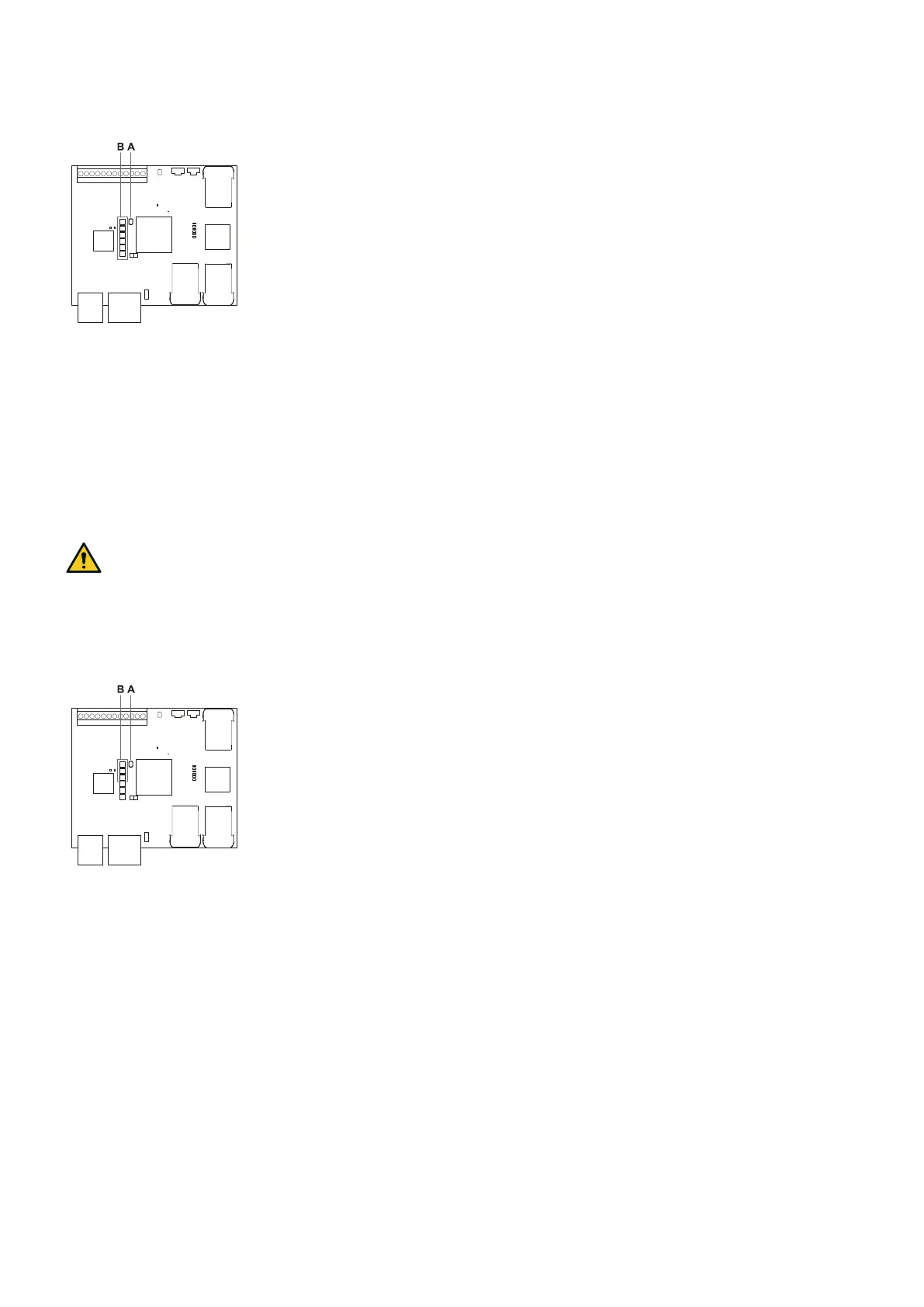
Note: if the button is pressed for longer than 30 seconds, the status of the LEDs switches to red, and the
reset is not performed even after the button is released.
For the default values of the parameters, see "Configuration application parameters" on page118.
8.7.3 Reset the control unit Ethernet parameters
1. Ensure the control unit is turned on.
2. Press the Network parameter reset button and hold it down during steps 3 and 4.
3. Wait for five seconds.
4. Wait until all the six LEDs on the control unit turns steady green: the Ethernet parameters are set to their
default values (see "Ethernet connection (if available)" on page105).
5. Configure the control unit again.
8.7.4 Restore network parameters
WARNING! After the restore network parameters procedure, the system goes into the safe state. The
configuration must be validated and, if necessary, modified through the Inxpect Safety application
by clicking APPLY CHANGES.
1. To restore the network parameters to the default settings, press and hold the reset button [A] on the control
unit for 2 to 5 seconds: the first three system status LEDs [B] turn on (steady orange) and the network
parameters are ready to be reset.
2. Release the button [A]: the reset is performed.
For the default values of the parameters, see "Configuration application parameters" on page118.
8.7.5 Identify a sensor
In Settings > Node IDAssignment or Configuration, click Identify by LED near the desired sensor Node ID: the
LED on the sensor flashes for 5 seconds.
8.7.6 Change network parameters
In Admin > Network Parameters change the IP address, the netmask and the gateway of the control unit as
desired.
8.7.7 Change MODBUS parameters
In Admin > MODBUS Parameters, enable/disable the MODBUS communication and modify the listening port.
8. Installation and use procedures
Inxpect SRE 200 Series | Instruction manual v1.5 DEC 2023|Inxpect SAF-IM-200S_5m_7_00047_en_v1.5|© 2021-2023 Inxpect SpA
83


 To Next Page