PASCAL
®
Synthesis Ophthalmic Scanning Laser Systems Page 58 of 141
88292-EN, Rev D
Wedge
General Use
•
PRP, retina tears, retina detachments
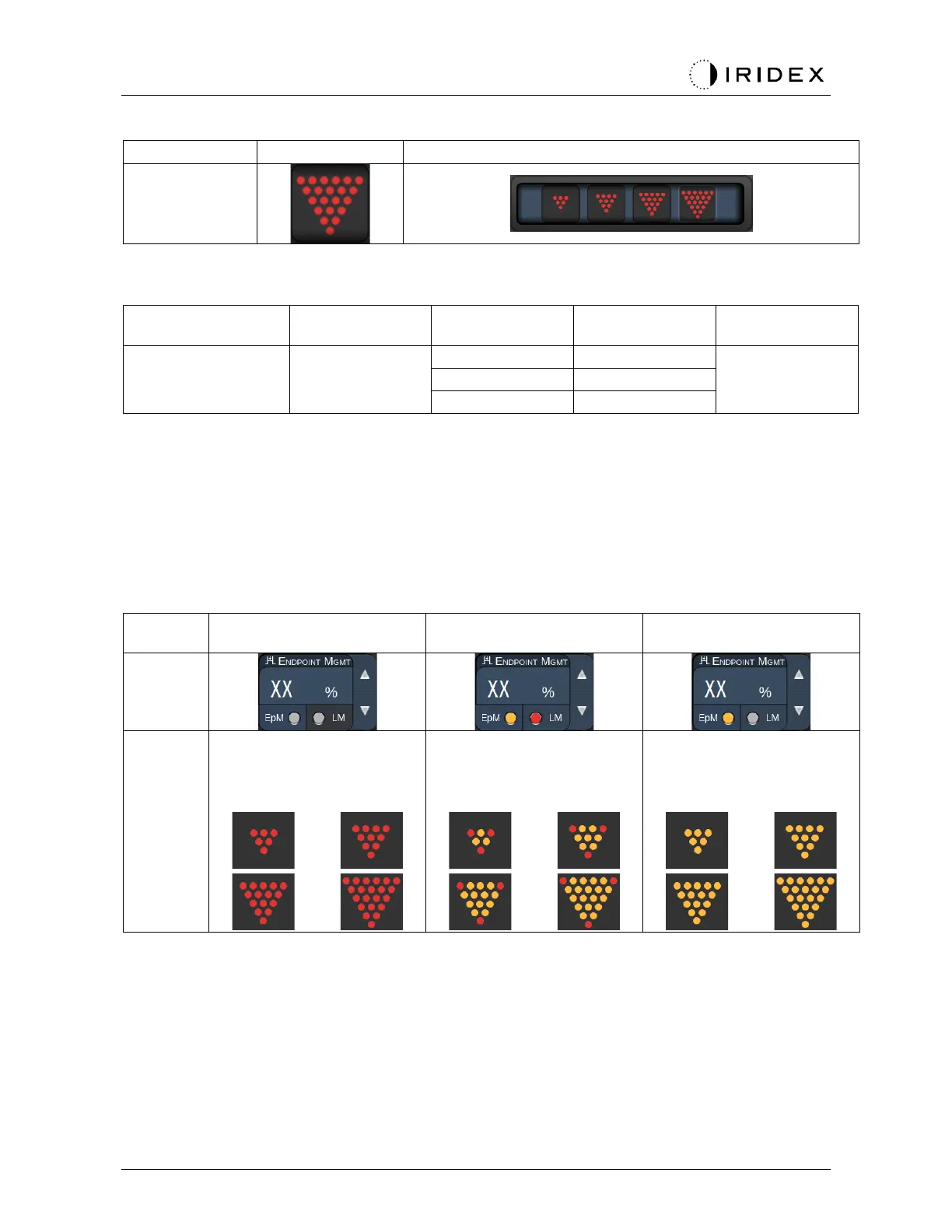
The Wedge pattern is selectable in four sizes and twenty-four orientations. Spot diameter and
spacing settings are also adjustable.
To select the Wedge pattern size, press one of the quick-select buttons at the bottom of the
Wedge pattern screen. To select the pattern orientation, press one of the tickmarks on the
rotation guide that displays in the pattern background. The tickmarks are positioned at 15
degree intervals, from 0 to 345 degrees.
Endpoint Management Features
Endpoint Management Off
or Disabled
Endpoint Management
On/ Landmark On
Endpoint Management
On/ Landmark Off
All full-power spots (red-
100%)
Three full-power spots
(red- 100%); remaining
endpoint spots (orange-xx
%)
All endpoint spots
(orange-xx %)



 To Next Page