PASCAL
®
Synthesis Ophthalmic Scanning Laser Systems Page 87 of 141
88292-EN, Rev D
Progressive Titrate
When the Progressive Titrate feature is enabled, it allows you to output an aiming beam
pattern with positions that are offset from the delivered with 1.5 spot diameter spacing
between the titration pattern and the blinking aiming spots. If the titration pattern spots have
reached at the top of the FOV, the blinking aiming spots stay at the same position of the
titration pattern spots. The location of titration is set to the initial position of the titration when
you press Titrate button to revert to the treatment mode. Press the Enable Progressive
Titrate checkbox on the System Setup screen to enable the Progressive Titrate feature.
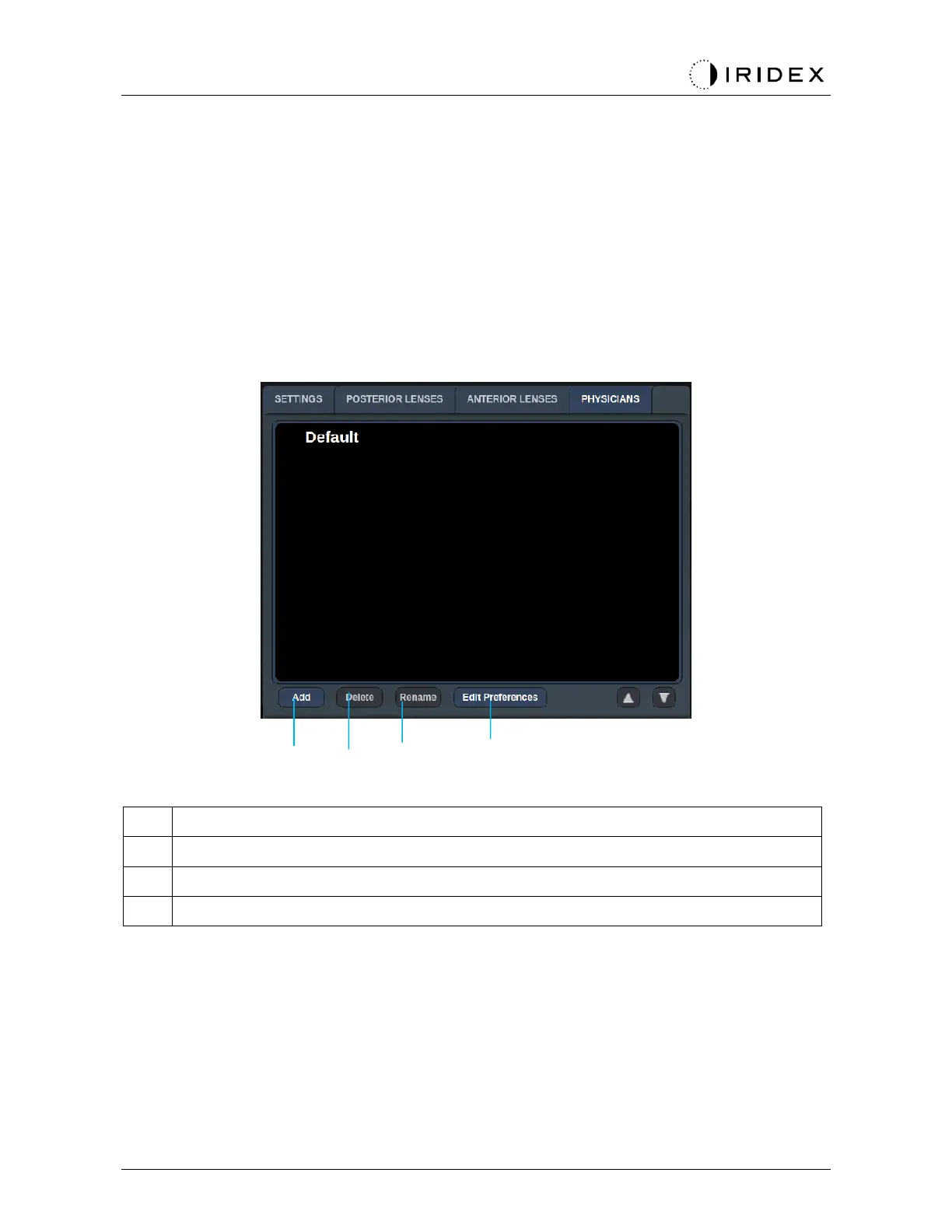
<Physician Preferences> Window
<Add> - press to add physician
<Delete> - press to remove physician
<Rename> - press to rename physician
<Edit Preferences> - press to open <Edit Physician Preferences> window



 To Next Page