PASCAL
®
Synthesis Ophthalmic Scanning Laser Systems Page 96 of 141
88292-EN, Rev D
Export Treatment Report
The Export button will be enabled if a USB drive is plugged into the console’s USB port and
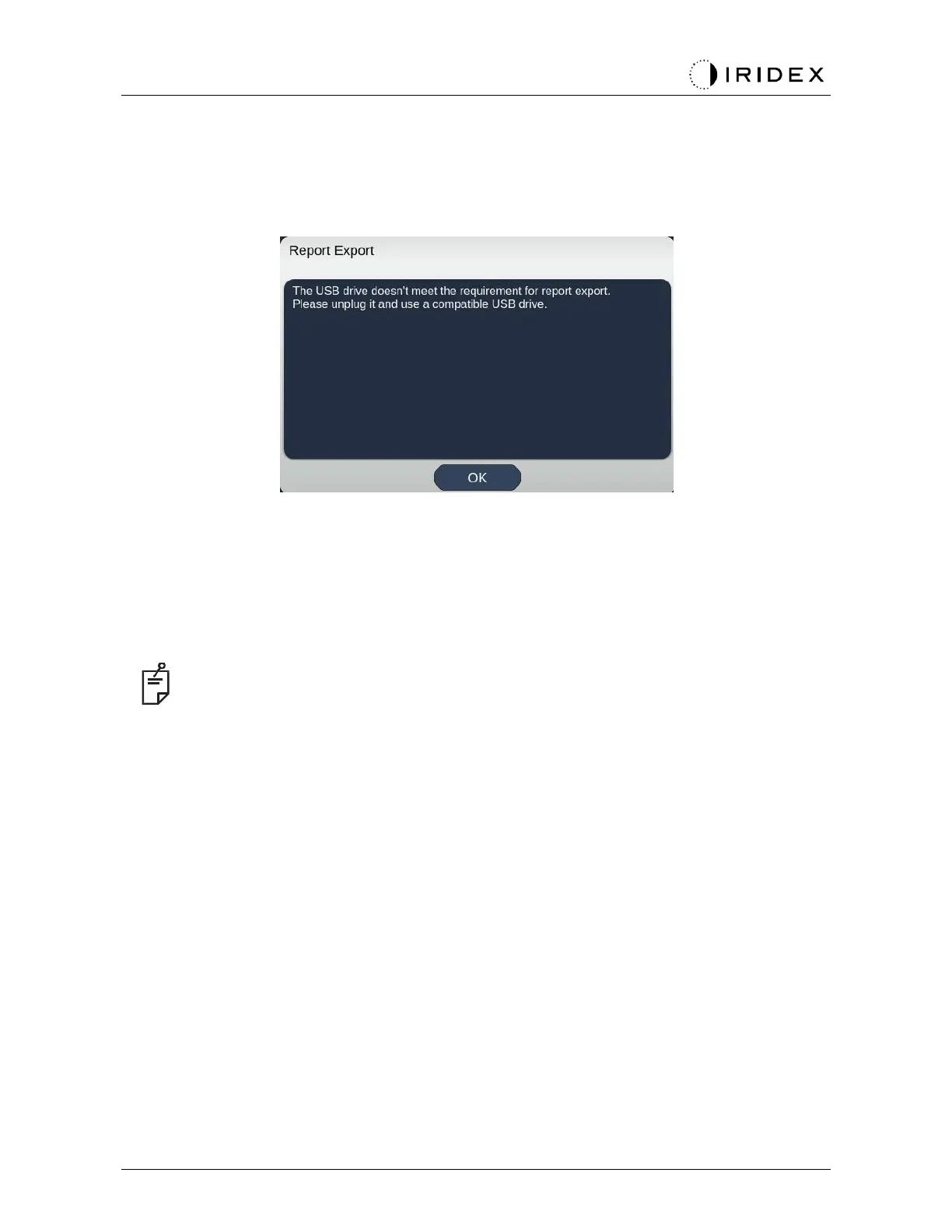
detected by the Synthesis software. If the connected USB drive doesn’t meet the
requirements, the “Export” button is still disabled and the system will pop up the message.
All the reports exported from Synthesis will be stored in the ‘synthesis_report’ folder in the
USB drive. The user can plug in the USB drive to a PC to copy or delete the exported
reports.
The USB drive should be dedicated for the Report Export purpose. Any other usage will
make it incompatible for Report Export, in which case you will have to reformat it according to
the “Procedure to prepare the USB drive before the first time use” (refer to Page 95).
NOTE
•
Requirement for the USB drive to be used for Report Export in Synthesis v3.6.0:
− USB 2.0 or 3.0
−
8GB or larger
−
FAT32 file system



 To Next Page