PASCAL
®
Synthesis Ophthalmic Scanning Laser Systems Page 90 of 141
88292-EN, Rev D
Favorites Window
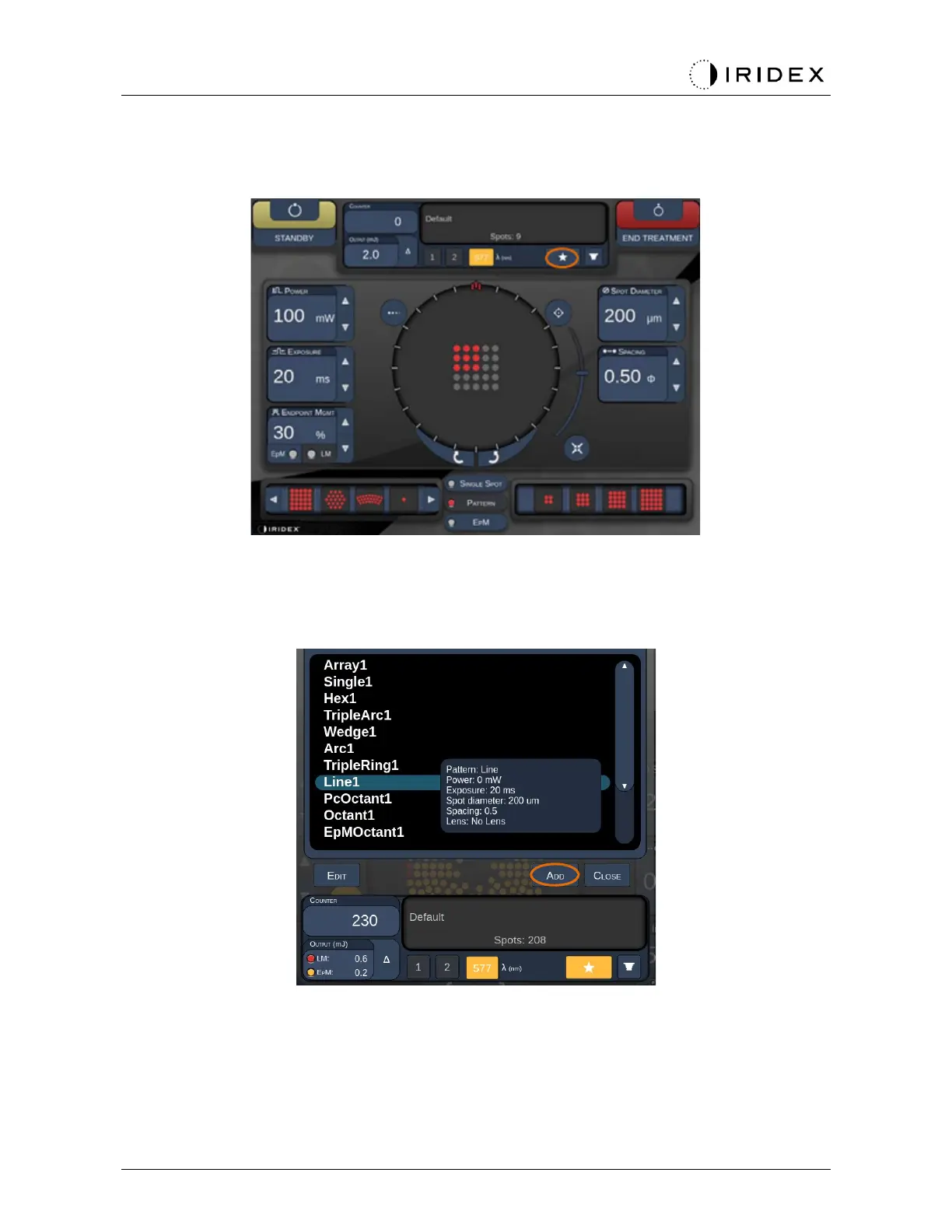
Press the favorite icon in the posterior/anterior treatment screen to open the Favorite
Window.
Display favorite details information (pattern, power, exposure, spot diameter, spacing, lens)
when the favorite entry is pressed and held for 1 second in the favorite list. Click the popup
or other place to close the popup. If the favorite is pressed and released shorter than 1
second, the favorite will be loaded.
Click “Add” button and enter the name for the favorite to save the current parameter setting
as your favorite.



 To Next Page