PASCAL
®
Synthesis Ophthalmic Scanning Laser Systems Page 93 of 141
88292-EN, Rev D
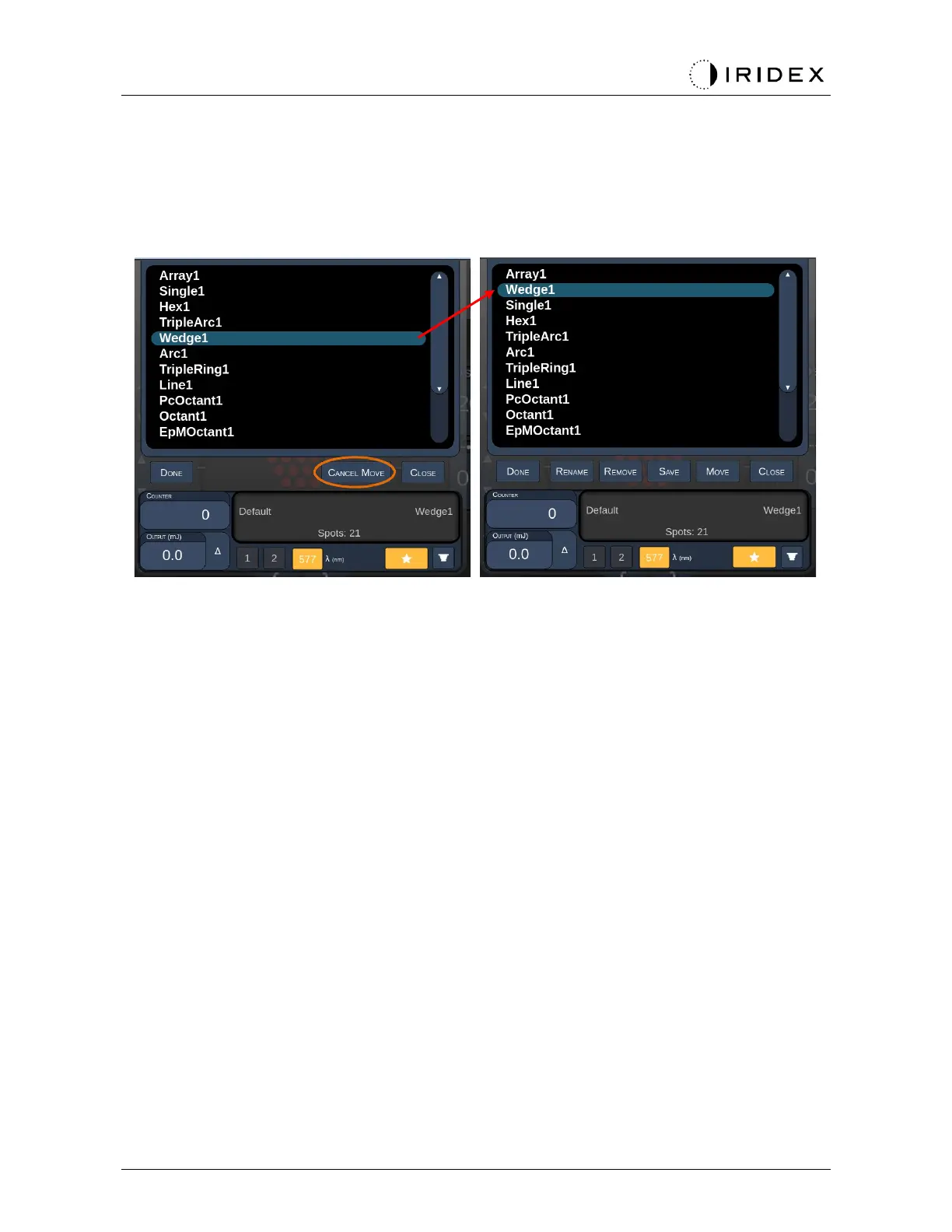
Press the “Move” button to start the move operation. Notice the “Move” button is change to
“Cancel Move” which can be used to cancel the move operation. Select the favorite whose
position you want to move the previously selected favorite to.
For example, select “Single 1”. The software will move “Wedge 1” to the position 2.



 To Next Page