ise smart connect KNX Sonos
Commercial Application Scenarios
Product Manual Page 13 (76)
3 Commercial Application Scenarios
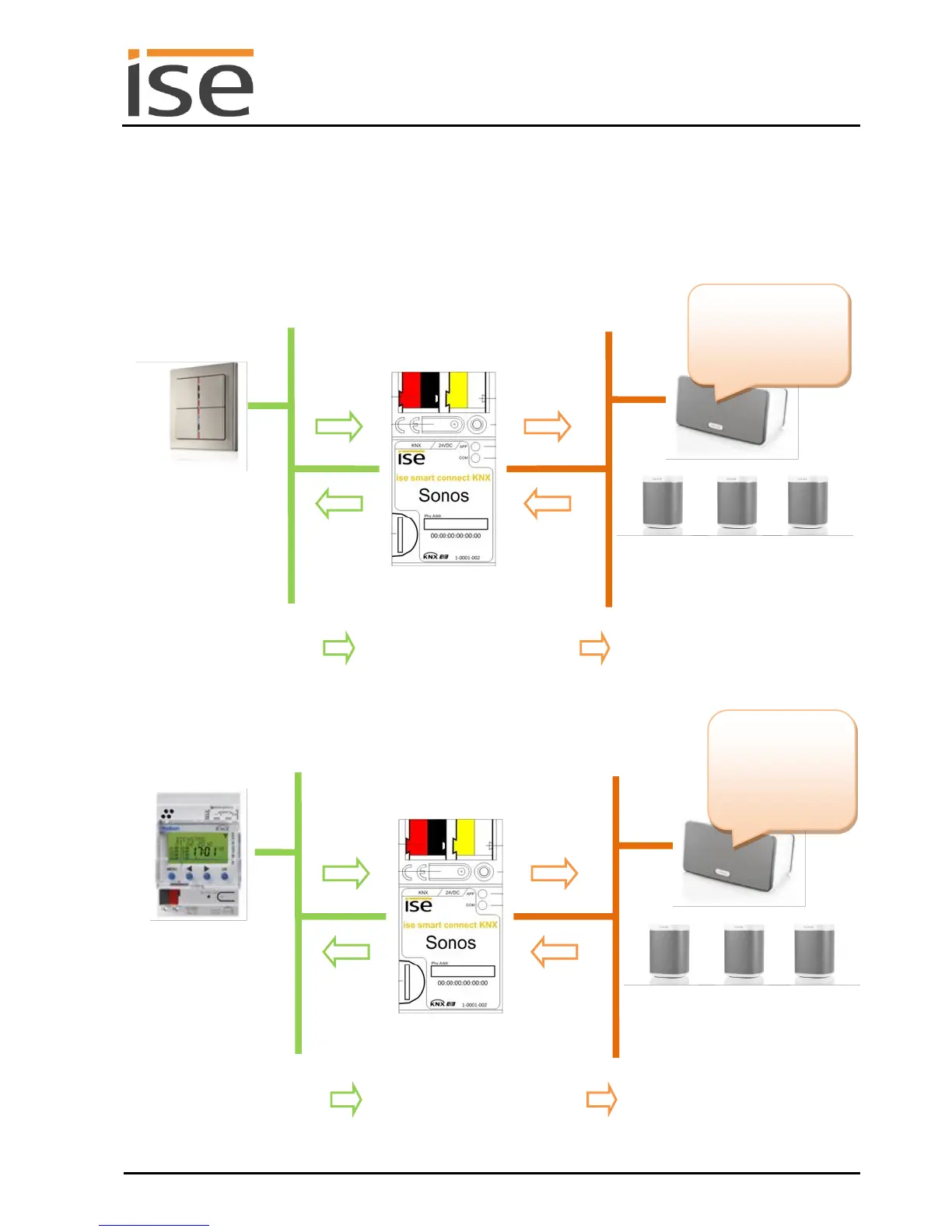
3.1 Announcements in sales and event rooms
The ise smart connect KNX Sonos can present announcements at the push of a button or at set times.
ise smart connect KNX
Sonos
Requirements for announce-
ments can also be triggered
under time control.
The ise smart connect KNX
Sonos converts KNX command
ers. Even the hap-
piest shopping
days come to an
end. We will be
Sonos can play selected au-
dio from a media library on
the network, e.g. from the SD
card in the device.
Announce current offer
triggers a KNX command.
ise smart connect KNX
Sonos
"Announce current offer"
triggers a KNX command.
The ise smart connect KNX
Sonos converts KNX command
ers. We are cur-
rently offering..."
Sonos can play selected au-
dio from a media library on
the network, e.g. from the SD
card in the device.



 To Next Page