ise smart connect KNX Sonos
Troubleshooting and support
Product Manual Page 66 (76)
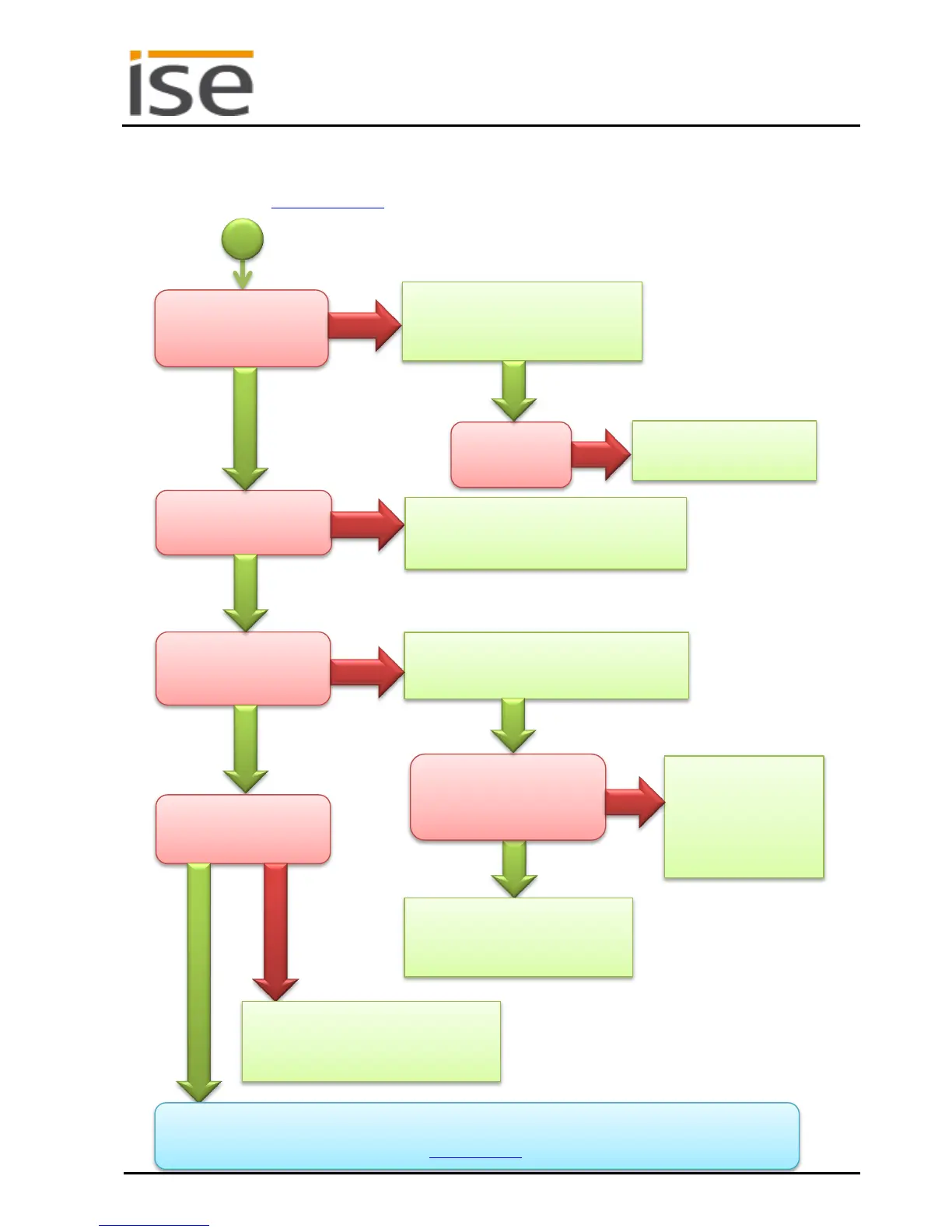
10.3 The ise smart connect KNX Sonos does not work
The following error tree is intended to solve the most common problems. Should this be unsuccessful,
please contact us at support@ise.de.
ing up or do they flash
individually in an alter-
Please check the KNX cabling and
the LED status displays as per Sec-
tion 7.2.1.
Please check device para-
metrisation in the ETS as
Is the device not visible
on the network?
Please check the network cabling and par-
ametrisation of the device IP in the ETS as
per Section 6.3.
Can the Sonos devices
not be controlled via
Please check the connection status on the
Device Status website of the device as per
Please check the correct assign-
ment of the communication object
to the group addresses in the ETS.
website indicate that the
Sonos devices are not
connected (Section 7.6.2)?
The Sonos devices
must have a fixed IP
address or, if DHCP is
used, the IP must be
linked to the MAC
address.
Can a Sonos source not
be played back?
If neither the approaches above nor Chapter 9 provide a solution, please load the log files from the device
(if possible) and send them together with an error description containing as many details as possible to
Please check the name of the source on
the configuration page (Section 7.7) an
in the Sonos application.



 To Next Page