7.3 Accelerate transfer: Select transfer path KNX-TP or IP
Programming (transfer from the ETS to the device) occurs in the programming environment of the ETS.
An additional KNX data interface is not required for transfer (bus connection via bus connection termi-
nal). The ETS can reach the device from both the IP side and the KNX-TP side.
Due to considerably shorter transfer times, download over the IP side of the device is recommended.
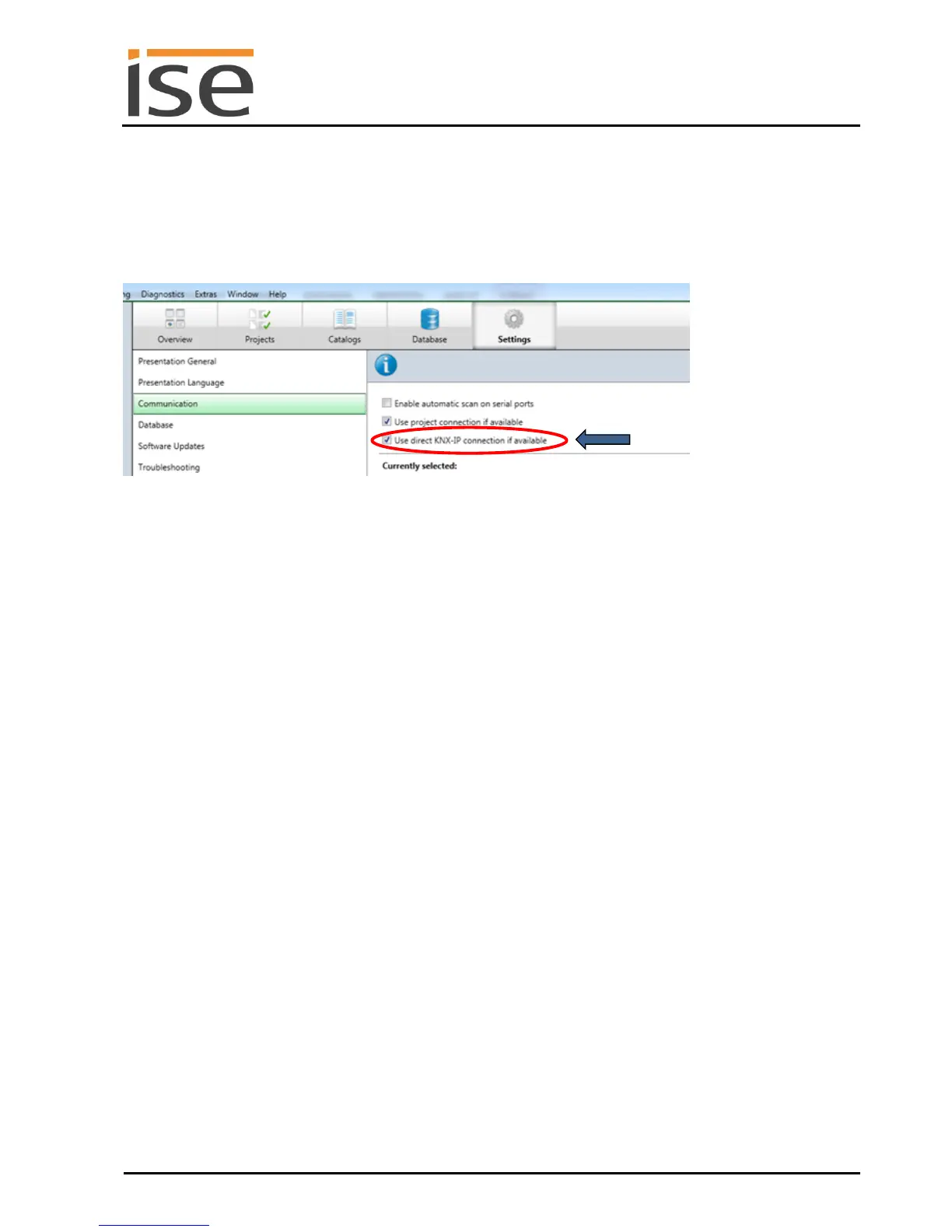
Figure 7: The "Use direct KNX-IP connection if available" setting
accelerates the transfer from the ETS to the device.
For transfer of the ETS over the IP side, set the setting
Use direct KNX-IP connection if available.
on the ETS start page, Settings tab Communication entry.
7.4 Programming the physical address of the device
Ensure that the device and bus voltage are switched on.
Ensure that the programming LED (4) is not illuminated.
Press programming button (1) briefly − Programming LED (4) illuminates red briefly.
Program physical address using the ETS.
After a successful programming procedure,
LED (4) will go out.
The ETS shows the completed transfer with a green marking under History in the sidebar (nor-
mally at the right-hand window edge).
The ETS sets the commissioning tick on the device for "Adr" and "Cfg".
You can now note down the physical address on the device.



 To Next Page