ise smart connect KNX Sonos
Commissioning
Product Manual Page 53 (76)
7.2 LED status displays
The devices features three status LEDs on the upper housing side and four status LEDs on the network
connections.
The LED displays have different meanings
while the device is starting and
during operation.
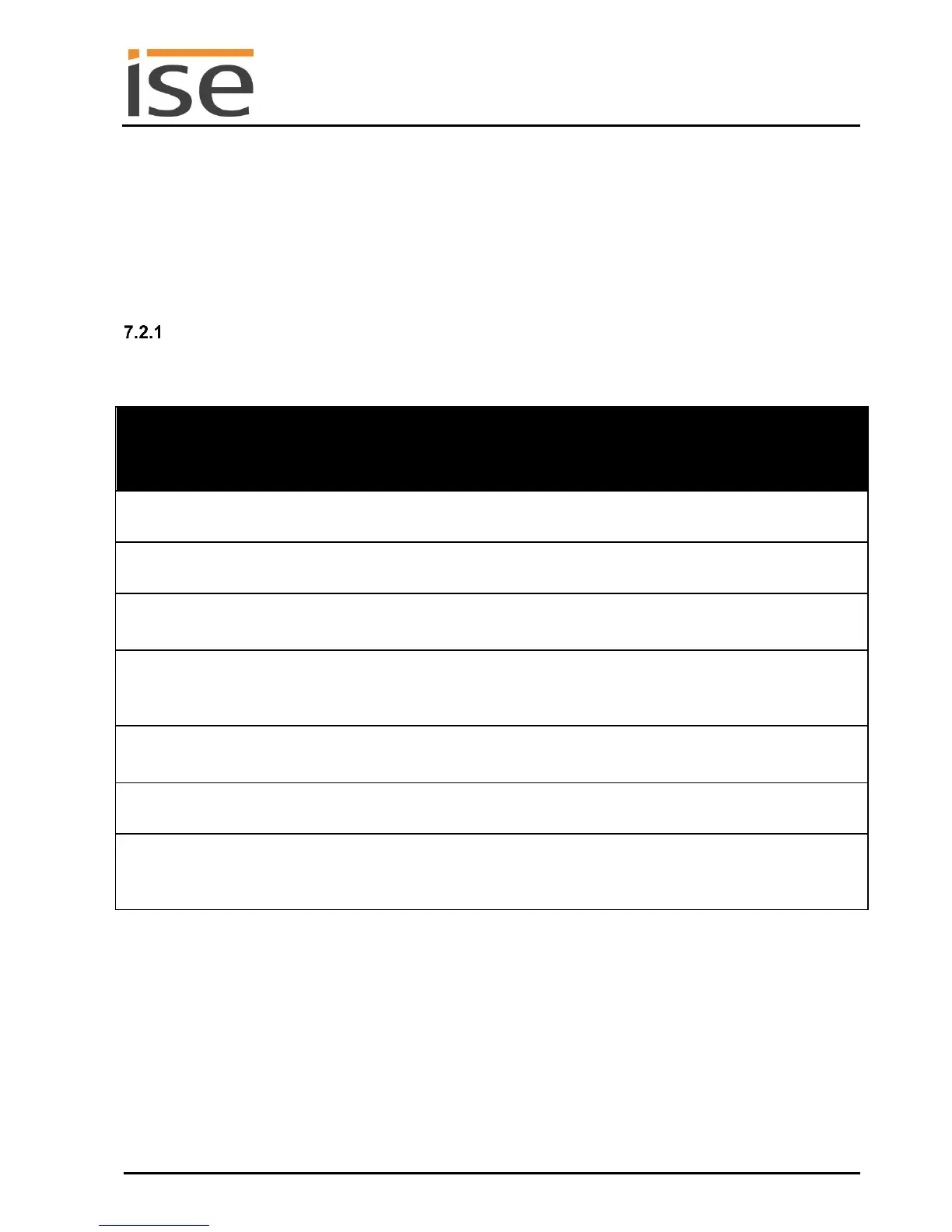
LED status display upon device start-up
After the power supply (DC 24 V on the yellow-white connection terminal) is switched on or after a re-
turn in voltage occurs, the device indicates its status through the following LED combinations:
No power supply: Please check connec-
tions and power supply.
Error – KNX not connected.
The application is not yet configured, e.g.
not yet loaded with the ETS.
Device booted up and ready for operation.
Error – Please contact support. The firm-
ware cannot be started.
…………… Green
…………… Yellow
Flash slowly in an
alternating fashion
Error – Please contact support.
The newly loaded firmware cannot be
started. The system is trying to activate
the previous firmware (invalid firmware).



 To Next Page