ise smart connect KNX Sonos
Configuration
Product Manual Page 25 (76)
6.1 Configuration step 1 − Create ise smart con-
nect KNX Sonos as device in the ETS
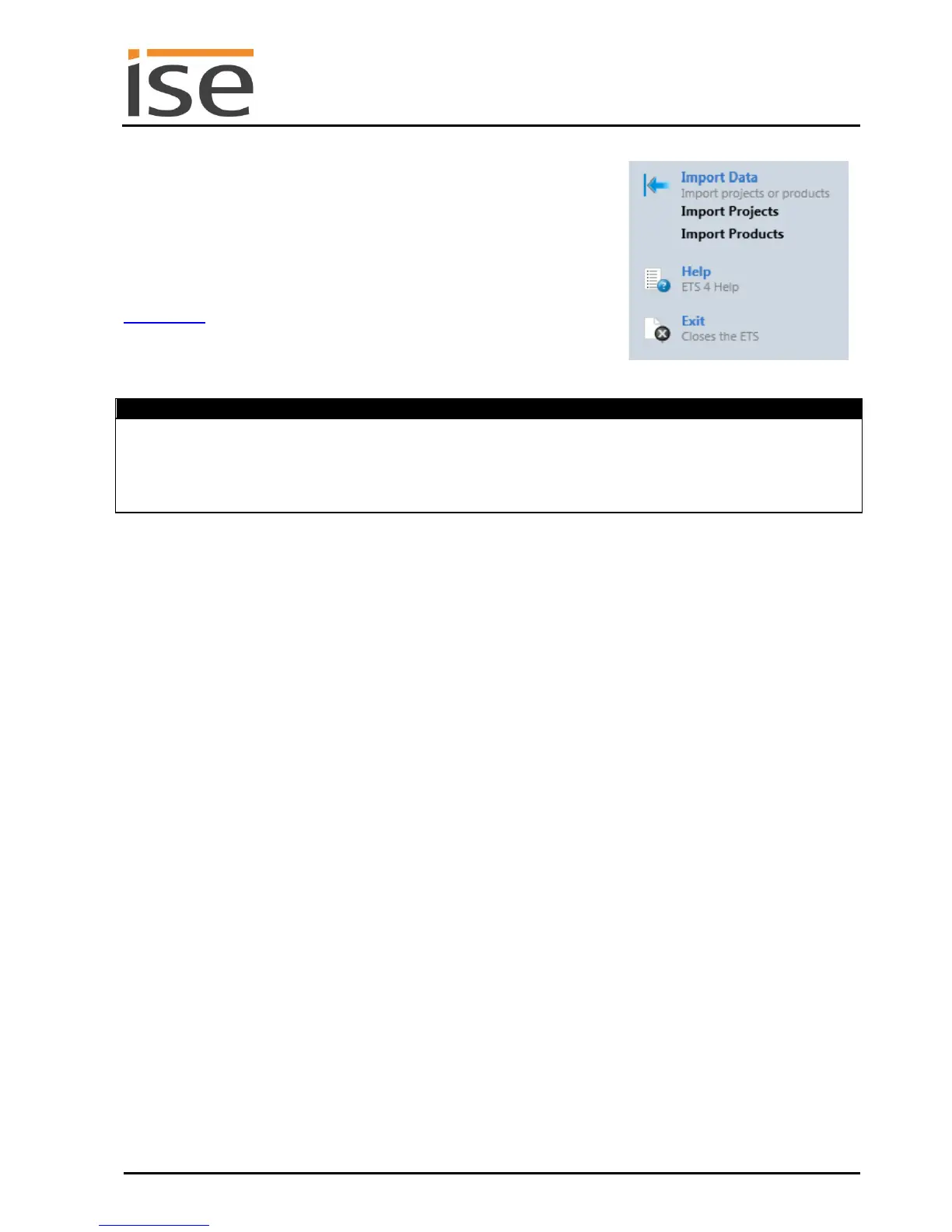
If it has not yet been done, import the ETS device application to the
ise smart connect KNX Sonos once in the device catalogue of its
ETS, for example using the "Import Products" function on the start
page of the ETS.
You can download the ETS application from our website under
www.ise.de free of charge.
The other explanations in this document refer to
Device: ise smart connect KNX Sonos
Manufacturer: ise GmbH
Order No. 1-0001-002
Version: V1.0
Design: DRA (series installation)
Application: ise smart connect KNX Sonos
6.2 Configuration step 2 – Assigning a physical address
In the ETS, assign the device a physical address as usual corresponding to the KNX topology.
6.3 Configuration step 3 – Setting the IP address, subnet mask and address of
the standard gateway
In addition to the physical address on the KNX network, the ise smart connect KNX Sonos must also be
assigned an address on the IP data network. This includes the following information:
IP address
Subnet mask
Address of the standard gateway
This can occur in two ways, either
automatically by obtaining the data from a DHCP server
(e.g. integrated in the router of the data network) or
via manual setting in the ETS.
Figure 3: Product import via
the ETS start page.



 To Next Page