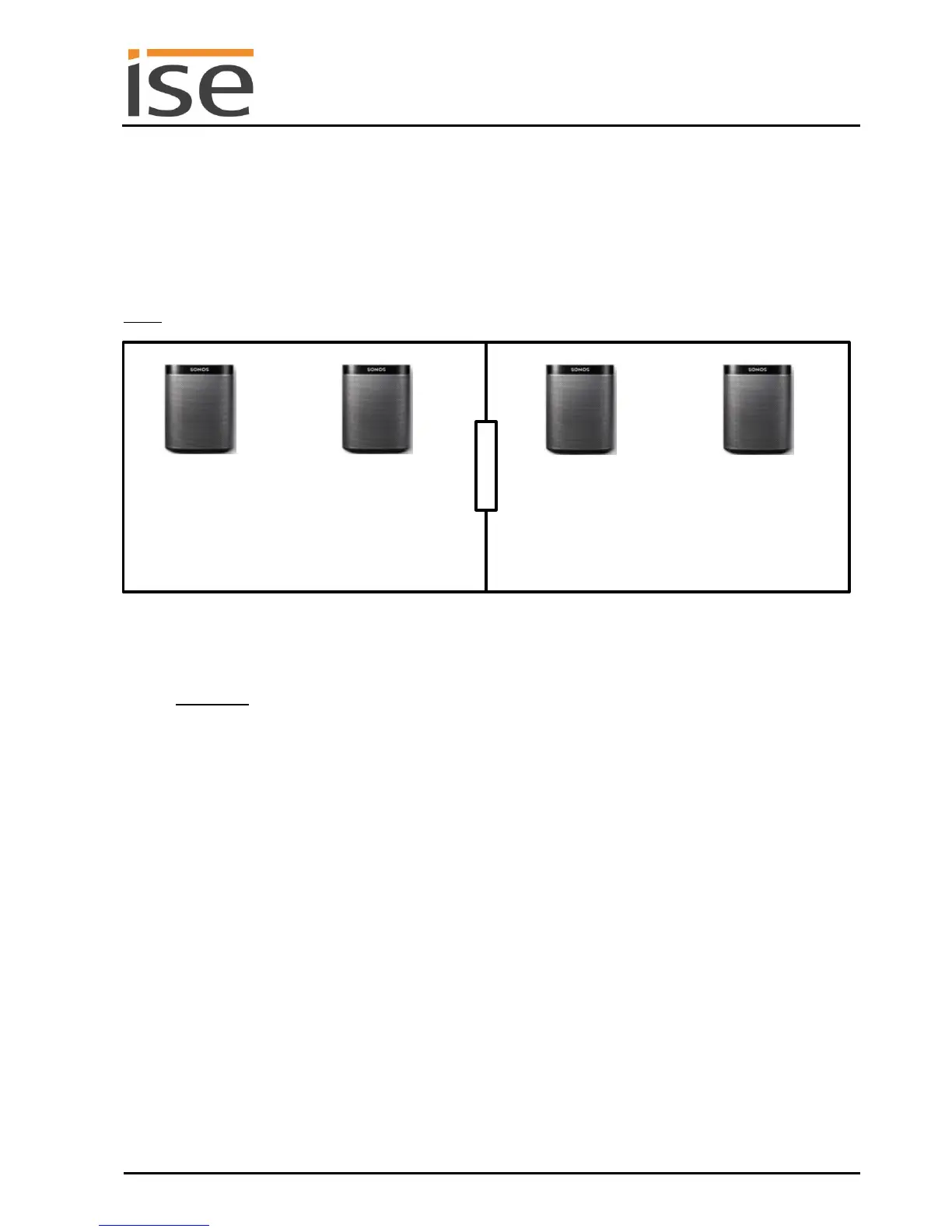
4 Dynamic group creation
4.1 Living and dining rooms with Sonos stereo loudspeakers
Initial situation: A stereo pair are to be implemented in the both the living and dining areas. Based on
the wishes of the user, these two stereo pairs should be combinable in a group ("party mode"). Here,
the user can choose whether the group now plays the music of the living area or the dining area.
Note: There is also an ETS demo project (knxproj) for this example under www.ise.de.
1. Create stereo pairs from Sonos devices 1 and 2 and from 3 and 4.
Please use the Sonos application (e.g. your app) for this purpose. Information on the steps re-
quired for this can be found in your Sonos operating instructions.
Important: The control of a stereo loudspeaker pair using the ise smart connect KNX Sonos al-
ways occurs through the first selected Sonos device. From the standpoint of the ise smart con-
nect KNX Sonos, a stereo pair is just a "visible" Sonos device.
2. Determine the IP addresses of Sonos devices 1 and 3.
The steps required for this are described in 6.4.3 – Determining the IP addresses of the Sonos
devices on the data network. In the example, they are the IP addresses 192.168.0.11 and
192.168.0.15.
3. Parametrise two master-slave groups in your ise smart connect KNX Sonos. Define Sonos de-
vice 1 or 3 as the master of the master-slave group 1 or 2. Then define the two devices recipro-
cally as slaves in both master-slave groups. In the example, master-slave group 1 has Sonos
device 1 as a master and Sonos device 3 as a slave; master-slave group 2 has Sonos device 3
as a master and Sonos device 1 as a slave.
4. Create the KNX group addresses and link the corresponding objects of the ise smart connect
KNX Sonos for groups 1 and 2:
- Play
- Next/previous track
- Relative volume
- Exit slave mode
- Slave 1 – Switch group association



 To Next Page