Routine Maintenance
Engine
229 229
9811/9950-1
Fan Belt
Adjusting the Fan Belt
1 Get access to the engine. Refer to Access Panels,
Engine Cover.
2 Check that there is 5mm (0.2in) slack midway
between the alternator pulley and the crankshaft
pulley.
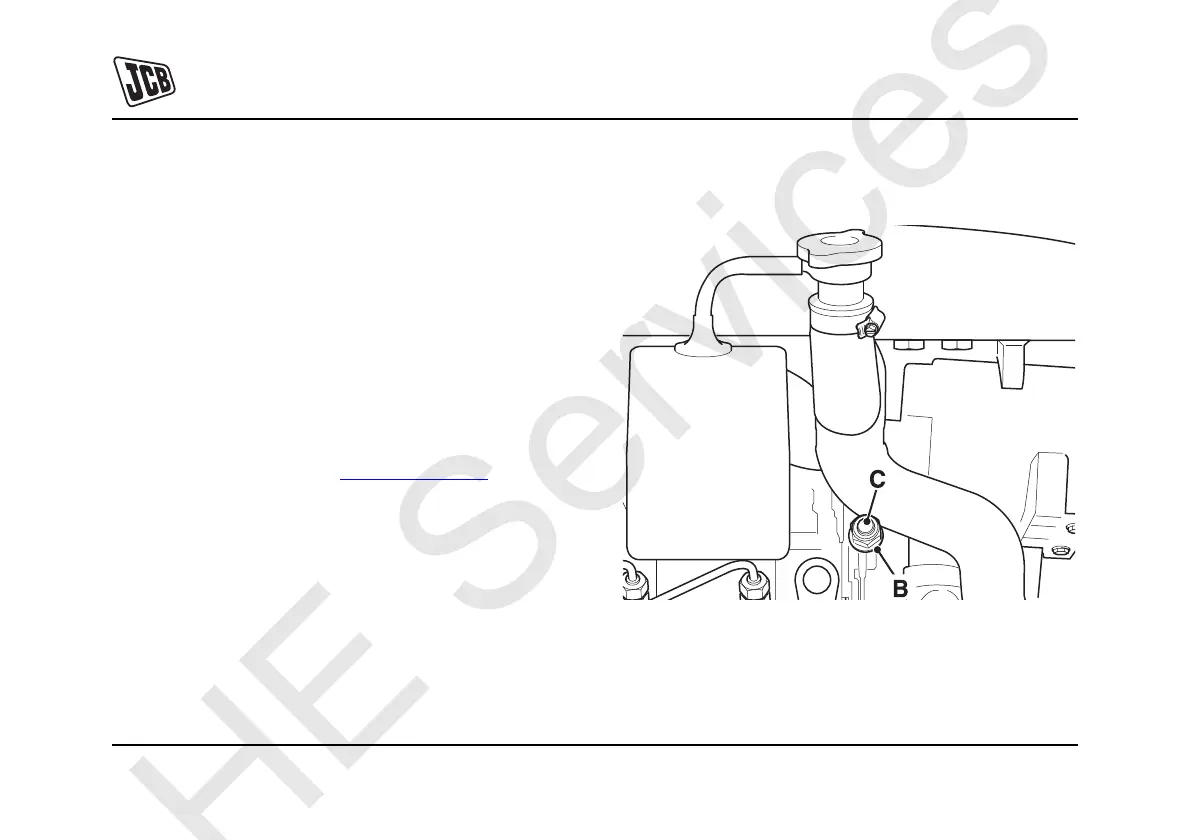
3 If necessary, adjust the fan belt as follows:
a Slacken lock nut B. K
Fig 87. ( T 229).
b Turn screw C until there is 5mm (0.2in) slack
midway between the alternator pulley and the
crankshaft pulley.
c Tighten lock nut B.
Important: Excessive fan belt slack may result in damage
to the engine timing cover.
4 Close the engine cover.
Fig 87.



 To Next Page