Operation
Drive Controls, Switches and Instruments
74 74
9811/9950-1
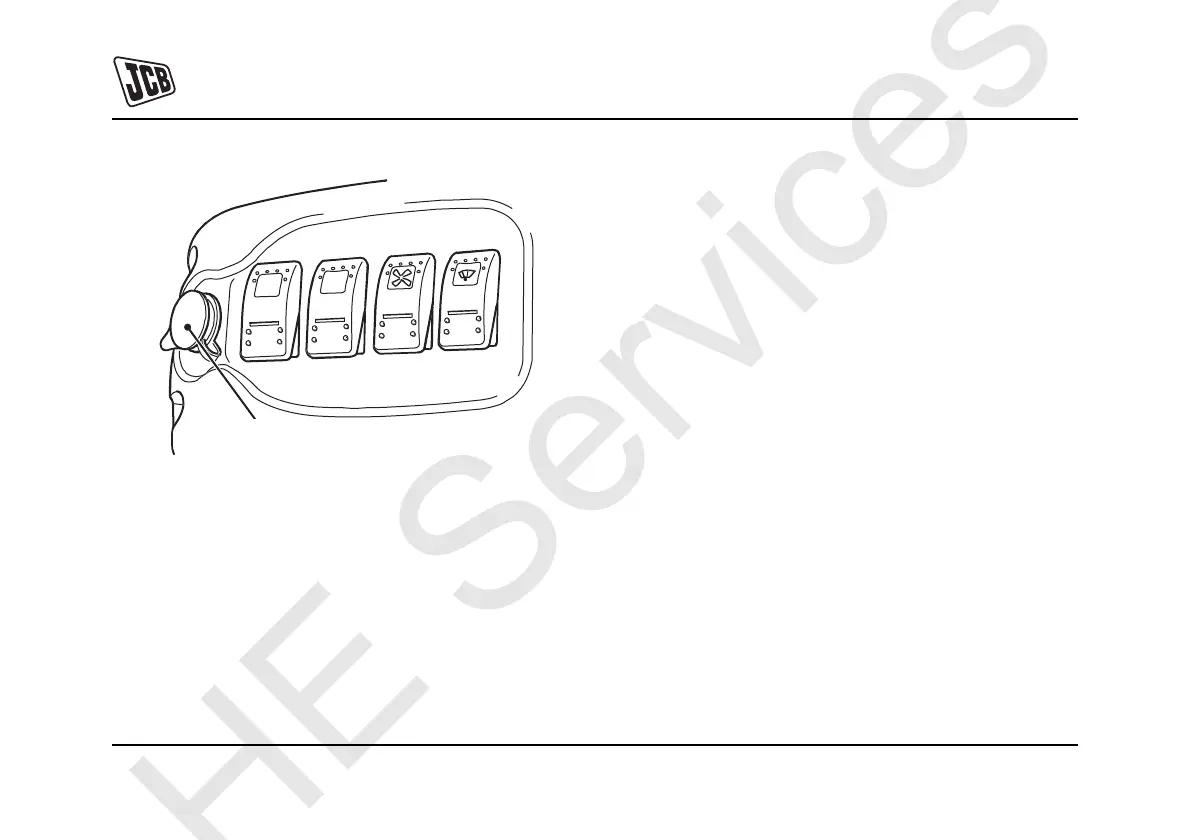
Fig 29.
Horn
The horn button is on the right hand excavator control
lever. Push the button to operate the horn. It functions only
with the starter switch set to on.
Swing/Auxiliary Switch
There is a push button switch located in the left hand
excavator control lever. Press the switch to set the swing/
auxiliary pedal to control either swing or auxiliary services.
For more information, refer to Excavator Controls and
Auxiliary Operation.
Two Speed Tracking Switch
An increase in speed can be achieved by operating the two
speed tracking push button switch located in the dozer
lever.
For more information, refer to Getting the Machine
Moving.
X


 To Next Page