133
CONNECTING TO THE PERSONAL COMPUTER-CONT'D
The following operation is required for both OS 8.6 and OS 9 X.
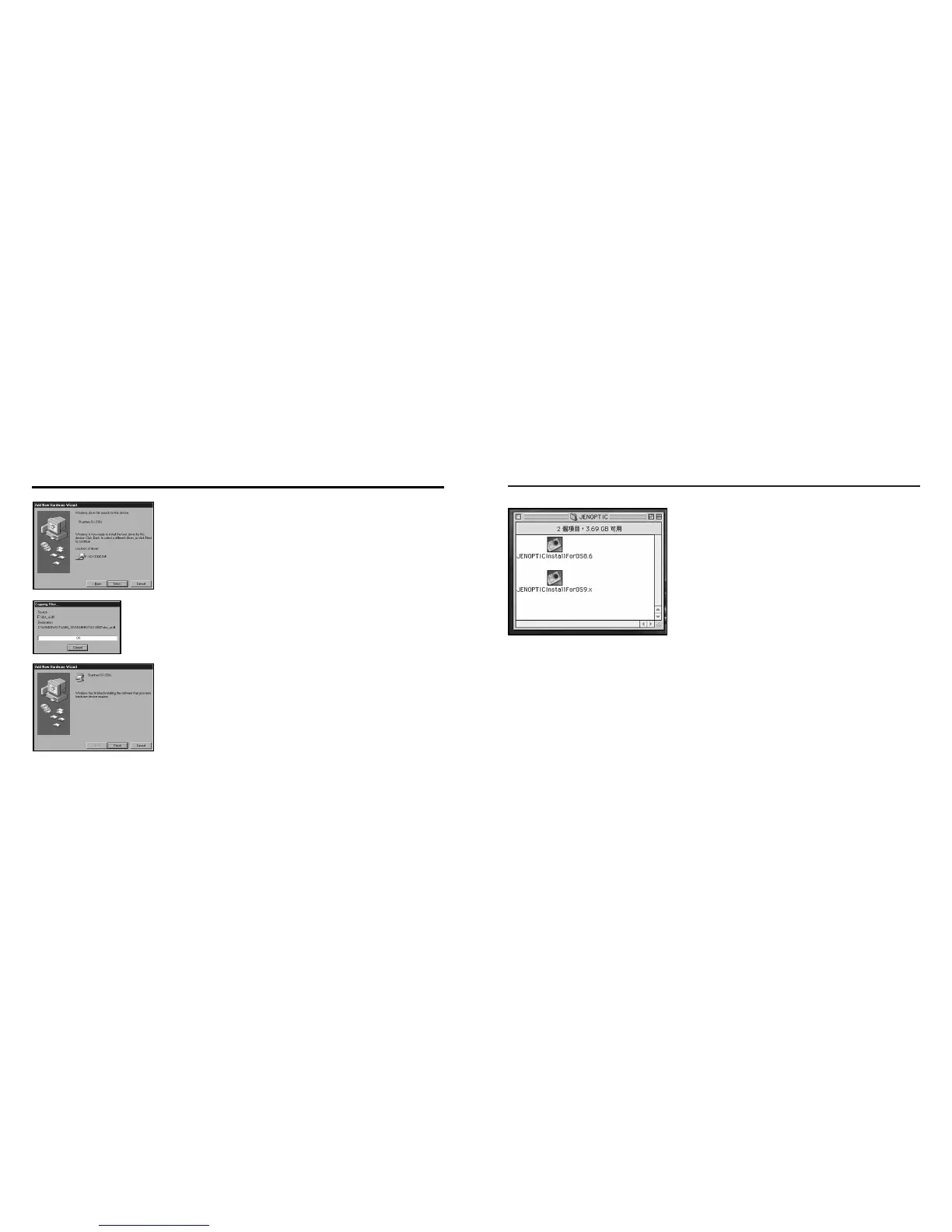
1 Select appropriate driver for your operation
system.
2 Double click icon for installation
132
INSTALLATION OF THE DRIVER AND DRIVER SOFTWARE
7. Window find digital camera device, press "Next" button.
8. Copying files, please wait for a few minutes.
9. Congratulation install success.
Remember to reboot your computer.



 To Next Page