DP350 User's Manual
- 10 -
1.10.2 Setting IP Address
1. Run NetFinder Software
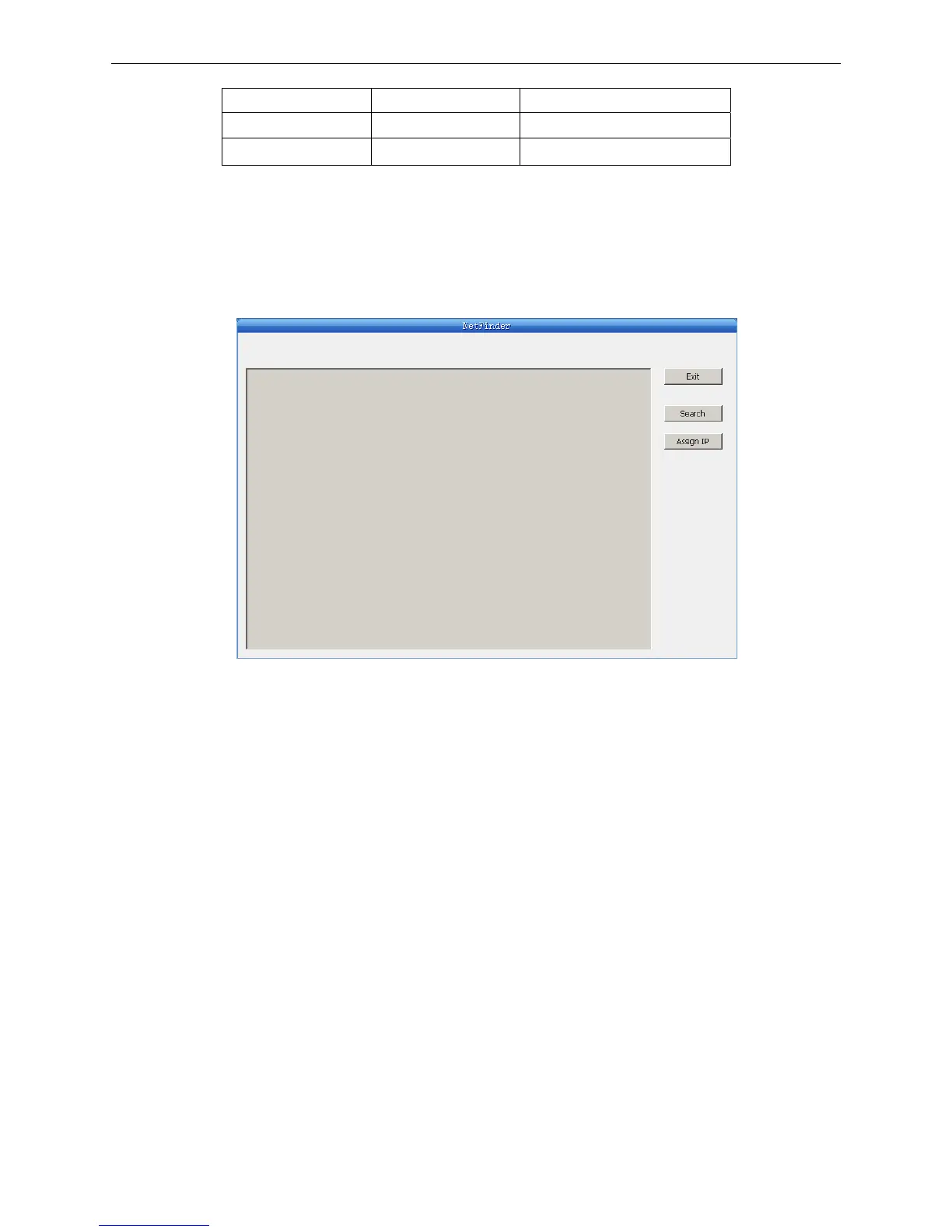
Double click NetFinder.exe in the PC which connects the printer in the same LAN. The figure of the
software is shown as follows:
2. Search printer
Click "Search" key in the main interface, the dialog box appearing would begin searching
automatically and show appearance, listing a printer in the main interface if found. The time is
counting down in the progress bar (10s in total) and the search would finish as soon as the time is
over. When going on searching, press “search” key again.
Yellow LED Green LED Description
ON Blink Connecting to network
OFF OFF Not connecting to network
Button description:
Exit — Exit from the software
Search — Search printers in the same LAN
Assign IP — Modify the IP address and other settings for the specified printer.



 To Next Page