DP350 User's Manual
- 1 -
Chapter 1 Preparation
1.1 Unpacking and Checking
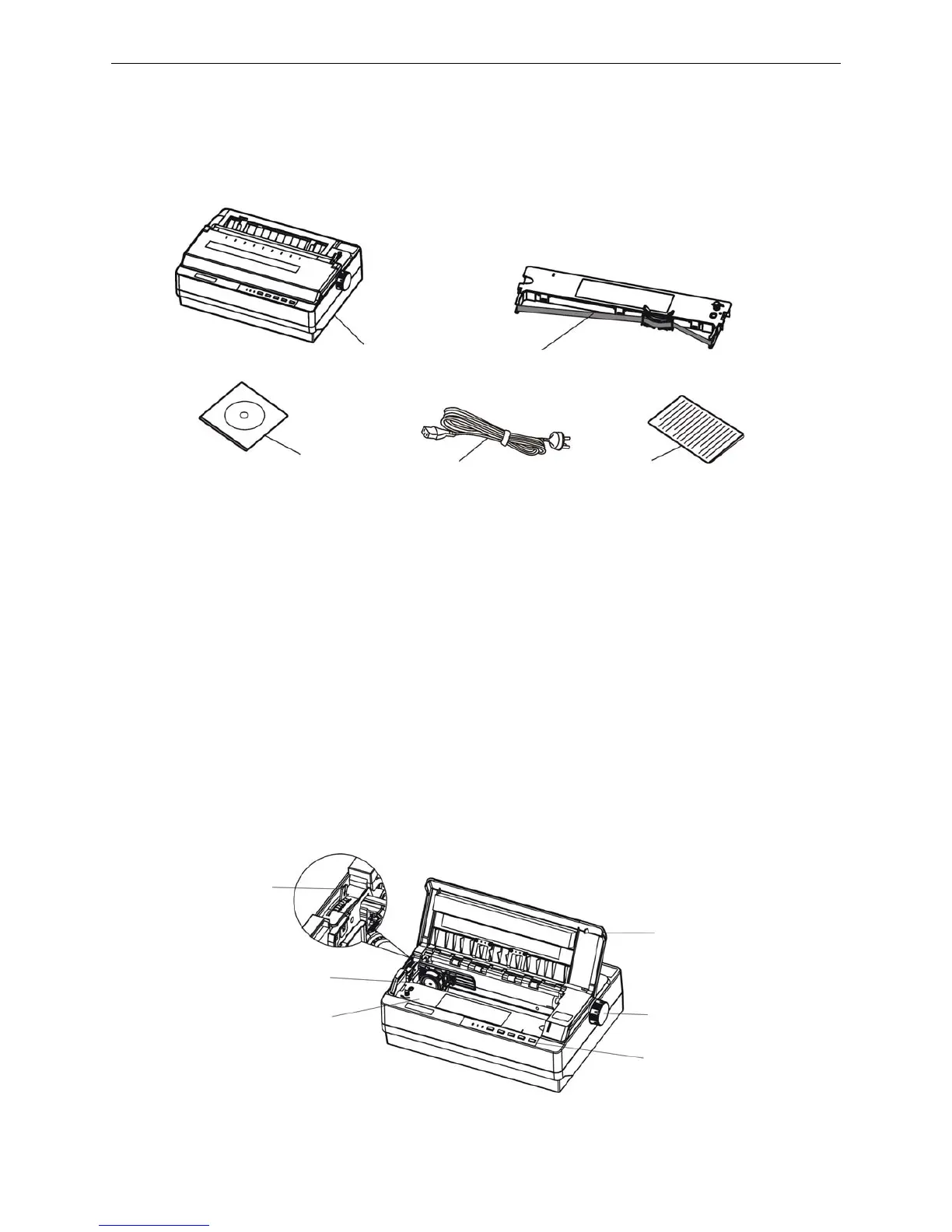
Check the following items in the packing box, if any of these items is missing, please contact your
dealer.
1.2 Removing the Protective Materials
1. Open the packing box, take out the printer.
2. Save all the original packing materials, so that it can be used when transporting the printer.
1.3 Main Parts of the Printer
Figure1-2 and figure1-3 show the main parts of DP350.
Figure 1-2 Main parts of the printer (front view)
Paper feed knob
Ribbon cartridge
Print head
Printer window
Control panel
Gap adjust lever
Figure 1-1 Packing list
A
E
B
C
D
A: Printer
B: Ribbon cartridge JMR120
C: Driver CD (Including user's manual and driver)
D: Power cord
E: Facility user’s guide



 To Next Page