DP350 User's Manual
- 31 -
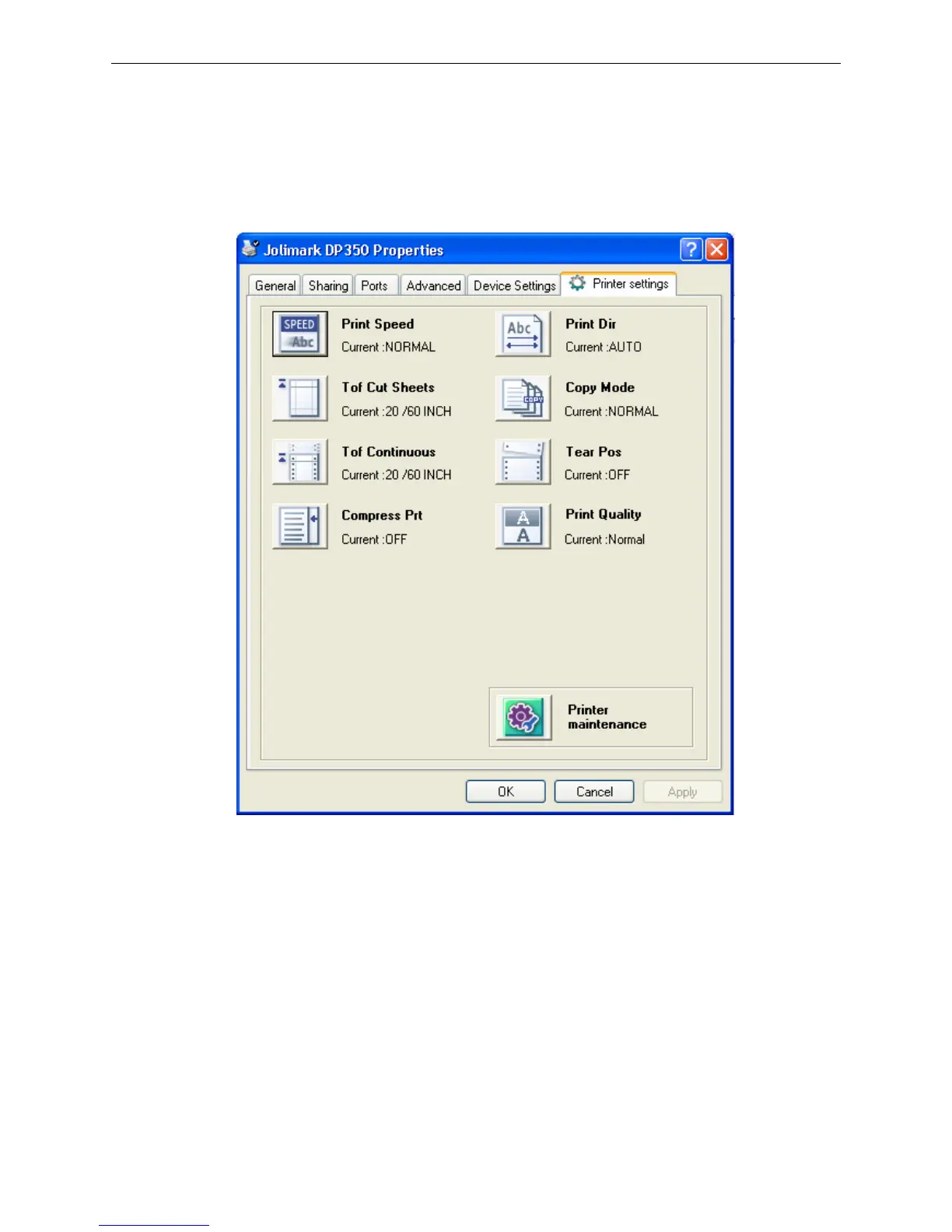
5. Printer settings are classified into three levels: the first level is the normal items, the second level is
maintenance items and the third level is non-driver settings. Items shown in Printer Settings are
normal items; Click Printer maintenance button in “Printer settings”, the items which in the popped
out window of “Printer maintenance” are the maintenance items; Click Non-driver print setup button
in “Printer maintenance”, the items which in the popped out window of “Non-driver print setup” are
the non-driver settings.



 To Next Page