DP350 User's Manual
- 33 -
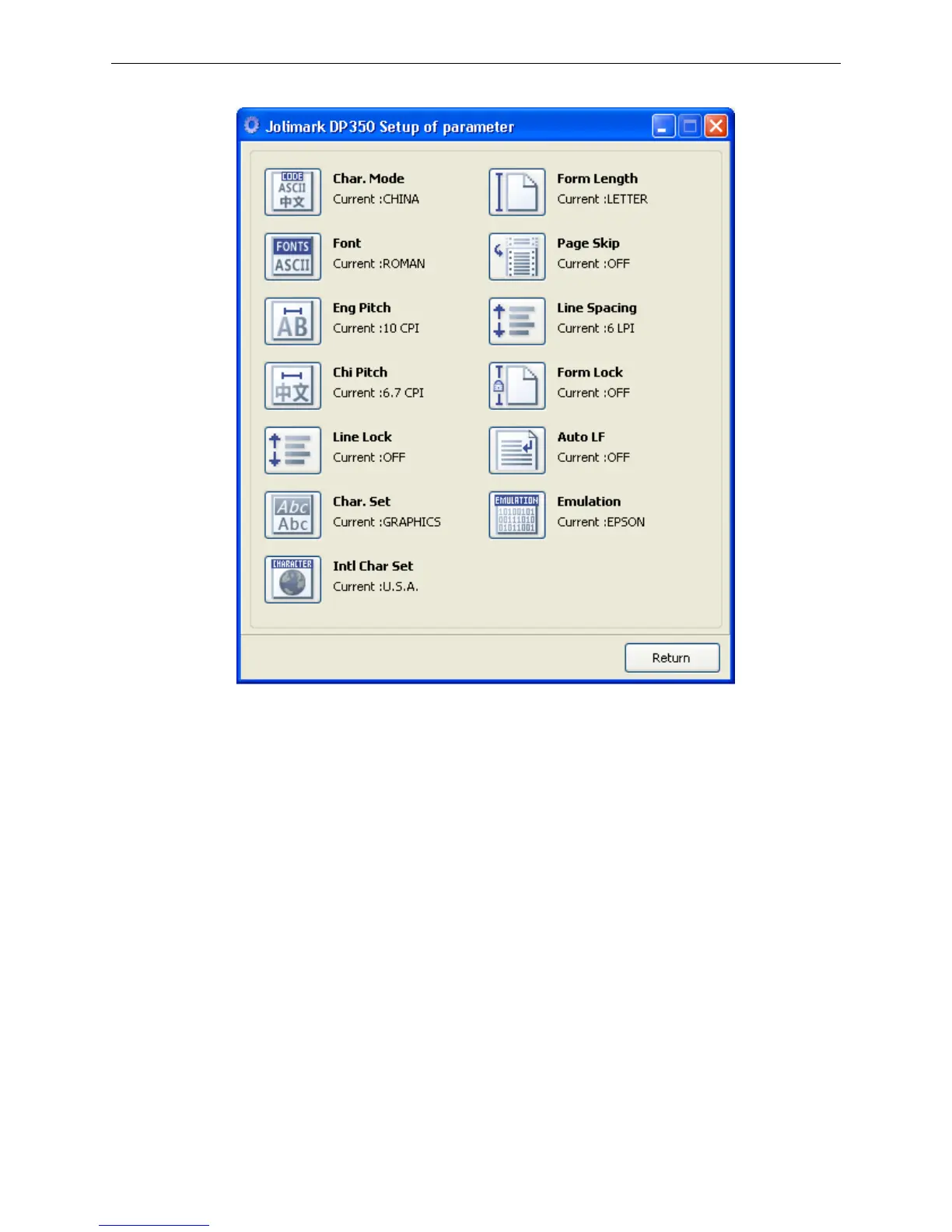
6. The left side of each items is the parameter icon, the top right is the item name and the bottom right
is the current setting. The current settings of the printer will be loaded automatically when opening
each parameters settings window. If the printer doesn’t online or use the wrong port, the current
settings will be blank, therefore, please make sure the printer is in ONLINE mode and the printer
should connect the computer with the correct port.



 To Next Page