③
Performing sewing using the edited sewing pattern
4-2-3. Editing the sewing patterns
(1) Edit method (in the case free stitching, constant-dimension sewing or multi-layer stitching is
selected)
* In the case polygonal-shape stitching is selected, refer to
"8-1. Setting up the polygonal-shape
stitching" p. 78
.
①
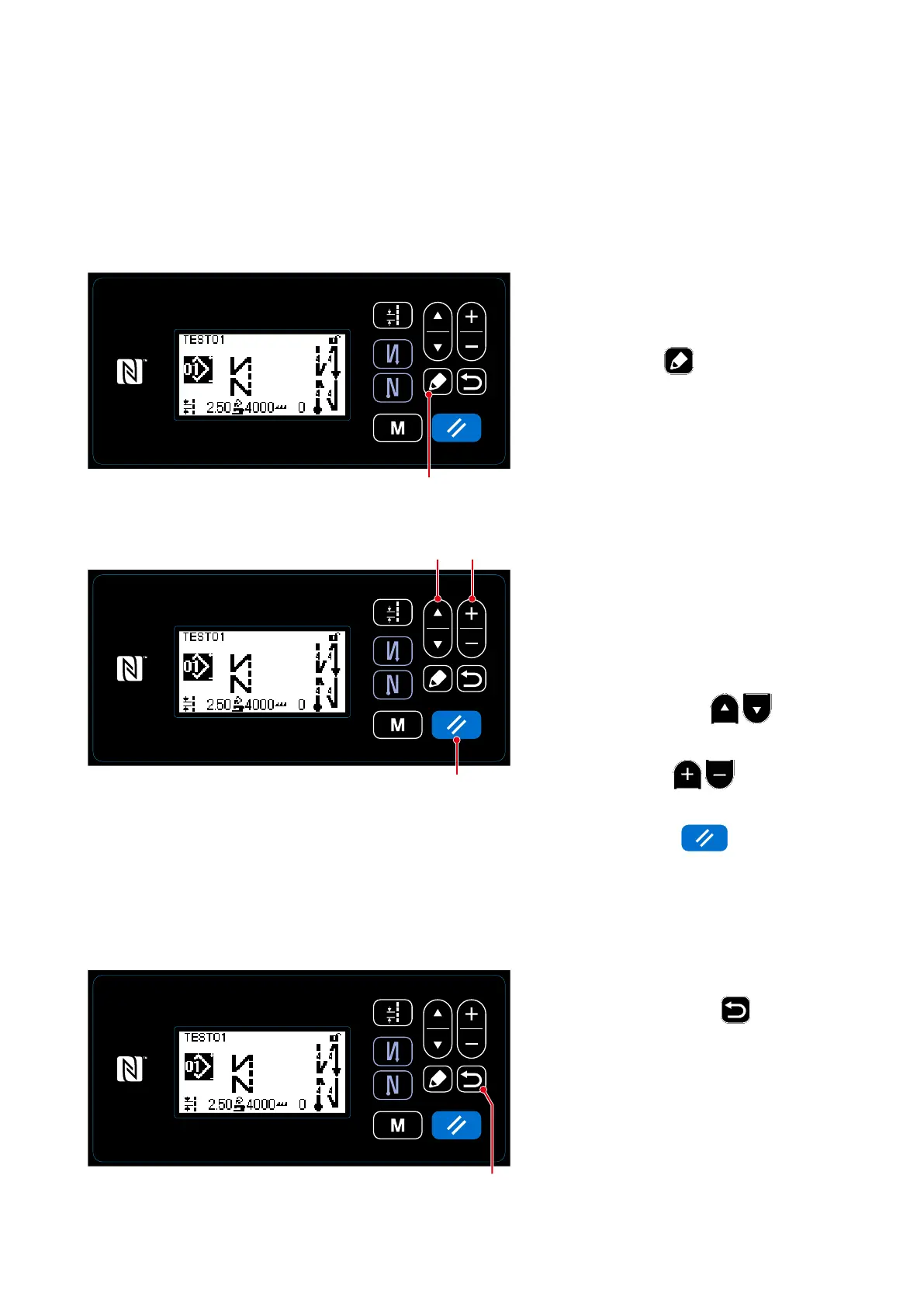
Displaying the sewing pattern edit screen
On the sewing screen which is displayed
in the case free stitching, constant-di-
mension sewing or multi-layer stitching
is selected, press
❺
to display the
sewing pattern edit screen.
On this screen, the pattern functions can
be edited separately.
Refer to
"4-2-4. List of pattern func-
tions" p. 35
for the function items that
can be edited.
Select the edit item with
❶
. In-
put a desired numeric value or make ON/
OFF selection with
❷
.
Return the item value to the previous one
(before editing) with
❽
. The initial
state is retrieved by keeping this key held
pressed for one second.
<Sewing screen>
<Sewing pattern edit screen>
Change the item, then return the screen
to the sewing screen with
❻
.
Data you have changed is displayed on
the screen.
<Sewing screen>
❻
❺
②
Editing the sewing pattern
❶ ❷
❽
– 33 –



 To Next Page
 Loading...







