– 17 –
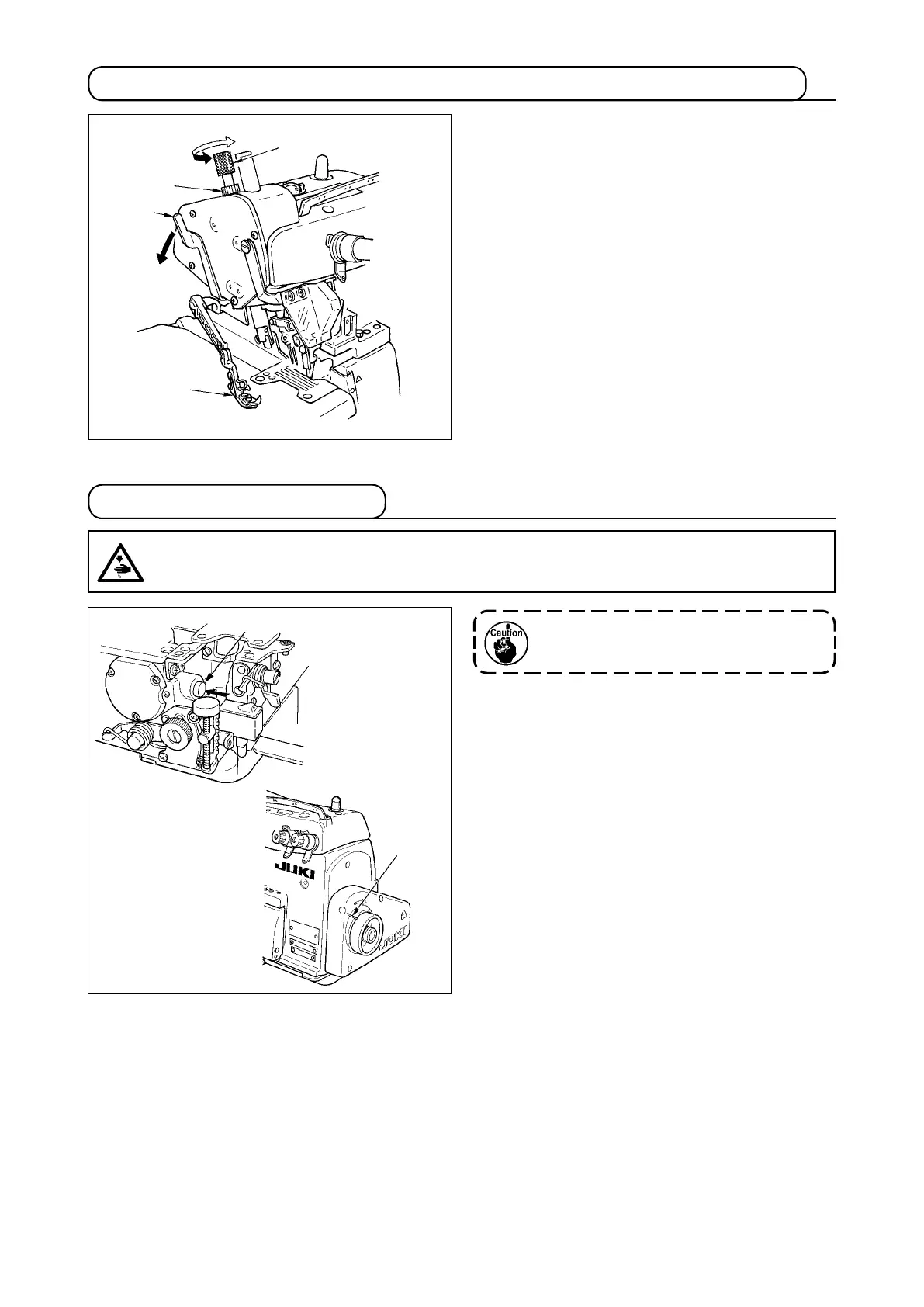
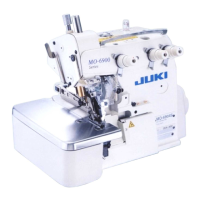
1) Adjust the pressure of the presser foot by loos-
ening rst nut
❹
and turning presser foot adjust
screw
❶
.
When the adjust screw is turned clockwise, the
pressure will increase. When it is turned coun-
terclockwise, the pressure will decrease.
After the adjustment, be sure to turn nut
❹
with-
out fail.
2) To open presser foot
❷
sidewayd, raise the nee-
dle to the highest position of its stroke and lower
presser bar lifting lever
❸
.
1) Slowly turn the handwheel as you keep depress-
ing pushbutton
❶
, and you will nd a point at
which the pushbutton goes in farther.
2) With the above condition maintained, align the
desired scale mark on the handwheel with mark
❷
on the belt cover.
3) Reset the pushbutton
❶
after setting the dial.
4-5.Adjustingthestitchlength
CAUTION :
Toprotectagainstpossiblepersonalinjuryduetoabruptstartofthemachine,besuretostartthe
followingworkafterturningthepoweroffandascertainingthatthemotorisatrest.
To carry out adjustment, remove the cloth
plate in advance.
4-4.Adjustingthepressureofthepresserfootandremovingthepresserfoot
❶
❷
❹
❸
❶
❷


 To Next Page