– 19 –
❸
❶
❷
5. OPERATION
5-1.Sewingprocedure
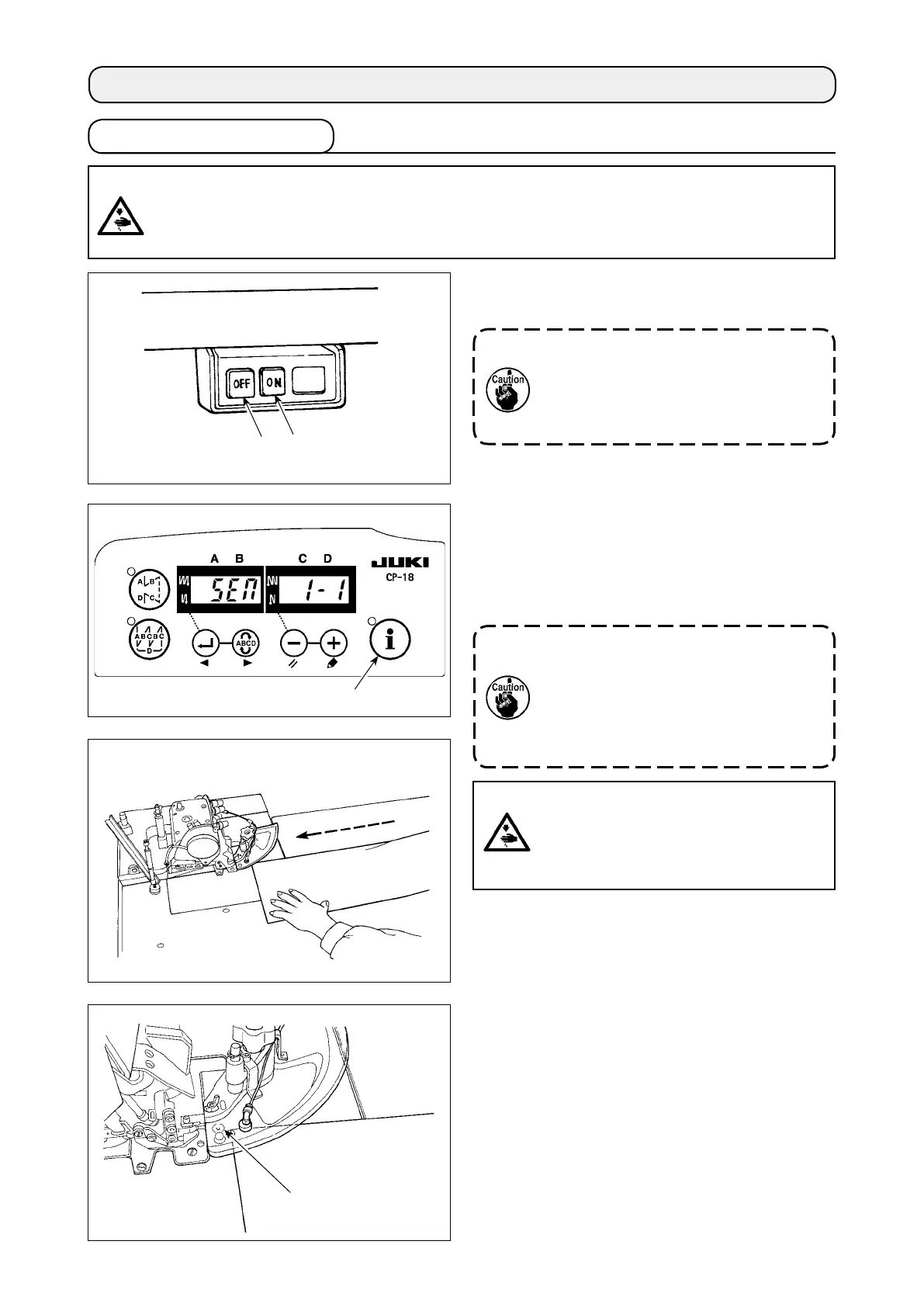
1) Press ON button
❶
of the power switch to turn
ON the power.
Whenthebuzzeriskeptbeepingimme-
diatelyafterturningONthepower,press
OFFbutton
❷
onthesewingmachineto
turnOFFthepowersinceconnectionof
thecordorpowervoltagemaybewrong.
Indicationgivenafterturningthepoweron
2) After the power to the machine is turned on, the
indication shown below appears on the opera-
tion panel.
The setting item "SEM" ashes on and off.
Themachinewillnotstartaslongasthe
lampashesonandoff.Ifthisindication
does not appear on the operation panel, turn
off the power to the machine. If the machine
head is not selected correctly, the indication
will not appear on the operation panel.
RefertotheEngineer'sManualfordetails.
Fig.A
3) When
❸
is pressed while it is ashing on and
off, the machine gets ready for sewing. Insert
the material along the cloth guide from the direc-
tion of the arrow as shown in Fig. A.
When the material is inserted on start sensor
❹
located this side of the throat plate, the machine
starts running to perform sewing.
CAUTION :
• Never start the machine with the eye protector cover raised in order to prevent injury accidents
causedbytheneedleandtheknife.
• Themachinebecomeshotwhenitisrunningcontinuouslyorafterithasrun,nevertouchthe
sewingmachine.
CAUTION :
Neverremovetheclothguidewhilethe
machineisreadyforsewinginorderto
prevent accidents caused by abrupt start
of the machine.
❹


 To Next Page