NOTES:
• Be careful not to c_>ver the camera sens_r; built-in
here is the sensor necessary f_r shooting.
• 115 rnirlutes elapse in the Record-Starldby mode,
power shuts off automatically to conserve energy
and pnrect the heads. To turn the camcorder on
again, push back and pull out the viewfinder
again. As long as you dorl't take out the tape you
were usirlg or play it back, you can cr)rltirlue from
where you left off with no noticeable break on the
recorded video.
• When a blank portion is left between recorded
scenes on the tape, the time code is interrupted
and error_ rnay occur when editing the tape.
Continue recording from where you stop so there
are no gaps by lbllowing "Recording l)'_m_ the
middle of a tape" (_ / pg. 20).
• Record-Standby means that a tape is loaded and
the camcorder is ready t_: record.
• During recording, sound is riot heard froln the
speaker: If you vvar_t to hear the sotlnd, connect
_;ptiorlal hearlphones to the headphorles jack. The
sound w)lume at this point is the same as the level
it was adjusted during pbyback.
• To make the indications disappear, press and hold
the IND.ON/OFF buttorl lbr more than approx, 1
second. However, it is inwossib/e to remove the
tape running indicator "_1_-" and wan-ring
indications and so on t_ / pg: 7gk
• When the batter), remaining power indicator
appears as C:Z], that means the battery power is
close to nil. When the batter), po_wer is exhausted,
power turns off aut_m_atical/)<
TopeRemainingIndkotor
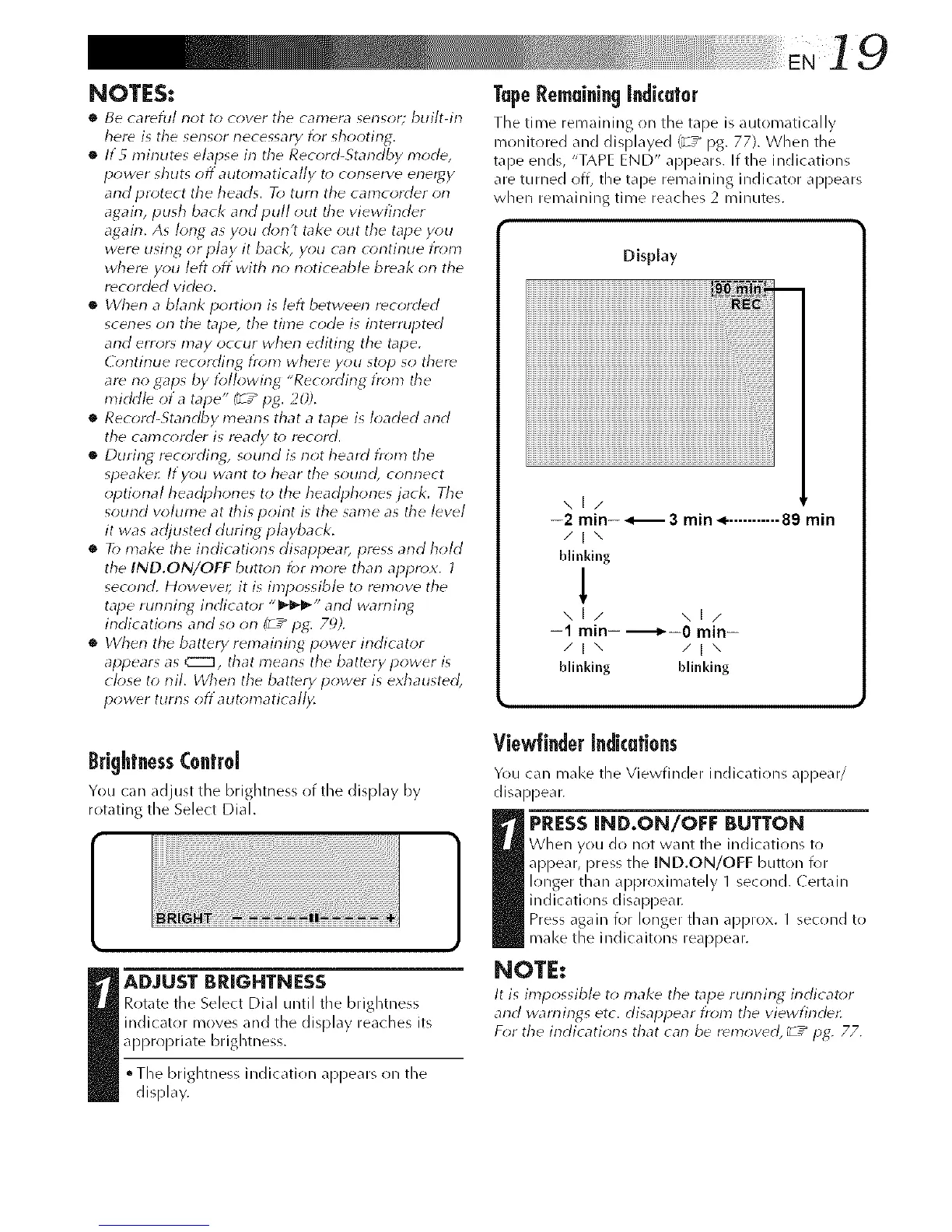
The time remaining (in the tape is automatically
iT/onitored and displayed ('_ / pg. 77). When the
tape ends, "TAPE END" appears. If the indications
are turned off, the tape remaining indicator appears
when remaining time reaches 2 minutes.
Display
,,,1/
--2 min-- _ 3 min ,,_-........... 89 min
/1\
blinking
1
\1/ \1/
-1 min- --------_-0 min-
/Ix /ix
bffnklng blinking
BrightnessControl
You can _djust the brightness of the display by
rotating the Select Dial.
_ ADJUST BRIGHTNESS
Rotate the Select Dial until the brightness
indicator moves and the display reaches its
apl>ropriate brightness.
°The brightness indication appears on the
display.
ViewffnderIndicotions
You can mal<e the Viewfinder indications appear/
disappear.
_ RESSIND.ON/OFF BUTTON
When you do not want the indic_tions to
appear, press the IND.ON/OFF button for
longer than approximately 1 second. Certain
indications disappear.
Press again for longer than approx. 1 second to
make the indicaitons real)pear.
NOTE:
It is impossible t_ make the tape running indicator
and wan-tings etc. disappear from the viewfinde¢:
For the indications that can be removed, _ -_ pg. 77.



 To Next Page