EN¸5 ]
PlaybackSound
During playback, tile c_u_/corder detects tile sound mode in which the recording w_s m_de, and plays the
sound b_d<. Select the type of sound to accomp_uly your playb_d< picture. (_2 kHz is preset to "SOUND 1"
_md 48 kHz is preset to "FULL SOUND".)
RECORDING SOUND
_2 kHz
48 kHz
DISPLAY
FULL SOUND
SOU N D 1
SOU N D 2
FULL SOUND
SOU N D 1
SOU N D 2
OUTPUT SOUND
Stereo sou nd
Stereo sound
"L" sound is output on both channels
"R" sound is output on both channels
When watching a tape recorded at 32 kHz, if you want to change the output sound, access the Playback
Menu and, in step 3 on [)age 50, select " _2kHz MODE" and set it for "FULL SOUND", "SOUND 1" or
"SOUND 2". When playing back a tape recorded at 48kHz, set in the same manner. For information on
output sound during Audio Dubbing, see [)age 66.
NOTES:
• Y_*u can also* use the ren_*te control% AUDIO MONITOR button to change the _*Utl)Ut sound (without
havin_ to access the Playback Merlu). Make sur_ you I)oirlt the r_mot_ corltro/ at the cal_o;rcler's r_n_ot_
serlso£
• During playback, the camcorder d_tects the sourlcl n_ocle in which the recorcling was made. This detection
carlrlot be made durirlg fast-for_,uarcl or re_,wrlcl. Durirlg playback the sound mode is displayed irl the Ul_per
Weftcomer.
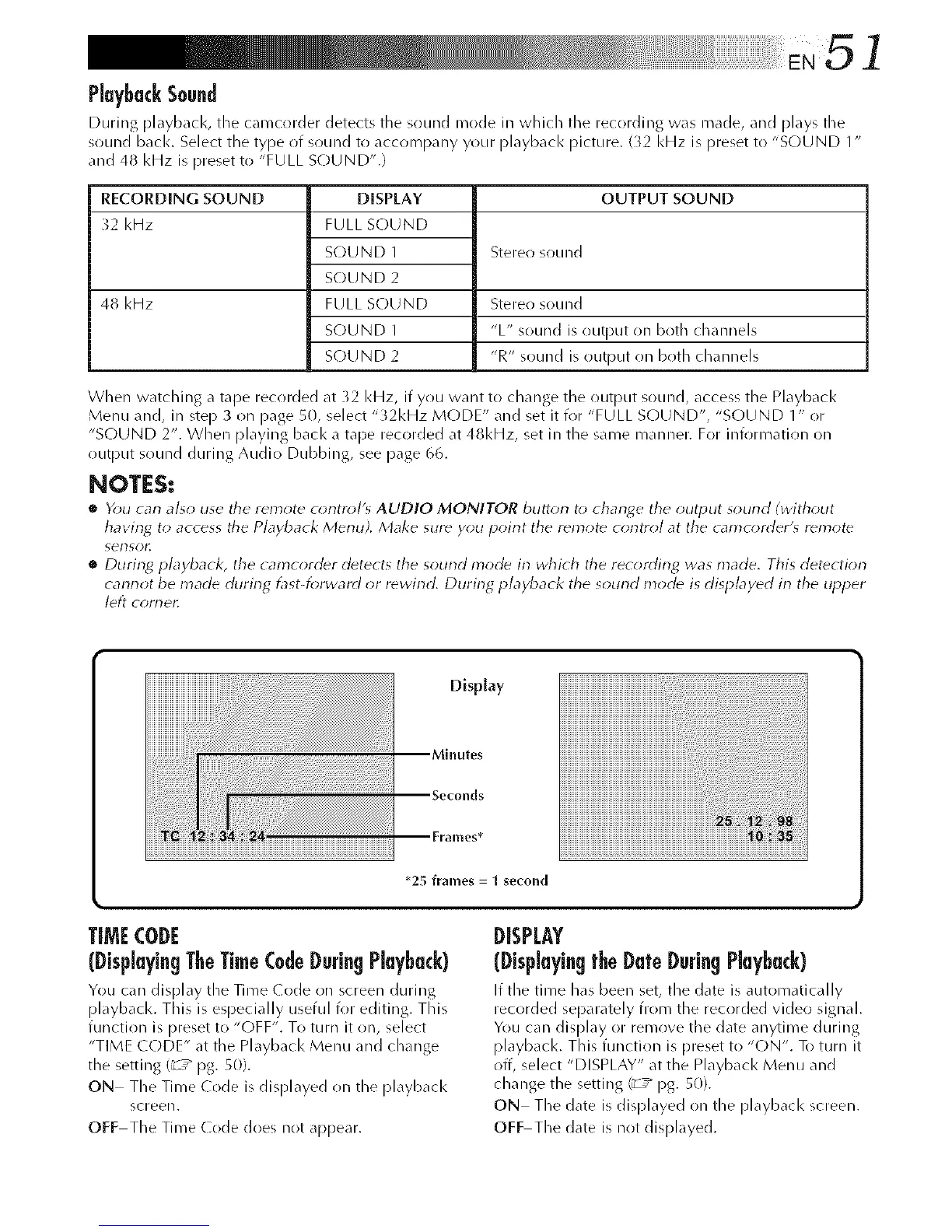
Display
*25 frames = 1 second
iiii
TIMECODE
(DisplayingTheTime(0de Durin_Playback)
You c_m display the Time (de _n screen during
pl_ybacl<. This is especially useful for editing. This
function is preset to "OFF". To turn it _n, select
"TIME CODE" at the Playback Menu and change
the setting (_-T_ pg. 50).
ON The Time Code is displayed on tl_e playback
screen.
OFF The Time (ode does not appear.
DISPLAY
(Displayingth_D_t_Durin_Playback)
If the time h_s been set, the d_te is _utom_tically
recorded separately from the rec(irded video sign_ll.
You can display or remove the date anytime during
playbacl<. This function is preset to "ON". To turn it
off, select "DISPLAY" at the Playback Menu and
change the setting (_' ,_ pg. 50).
ON The date is displayed on the playbacl< screen.
OFF The date is not displayed.



 To Next Page