6482-901-01 Rev. A / August 2012 Return to Section Topics 1-17
Model 6482 Dual-Channel Picoammeter / Voltage Source Reference Manual Section 1: Getting Started
• A change is only executed when ENTER is pressed. Entering an invalid parameter
generates an error, and the entry is ignored. However, entering an out-of-range value (too
small or too large) selects the lower or upper limit, respectively.
• Press the EXIT key to return to the previous menu. Any change that is not entered is
cancelled when EXIT is pressed.
NOTE Although changes to menu items require that ENTER key be pressed, changes to source
values will be updated immediately.
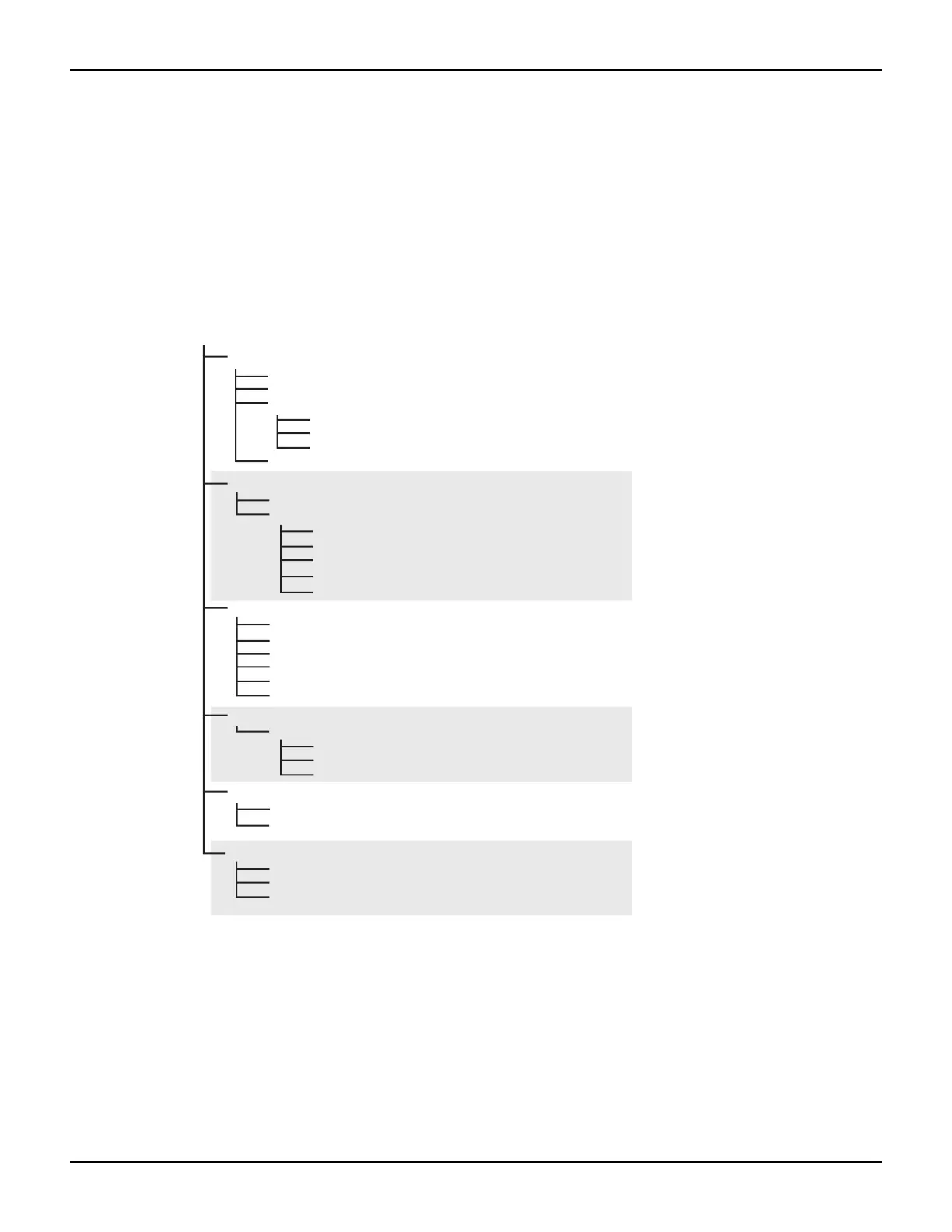
Figure 1-3
Main menu tree
Editing voltage bias values
Use the following keys to edit voltage bias values:
• SRC1 or SRC2: selects the channel 1 (Src1) or channel 2 (Src2) source display field on the
lower line for editing. A blinking cursor will appear in the field to be edited. If no key is
pressed within a few seconds, the edit mode will be cancelled automatically.
•EDITand places the display cursor on the display digit to be changed.
Press the MENU key (Use and to select an item, and then press the ENTER Key)
SAVESETUP
SAVE
RESTORE
POWERON
BENCH
GPIB
USER-SETUP-NUMBER
RESET
COMMUNICATION*
GPIB
RS-232
BITS
PARITY
TERMINATOR
FLOW-CTRL
CAL
UNLOCK
EXECUTE
VIEW-DATES
SAVE
LOCK
CHANGE-PASSWORD
TEST
DISPLAY-TESTS
BAUD
KEYS
DISPLAY-PATTERNS
CHAR-SET
A/D CTRL
AUTO-ZERO
LINE-FREQUENCY
GENERAL
SERIAL#
TIMESTAMP
NUMBERS
* When changing interface selections, the Model 6482 performs a power-on reset. To
check or change options of the selected interface, you must re-enter the menu structure.



 To Next Page