6482-901-01 Rev. A / August 2012 Return to Section Topics 7-5
Model 6482 Dual-Channel Picoammeter / Voltage Source Reference Manual Section 7: Sweep Operation
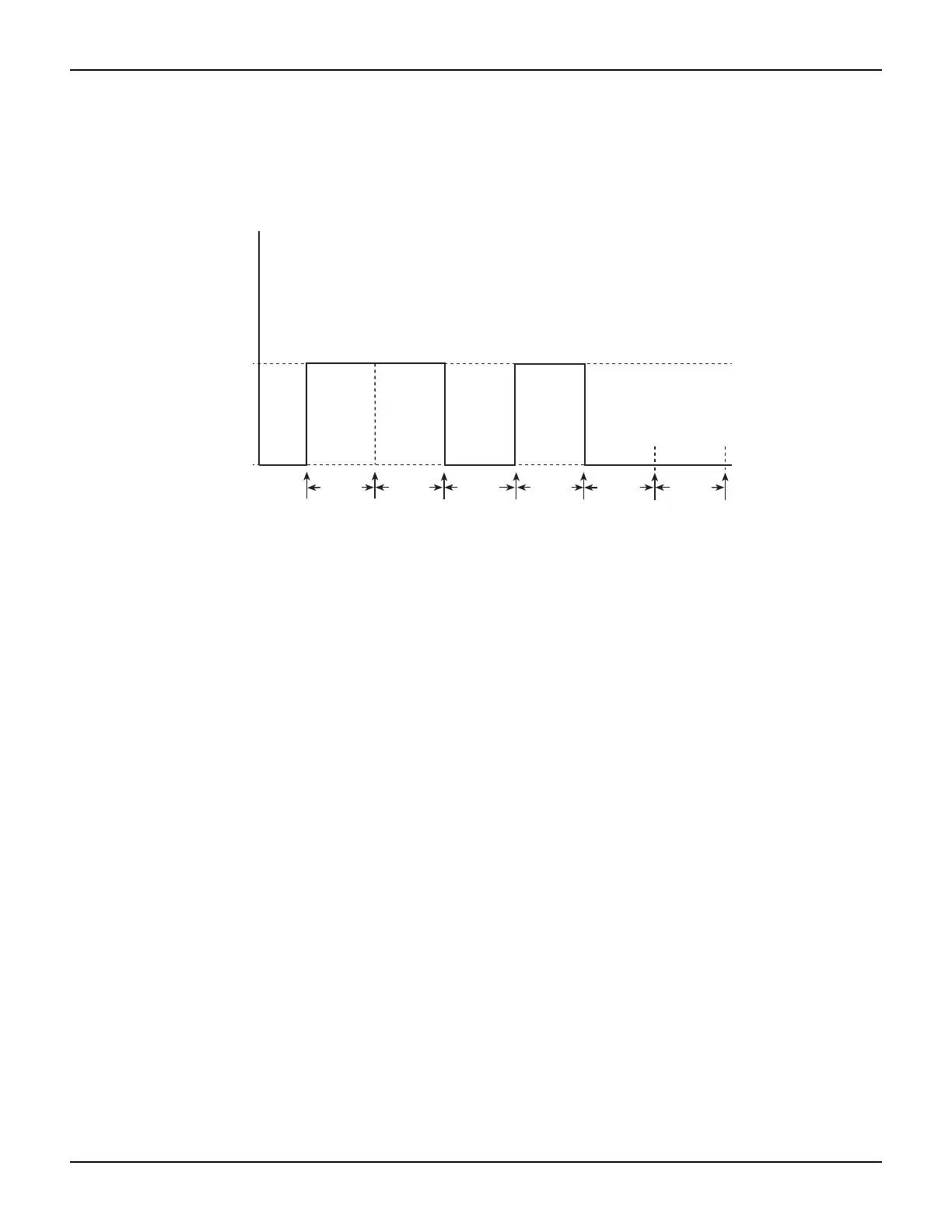
Figure 7-4 shows a custom sweep example with different pulse widths. In this example, the first
two points are configured with the same source value so that the duration of the first pulse is
effectively doubled.
Figure 7-4
Custom sweep with different pulse widths
Configuring and running a sweep
This topic discusses the procedure for setting up and performing sweeps including selecting and
configuring a sweep, setting the delay, and performing a sweep.
Front-panel sweep operation
Configuring a sweep
The sweep configuration menu is structured as described in the following paragraphs, and as
shown in Figure 7-5. Note that bullets indicate the primary items of the sweep menu and dashes
indicate the options of each menu item. Using Section 1, “Rules to navigate menus,” go through
the following menu to select and configure the sweep.
NOTE Before configuring a sweep, press SRC1 or SRC2 to select the channel to be used for the
sweep. You can also switch between channel 1 and channel 2 by pressing SRC1 or
SRC2 while in the CONFIGURE SWEEPS menu.
CONFIGURE SWEEPS menu:
Press the CONFIG key and then the SWEEP key to display the sweep configuration menu.
• TYPE: Use this menu item to select the type of sweep:
– NONE – Disables all sweeps.
– STAIR – When the linear staircase sweep is selected, you will be prompted to enter the
START, STOP, and STEP levels.
– LOG – When the logarithmic staircase sweep is selected, you will be prompted to enter
the START and STOP levels and to specify the number of measurement points.
– CUSTOM – With the custom sweep selected, you specify the number of measurement
points (#-POINTS) in the sweep and the source level at each point (ADJUST- POINTS).
1V
Bias 0V
#1 #2
#3 #4
#5
#6 #7
Delay Delay Delay Delay Delay Delay
All have same delay, but pulse widths differ.



 To Next Page