X8 MIG WELDER 2.5 Operation
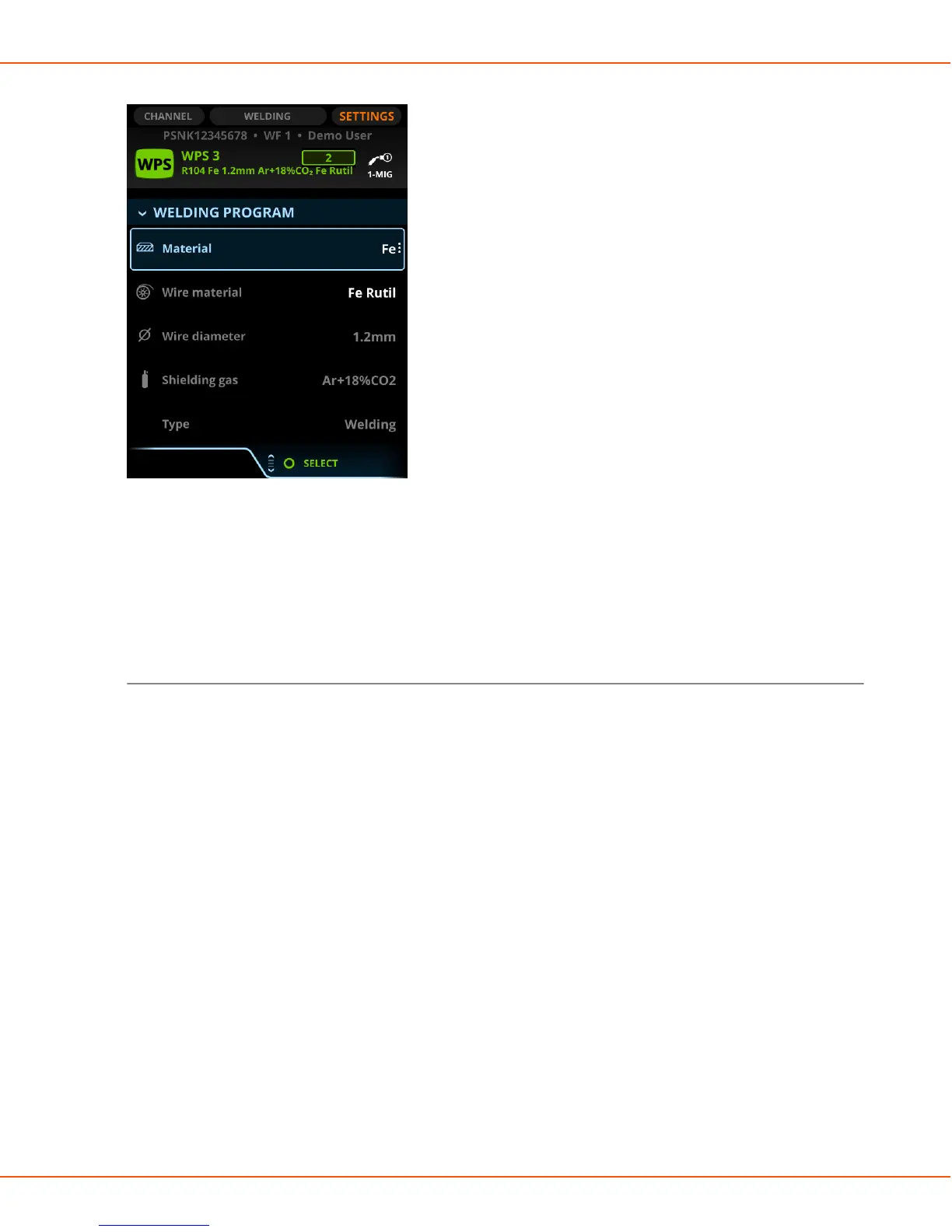
Figure 19: The Welding program menu in Settings
You can use the filters under Welding program to filter the welding programs on the selection
list. You can also select the needed welding program without using the filters.
The parameters available in Settings vary according to the selected welding process and the
Basic/Advanced mode.
Welding program menu
The filters under Welding program are:
1. Material
Select the material of the welding piece.
2. Wire material
3. Wire diameter
4. Shielding gas
5. Type
Select welding/brazing or cladding.
6. Process
7. Polarity
Not available for all materials.
Which polarity is in use. If the polarity is positive (+), connect the + side to the wire feeder.
8. Welding program
After filtering, this column displays the suitable welding programs.
Channel view
OPERATING MANUAL | EN 103
©
KEMPPI 2017 | 1817


 To Next Page
 Loading...