20 DDX6021BT/DDX6051BT/DDX4021BT/DDX4051BT/DDX3021/DDX3051
Settings for disc playback
Disc Setup items Selectable setting/item Initial: Underlined
For DVD/DVD-VR
Menu
Language
Select the initial disc menu language; Initial English (☞ page 62).
Subtitle
Language
Select the initial subtitle language or erase the subtitle (OFF); Initial
English (☞ page 62).
Audio
Language
Select the initial audio language; Initial English (☞ page 62).
Down Mix When playing back a multi-channel disc, this setting affects the
signals reproduced through the front and/or rear speakers.
♦ Dolby
Surround
: Select this to enjoy multi-channel surround
audio with Dolby Surround.
♦ Stereo : Normally select this.
Dynamic
Range Control
You can change the dynamic range while playing Dolby Digital
software.
♦ Wide : Select this to enjoy a powerful sound at a low
volume level with its full dynamic range.
♦ Normal : Select this to reduce the dynamic range a
little.
♦ Dialog : Select this to reproduce the movie dialog
more clearly.
For discs
except VCD/CD
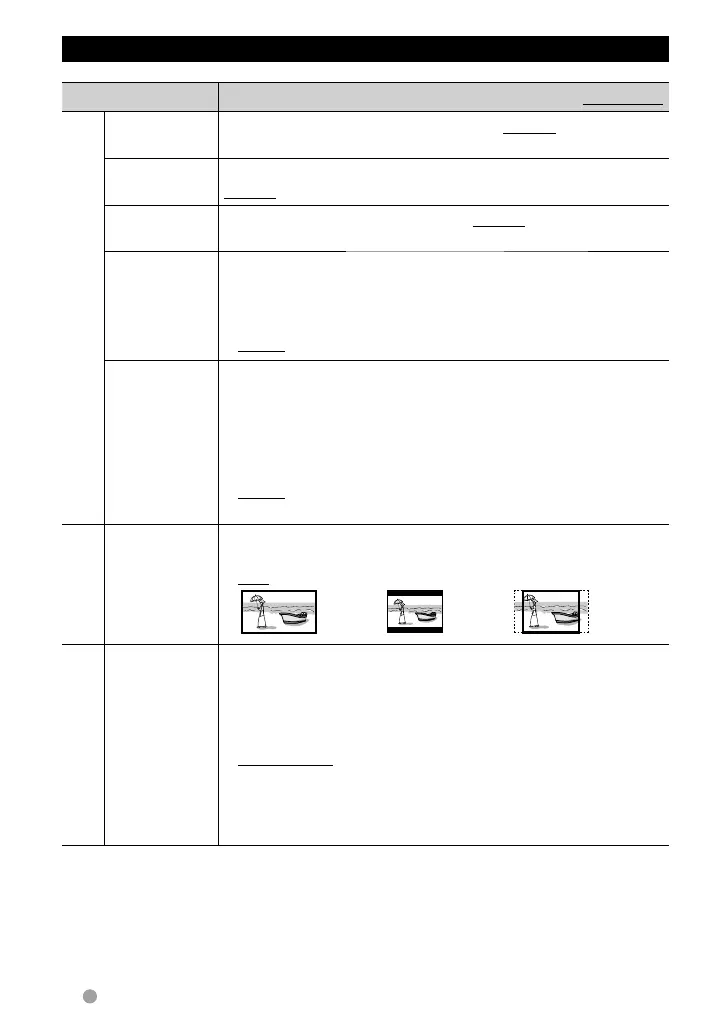
Screen Ratio Select the monitor type to watch a wide screen picture on the
external monitor.
♦ 16:9 ♦ 4:3 LB (Letterbox) ♦ 4:3 PS (PanScan)
For discs containing
audio/video/picture files
File Type Select the playback file type when a disc contains different types of
files.
♦ Audio
♦ Still Image
♦ Video
♦ Audio&Video
: Plays back audio files.
: Plays back JPEG files.
: Plays back DivX/MPEG1/MPEG2 files.
: Plays back audio files and DivX/MPEG1/MPEG2
files.
• For playable file types, ☞ page 15.
• If the disc contains no files of the selected type, the existing files
are played in the following order: audio, video, then still image.
EN_LVT2269-001A_EQ.indb 20EN_LVT2269-001A_EQ.indb 20 11/11/28 10:0811/11/28 10:08



 To Next Page