English 31
☞ page 32
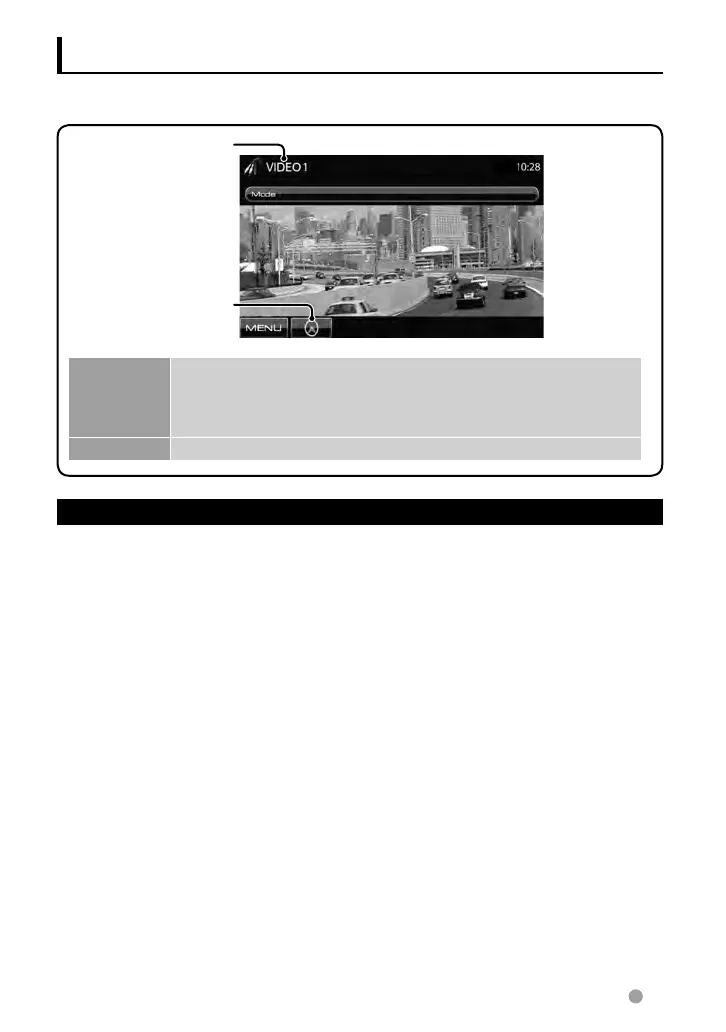
AV-IN name (
☞ below)
You can connect an external component to
the AV-IN terminal.
Preparation:
If you want to use AV-IN2, select <AV-IN2>
for <AV Input> setting. (☞page 42)
1 Connect an external
component.
To connect it, ☞ page 70 , 71.
2 Select “AV-IN 1” or “AV-IN 2” as
the source. (☞ page 13)
Using other external components
To display the source control screen, ☞ page 13.
[Mode] Changes the AV-IN name.
• Press [2] or [3] to select an AV-IN name.
• This setting does not affect the source name “AV-IN 1”/ “AV-IN 2”
displayed on <Top Menu>.
[MENU] Displays <Top Menu> screen.
3 Turn on the connected
component and start playing
the source.
AV-IN
EN_LVT2269-001A_EQ.indb 31EN_LVT2269-001A_EQ.indb 31 11/11/28 10:0811/11/28 10:08



 To Next Page