40 DDX6021BT/DDX6051BT/DDX4021BT/DDX4051BT/DDX3021/DDX3051
Setting menu items
• You cannot change <Audio> settings when the unit is in standby.
Menu item Selectable setting/item Initial: Underlined
Audio
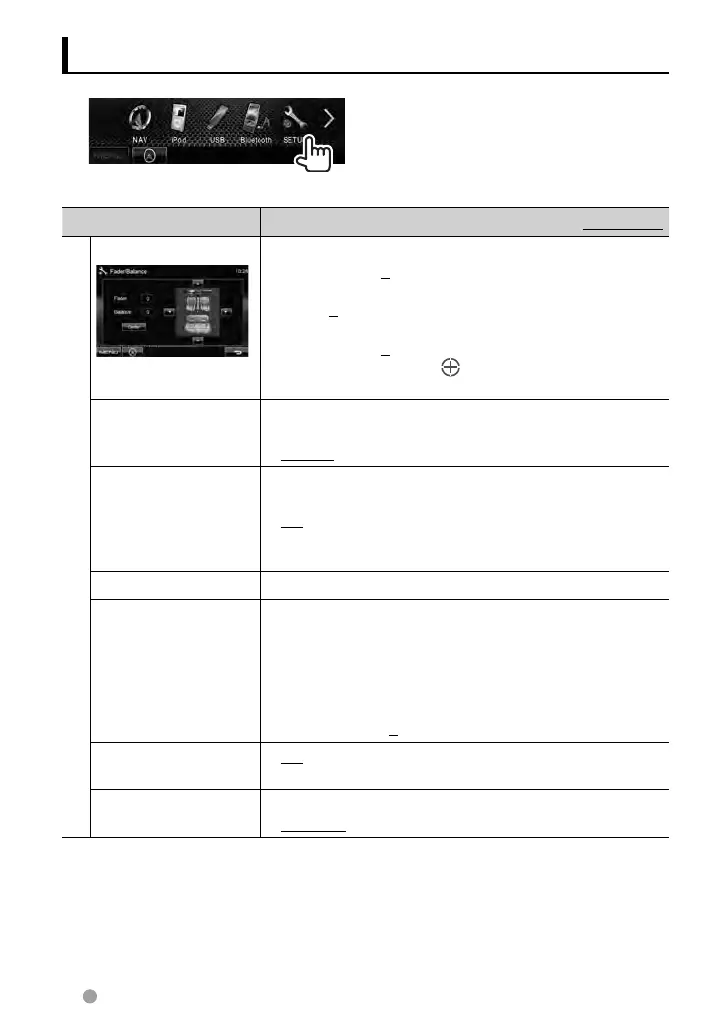
Fader/Balance Fader : Adjust the front and rear speaker output balance.
♦ F6 to R6; Initial 0
• When using a two-speaker system, set the fader to the
center (0).
Balance : Adjust the left and right speaker output balance.
♦ L6 to R6; Initial 0
Press [ 5/∞/2/3 ] or drag [
] to adjust.
• To clear the adjustment, press [Center].
Equalizer
Change the sound mode or adjust and store the equalization
for each source. (☞ page 33)
♦ Natural/Rock/Pops/Easy/Top40/Jazz/User
Loudness You can activate/deactivate the loudness function.
♦ OFF
♦ ON
: Cancels.
: Boost low and high frequencies to
produce a well-balanced sound at a low
volume level. The LOUD indicator lights up.
X’over
Adjust the cross over frequency. (☞ page 34)
Volume Offset
Adjust and store the auto-adjustment volume level for each
source. (For discs, the adjustment is stored for each of the
following categories: DVD/DVD-VR, VCD/CD, and DivX/
MPEG1/MPEG2/MP3/WMA/WAV/AAC.) The volume level will
automatically increase or decrease when you change the
source.
♦ –15 to +6; Initial 0
Subwoofer
♦ ON
♦ OFF
: Activates the subwoofer.
: Cancels.
Speaker Select
Select the size of the connected speaker.
♦ Standard/Narrow/Middle/Wide
EN_LVT2269-001A_EQ.indb 40EN_LVT2269-001A_EQ.indb 40 11/11/28 10:0811/11/28 10:08



 To Next Page