English 43
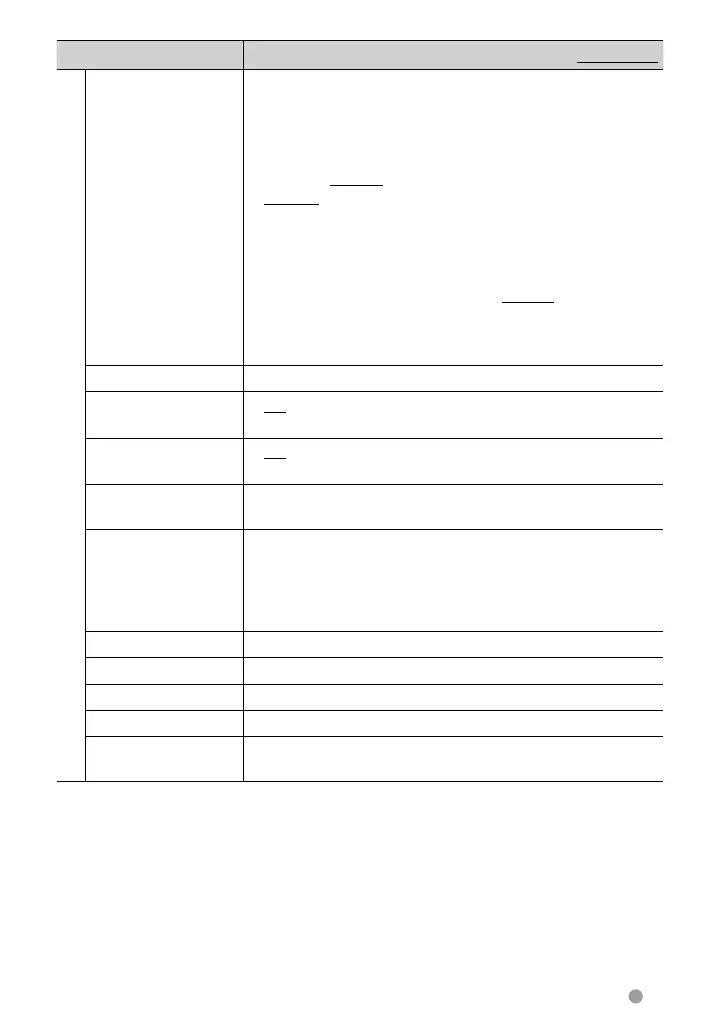
Menu item Selectable setting/item Initial: Underlined
System
Language * Select the text language used for on-screen information.
♦ English/Spanish/French/German/Italian/Dutch/
Russian/Portuguese/Chinese-Simplified/Chinese-
Traditional/Thai/Turkish/Arabic/Persian/Hebrew/
Greece/Indonesia; Initial for DDX6021BT/DDX4021BT/
DDX3021: English, for DDX6051BT/DDX4051BT/DDX3051:
Russian
• For external monitors, only English/Spanish/French/German/
Italian/Dutch/Russian/Portuguese are available. If another
language has been selected, the text language for external
monitors will be set to English.
♦ GUI
Language
: Select a language (<English> or <Local>:
the language selected above) used for
displaying operation buttons and menu
items.
Clock
Adjust the clock time. (☞ page 10)
Beep
♦ ON
♦ OFF
: Activates the key-touch tone.
: Cancels.
Remote Sensor
♦ ON
♦ OFF
: Activates the remote sensor.
: Cancels.
SETUP Memory You can memorize, recall, clear, or lock the settings you have
made. (☞ page 44)
DivX(R) VOD This unit has its own Registration Code. Once you have played
back a file with which the Registration Code recorded, this unit’s
Registration Code is overwritten for copyright protection.
• Press [Enter] to display the information.
• To return to the previous screen, press [OK].
Security Code
Register the security code for the unit. (☞ page 7)
SI
Activate or deactivate the security function. (☞ page 7)
Serial Number Displays the serial number.
Touch Panel Adjust
Adjust the touch position of the buttons on screen. (☞ page 44)
System Information Displays the version information on the software. You can
update the software. (☞ page 6)
*
“Please power off” appears when the setting is changed. Turn off the power, then turn on to enable the
change.
EN_LVT2269-001A_EQ.indb 43EN_LVT2269-001A_EQ.indb 43 11/11/28 10:0811/11/28 10:08



 To Next Page