PLE-BA-e-0812
18
9.2 Navigation in the menu
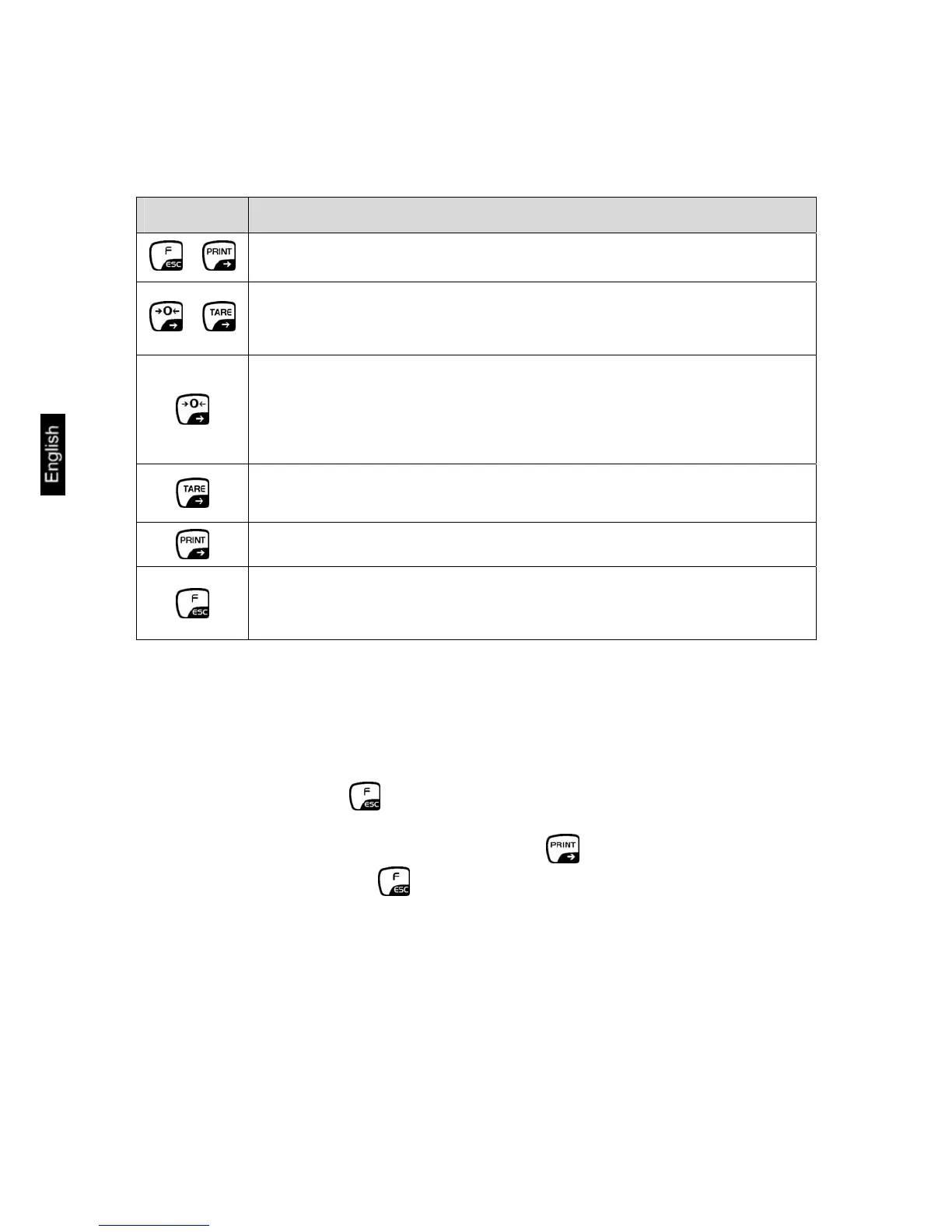
Keyboard overview in menu:
Key Function in Menu
+
• Access to Main menu
+
• Numeric entering of tara weight
• Scroll back
• Menu selection
• Changing parameter value
• Increase in the numerical value of a figure by "1"
• Submenu/Parameter call-up
• Shift and select number to be changed to the right
• Confirm/save settings
• Quit function without changing the settings
• Back to menu
Storing / jumping back to weighing mode
Any changes made in the balance memory will only be saved when the storing
process is complete.
To achieve this, press the key several times until “SAVE“? appears.
Any changes carried out are stored by pressing the key.
To cancel changes, press the key.
Afterwards the balance automatically jumps back to weighing mode.


 To Next Page