PLE-BA-e-0812
20
10.3.2 Delete tare
Ö Unload balance and press the button.
The Net symbol goes out and the zero display appears.
10.3.3 Numerical input of tare (PRE-TARE)
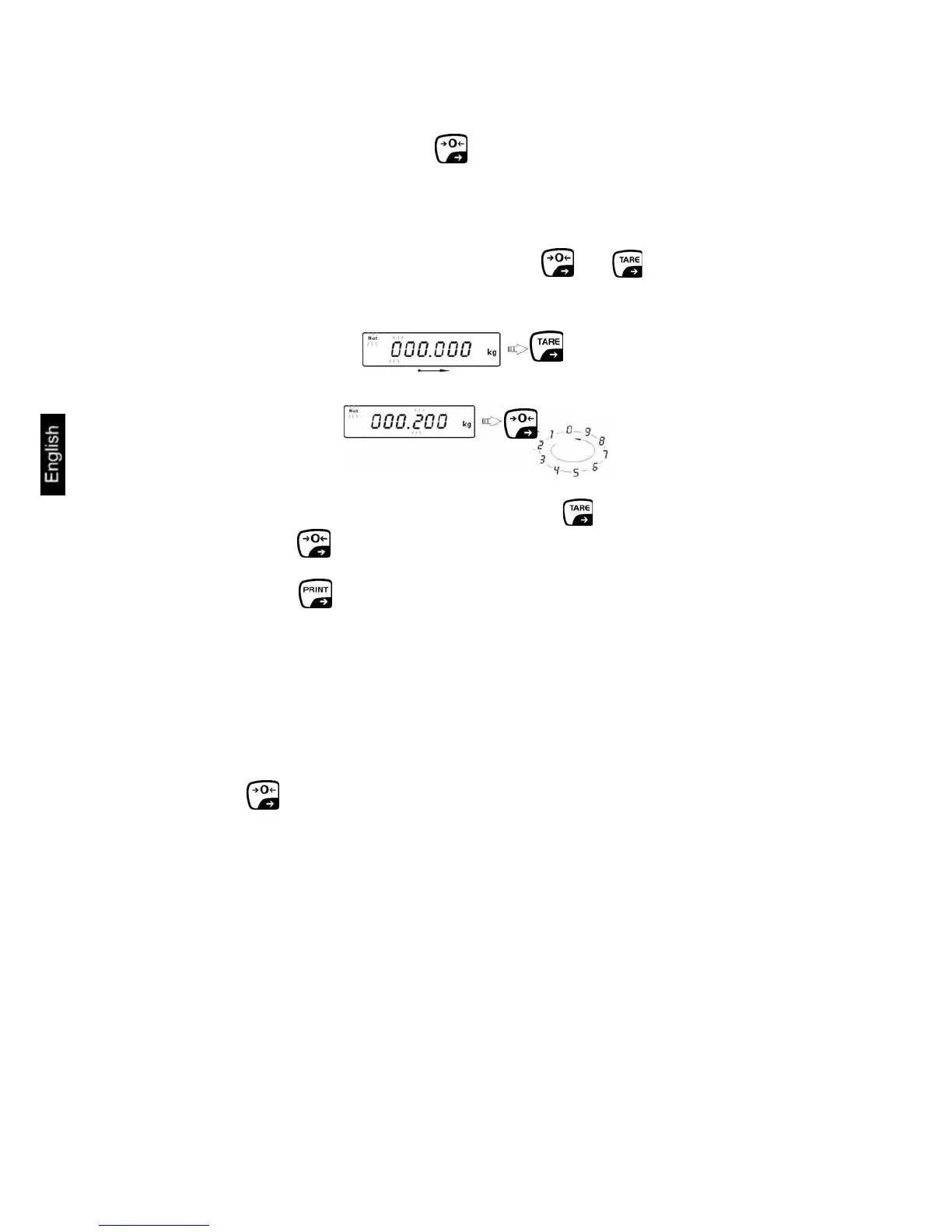
Ö In Weighing mode press simultaneously the and button.
Ö Select the point to be changed by pressing the button and the number by
pressing the button and the active point flashes in each case.
Ö Confirm with button. The input weight is automatically saved as tare
weight, the Net symbol and the tare weight with minus sign will appear.
Ö Place the filled receptacles on the balance. The net weight will appear in the
display.
Note:
The balance can save up to 10 PRE-TARE values, see chap. 13.9
Delete tare:
Ö Press button. The Net symbol goes out, the zero display appears.


 To Next Page